Building Town machines: all 9 vehicles and prices
Building Town has nine construction machines. You start with the Backhoe. Every other machine first comes as a free loan for the job that teaches it, and then you buy it with coins to open the next job. Each machine moves in Drive mode and uses its tool in Work mode.
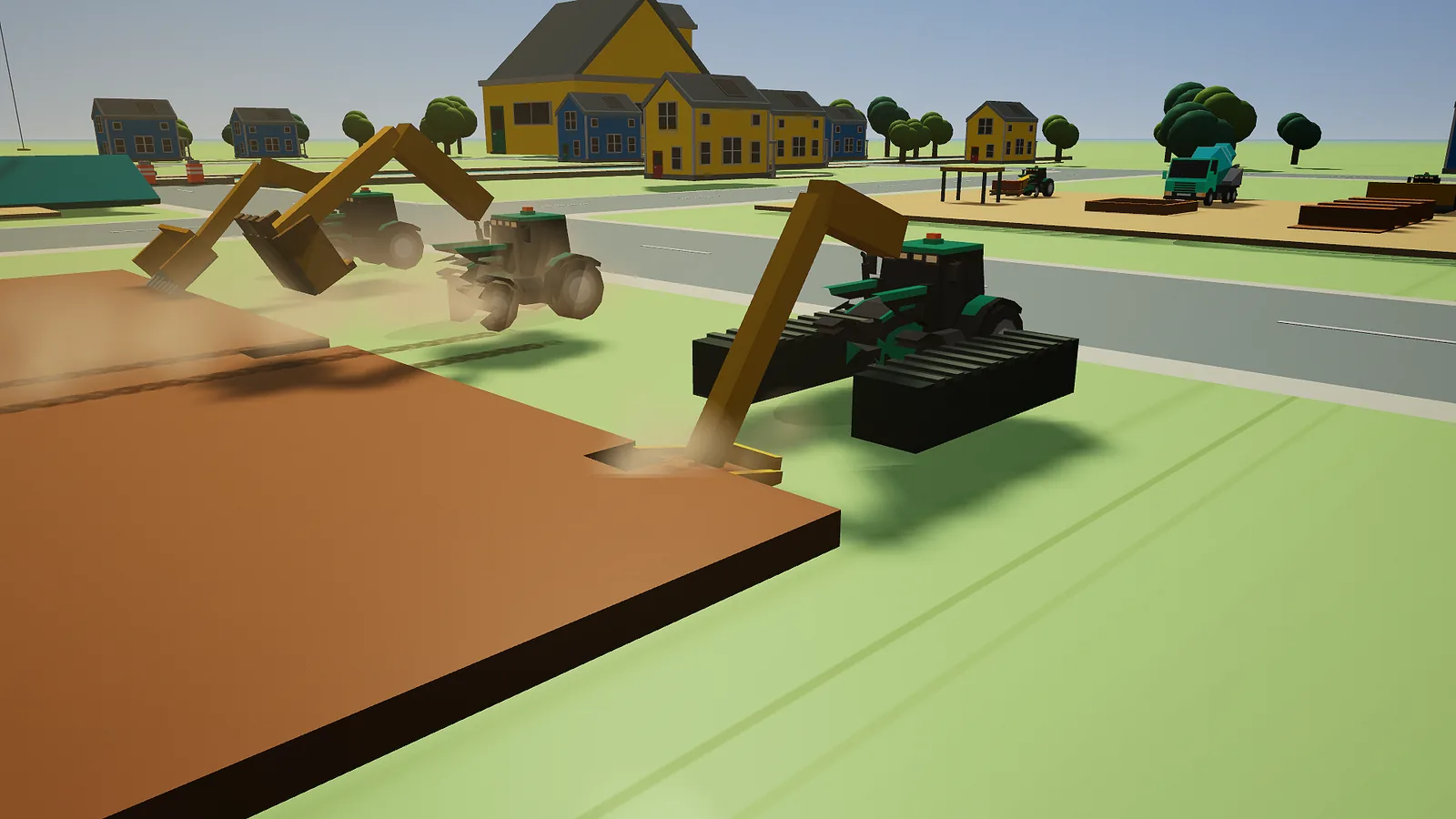
All machines at a glance
| Machine | Price | Job that teaches it | Tool | Holds |
|---|---|---|---|---|
| Backhoe | free, yours from the start | Garden soil | Digging arm with a bucket | 600 kg of soil |
| Excavator | 450 coins | Planting beds | Digging arm with a bucket on a turning cab | 600 kg of soil |
| Wheel loader | 450 coins | Load the gravel truck | Big front bucket | 900 kg of soil |
| Dumper | 200 coins | Deliver the fill | Tipping bed | 2,400 kg of soil |
| Crane | 800 coins | Raise the workshop roof | Boom, rope and hook | the roof |
| Road roller | 300 coins | Firm little road | Heavy roller with vibration | nothing |
| Bulldozer | 600 coins | Level the building lane | Blade | nothing |
| Concrete mixer | 650 coins | Pour a concrete slab | Turning drum and rear chute | 400 litres of concrete |
| Telehandler | 650 coins | Stock the builders’ shelf | Arm that reaches out, with forks | one pallet |
All machines cost 4,100 coins together. You buy them on the Jobs board, but only after you have finished the job that lent them to you. The full job list is on all ten jobs.
How to choose a machine
- Press Q (Y on a controller) to jump to the next machine you can use.
- Or open Tools & machines with Tab (View, or the machine button) and pick one. The machine the hint wants is marked.
- If the hint says Choose the crane. or another machine, the job needs that machine now.
You can use a machine you own, and the machine on loan for your current job. The camera follows the machine you choose.
Backhoe
Your first machine: a tractor with a digging arm. In Work, W and S reach the arm out and in, A and D swing it left and right, I and K lift and lower the bucket, J curls the bucket to scoop and L tips it open. The bucket scoops only when its edge touches the soil. It holds up to 600 kg.
Excavator
A digger with a long arm on a cab that turns. It works with the same keys as the backhoe and also holds 600 kg. It drives at half the backhoe's speed. In the job Planting beds it cuts two planting holes in the dark soil.
Wheel loader
A loader with a big bucket at the front. It holds the most soil of the bucket machines: 900 kg. Its arm can't swing as far to the side as the backhoe's, and it reaches less far. Its job is to fill the dumper: lift the bucket high over the dumper's bed and tip.
Dumper
A machine with a tipping bed that holds up to 2,400 kg. It has no bucket, so another machine fills it. In Work, I raises the bed and K lowers it (on touch: Tip bed, Up and Down). The soil comes out at the back, so park with the back of the bed over the place you want the soil. Lower the bed before you drive.
Crane
A big crane by the workshop. It can only drive in a small area near the workshop. In Work its supports go down. Then W and S reach out and in, A and D swing, I and K hoist the hook up and down, and J and L change the boom height. E attaches or releases the roof. A hanging roof swings like a real load, so let it settle before you let go.
Road roller
A heavy roller that makes gravel firm. In Work, E switches the vibration on or off (on touch: Vibration on / off). Then you drive it in Drive mode. It has no other tool.
Bulldozer
A tracked machine with a wide blade at the front. In Work, I and K raise and lower the blade (on touch: Blade, Up and Down). With the blade on the ground, drive forward to push earth.
Concrete mixer
A truck with a turning drum. In Work, hold J for Mix and L for Pour (on touch: Concrete, Mix and Pour). The concrete comes out of a chute at the back. The readout shows Mixed in percent.
Telehandler
A machine with an arm that slides out, with forks at the end. In Work, W and S move the forks out and in (on touch: Reach, Out and In), and I and K lift and lower them (Forks, Up and Down). E picks up or releases the pallet.
Parking brake and recovery
Every machine has a parking brake. It goes on when you switch to Work and comes off when you switch to Drive. In Drive you can set it with E (A, or the Parking brake button). The crane is different: there E is for the roof.
Stuck? Open Tools & machines and choose Recover machine. The machine goes back to its starting spot, and any soil on board stays there. You can't recover the crane while it holds the roof, or the telehandler while it carries the pallet.
See also
- Controls: all keys, buttons and sticks.
- All ten jobs: which job teaches which machine.
- Advanced tips: exact reach, speeds and limits.
- Glossary: words like boom, chute and telehandler.
- Play Building Town and try every machine.


