Mountain Shadow controls: keyboard, controller and touch
You can play Mountain Shadow with a keyboard and mouse, a game controller or a touch screen, and switch at any time. The short version: pick a person (Tab, LB/RB or a tap), pick a job (1–6, the D-pad and A, or a tap) and press Go! (Space, A or the big button). The game also lists every control in the pause menu under Controls.
All controls
This is the same table the game shows. On touch, the key hints on the buttons hide themselves.
| What | Keys | Controller | Touch |
|---|---|---|---|
| Pick a person | Tab (Shift+Tab goes back) | LB / RB | Tap a face |
| Pick a place | ← → ↑ ↓ | ◀ ▶ on the D-pad | Tap a glowing ring |
| Pick a job | 1–6 | ▲ ▼ + A | Tap the job ring |
| Same jobs again | R | Y | Same again button |
| Go | Space | A | Big Go button |
| Pause | P / Esc | Start / Back (⧉) | Pause button |
| Faster | F | Y | Faster button |
| Stop time / play | Space | A | Tap the time buttons |
| Build | C | X | Tap the axe button |
| Look at a person, building, place or animal | Tab | LB / RB | Tap it in the valley |
| Send someone / call home (at a place) | ← / → | ◀ / ▶ | Tap + or − |
| Keep the fire going (storm) | H | A | Tap the big fire button |
| Turn and zoom | Q / E, + / − | Right stick, LT / RT | Drag, or the arrow buttons |
| Farm, valley, fell | T | R3 (press the right stick) | Farm, Valley, Fell buttons |
| Back | Esc, or right-click | B | Back button |
| Read aloud | V | L3 (press the left stick) | Speaker button |
| Story book | B | ⧉, then pick Story book with ▼ and A | Book button |
| Pick in a story | 1–6, Enter | ▲ ▼ + A | Tap a big button |
| Get ready for an event | H | A | Tap the yellow banner |
| Choose on the trip | 1–9, Space | ▲ ▼ + A | Tap a big button |
| Skip the trip (when you have walked it before) | K | Y | Tap Skip the trip |
Space does two things: in the plan it is Go!, and while the season runs it stops and starts time. Enter only presses the button that has focus, so it never starts a season by accident.
Mouse
Click a face, a person or a glowing ring to pick them. Click a place, a building or an animal in the valley to open its card. Drag to turn the camera. A right-click works like Back.
Touch on a phone or tablet
Everything has a big button, so you can play with your thumbs. Pinch or drag to move the camera, or use the arrow and Closer / Further away buttons. Hold the phone or tablet sideways while you play. If you hold it upright, a card says "Turn your phone sideways" and the game waits for you. The menus still work upright.
In the build menu
| What | Keys | Controller | Touch |
|---|---|---|---|
| Switch tab (Home, Food, Animals, Wood) | Q / E, or 1–4 | LB / RB | Tap a tab |
| Pick a building | Arrow keys + Enter | D-pad + A | Tap the card |
| Pick a glowing spot | 1–9, or arrows + Enter | D-pad + A | Tap the spot |
| Close, or Not now | Esc (C also closes the menu) | B (X also closes the menu) | Close button |
More about building is on the buildings page.
On the trek
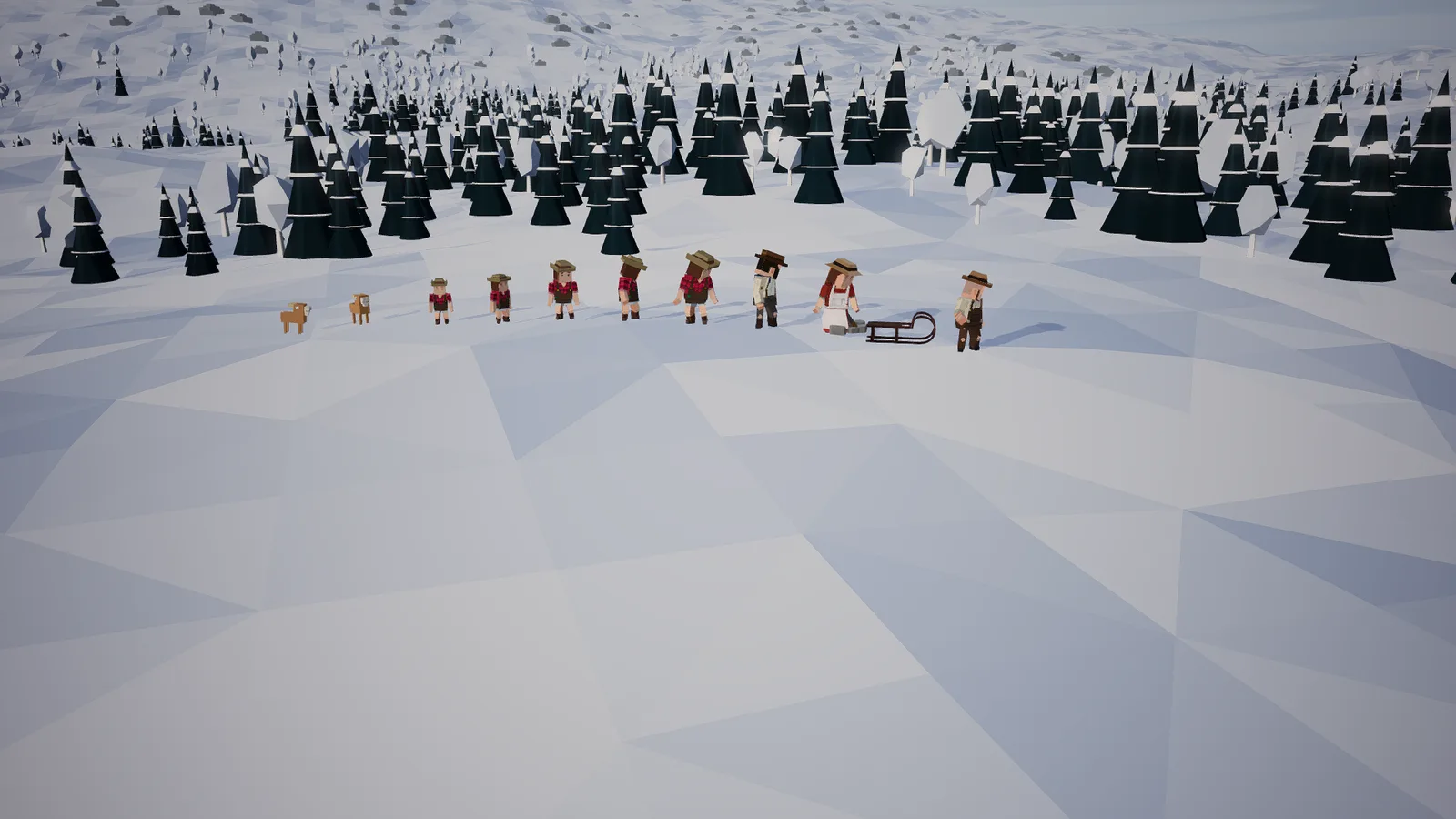
On the five-day trek, Space walks on, 1 to 9 pick an answer, F walks faster, V reads aloud and Esc or P pause. On a controller, A presses the button, X goes faster and Y skips the trip if you have walked it before. See the trek.
Settings
Open the pause menu and choose Settings. You can change Volume, Music, Sound effects, Sound on or off, Moving effects (Like my device, Calm or Full), Graphics (Auto, Low or High), Language, Read aloud on or off and the Voice volume. Calm moving effects make the camera and effects gentler.
See also
- How to play: what each action does in a season.
- Your first ten minutes: try the controls step by step.
- Cold days and the big storm: when to use the fire button.
- FAQ: controllers, phones and tablets.
- More games with the same controls: the Nordic Recovery guide and the Timber Haul guide.
- Pick up your controller and play Mountain Shadow.


