How to plough snow in Night Plough: blade and lanes
To plough in Night Plough, lower the blade with Space, A or the Lower blade button and drive forward. The blade scrapes the snow off one lane and throws it to one side, right or left. Drive at the edge of the road so the snow lands beside the road, not in the middle of it.
What is the blade?
The blade is the big curved plate at the front of your truck. When it is down, it pushes the snow off the road as you drive. When it is up, it rides above the snow and does nothing. The button shows what it will do next: Lower blade when it is up, Raise blade when it is down.
The blade is 5 metres wide. The roads in the coast town are 12 metres wide, so one pass clears about one lane, not the whole road.
The blade only works while you are moving. Standing still with the blade down moves no snow.
Which way does the snow go?
The blade is set at an angle, so the snow slides off one end. That is called throwing or casting the snow. You choose the side:
- Press Q, LB or the Throw snow button to switch sides.
- The on-screen button shows an arrow: Throw snow → sends snow to the right, Throw snow ← to the left.
- In Tools, the row says Throw snow: Right or Throw snow: Left.
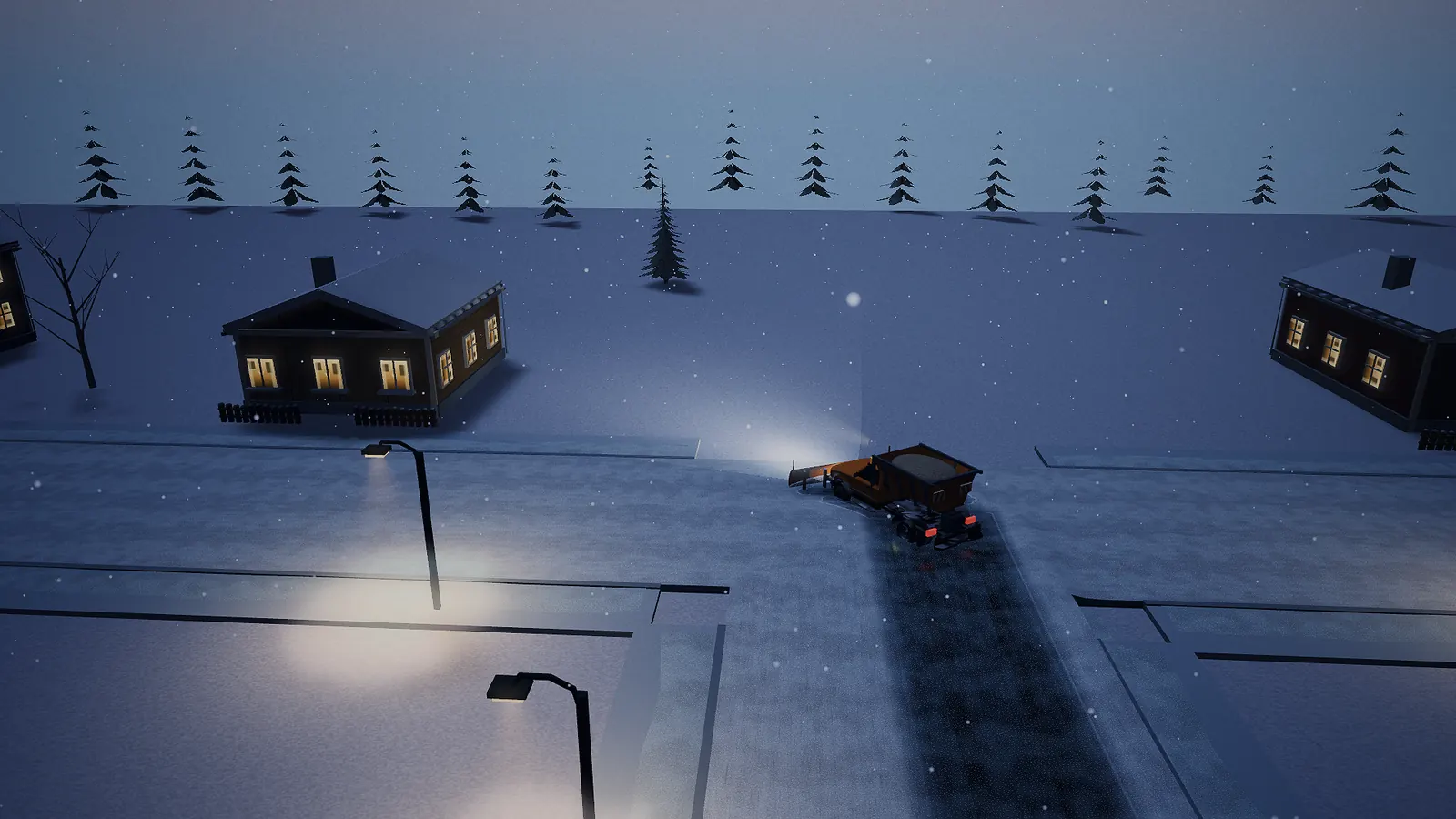
You start every night throwing to the right. You can watch the snow spray off the blade's end as you drive.
Where does the thrown snow land?
The snow lands just beside the blade's end. What happens next depends on where that is:
- Next to the kerb: the snow flies over the road edge and lands in the snowbank beside the road. That is what you want.
- In the middle of the road: the snow lands on the road as a long ridge, called a windrow. A windrow is a line of snow left by the plough. The bus can get stuck in it.
So the trick is simple: drive close to the side of the road and throw the snow towards that side. Then come back along the other side and throw the other way. See the tips page for more habits like this.
What happens when you raise the blade?
The blade carries some snow in front of it. When you raise it, that snow drops right where you are. If you raise the blade in the middle of a junction, you leave a little heap there. Raise it at the side of the road instead.
Snow piles and the orange cones
Every night, the wind blows deep snow onto the bus route. These deep spots are the snow piles. Each one sits in the middle of a road on the route, with four orange road cones around it. On the map each pile has a gold ring, which turns green once the bus has got past it.
A pile counts as ploughed when your blade has cut through its middle. The line at the top says "Plough ahead on" and the road's name until you have done it. When the bus has passed a pile, its cones go away.
Why is the bus stuck after I ploughed?
The bus needs clear road under both of its wheels. If you only scraped a thin strip, one wheel is still in deep snow. The line at the top then says "Make the lane wider on" and the road's name, and the small picture shows "Bus is waiting". Drive through again, a little to the side of your first pass, to make the lane wider.
Other cars can push through a little more snow than the bus can. The numbers are on the advanced tips page.
Tyre tracks and hard-packed snow
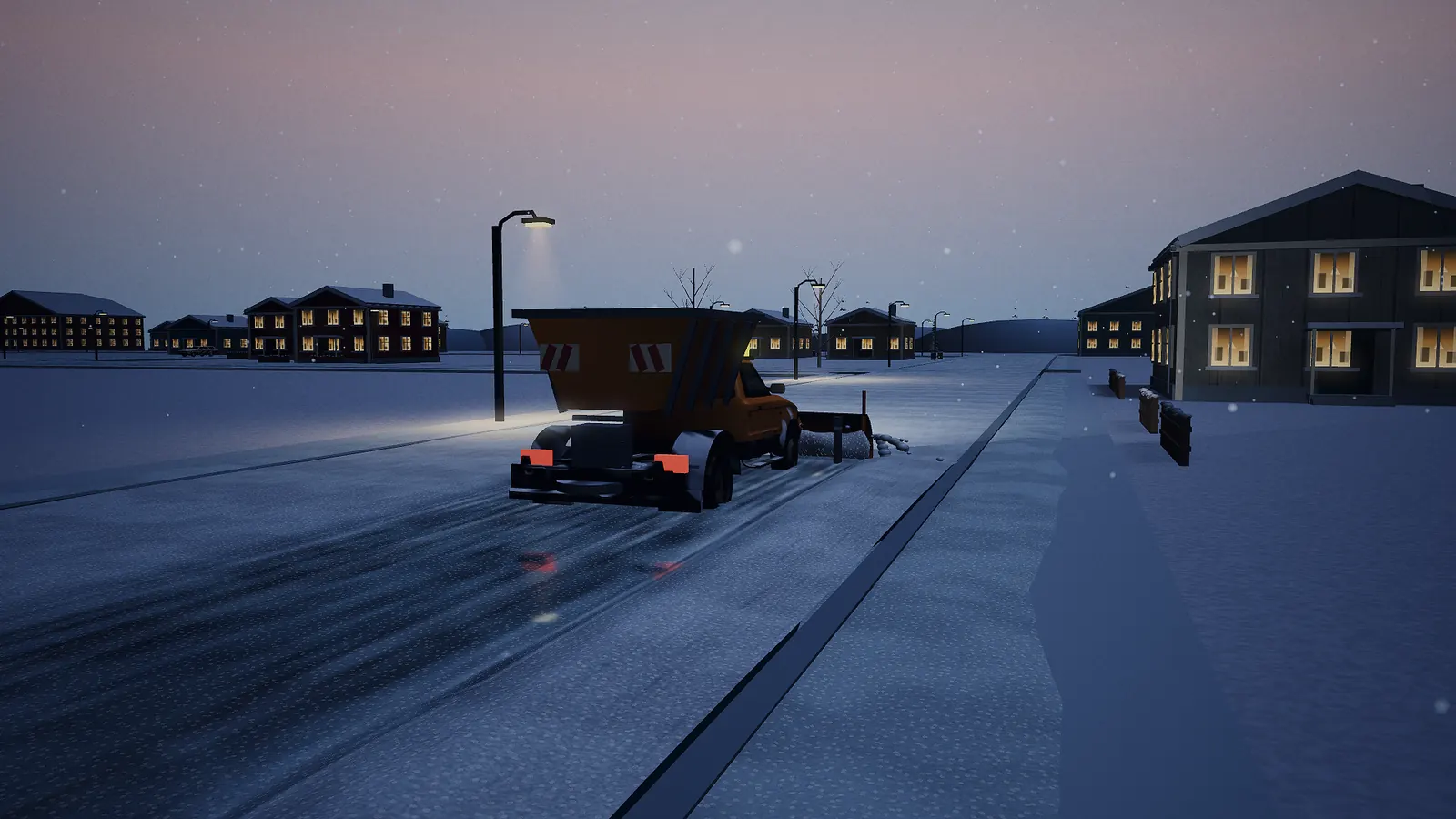
When your wheels or the bus's wheels roll over loose snow without the blade, they press it flat into hard-packed snow. You can see the tyre tracks on the road. Packed snow is more slippery than loose snow, and the blade scrapes it off only slowly. That is why it is better to plough a road before the traffic drives on it. On ice and packed snow, sand helps; see Sand, salt and black ice.
Snow keeps falling and blowing
It snows the whole night, so a road you ploughed slowly fills up again. The wind also blows loose snow sideways, into the snowbank on one side. The snow you leave behind, and the snowbanks you build, stay for the next night too.
The wing on the bigger truck
When you have 600 kr, you can buy a bigger truck in Tools. It has a wing: an extra blade on the side. Turn it on in Tools with Wing: On. While you drive, the wing pushes the snowbank on your throwing side further back from the road. The bigger truck is a little slower. More on the money page.
Cameras for ploughing
Press C to switch the camera: chase view behind the truck, blade view close to the blade, and a view of the whole town from above. Blade view is great for seeing exactly where the blade cuts. On a controller or a touch screen, use Blade view in Tools.
See also
- All six nights
- Controls
- The town map and the traffic
- Play Night Plough and try a clean double pass.


