Night Plough town map: roads, traffic and help
The town map in Night Plough shows tonight's bus route in gold, every snow pile as a ring and your truck as an orange dot. Open it with M, Y or the Town map button. The game pauses while it is open. Below the map you can check any road's snow, close a road, send help to a stuck vehicle and, from night 4, ask a colleague to plough a road for you.
How do you read the map?
| On the map | What it means |
|---|---|
| Gold road | Tonight's school bus route |
| Blue-green road | The side street on nights 4 and 6, where a car waits to get out |
| Dark yellow road | A road with deep snow, more than 7 cm |
| Red dashed road | A road you have closed |
| Pale road | Any other road |
| Gold ring | A snow pile the bus has not got past yet |
| Green ring | A snow pile the bus has got past |
| Orange dot | Your snowplough |
| Thick line | The road you picked under Manage roads |
The town's places have names: Depot, West junction, Harbour, Pine corner, School, School hill, Market, South turn and Town square.
Under the map you see the night's name, the route ("Bus route · Depot road → Square west …") and a checklist: how many snow piles the bus got past, and whether the bus has reached its stop.
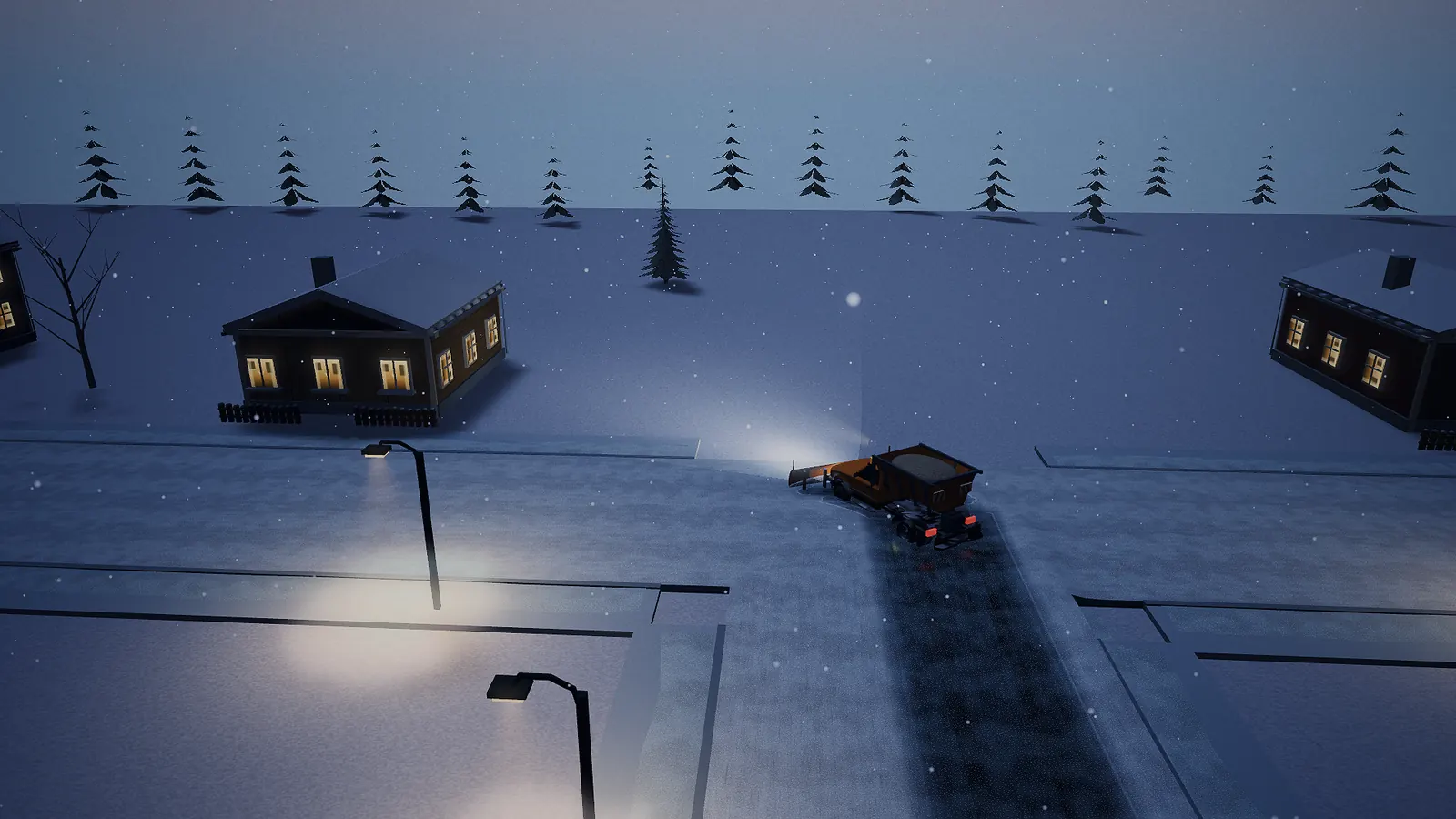
The minimap and the bus picture
While you drive, a small map sits in the top right corner of the screen. It has the same road colours, plus moving dots:
| Dot | What it is |
|---|---|
| Orange | Your snowplough |
| Yellow, a bit longer | The school bus |
| Blue-green | The car from the side street |
| White | Other cars and the delivery van |
In chase view, once the bus has left the depot, a small picture at the top of the screen follows the school bus, so you can see it even when it is behind you. On nights 4 and 6 it shows the side-street car instead while that car is stuck. A line tells you how the bus is doing:
| Line | Meaning |
|---|---|
| Bus is at the depot | It has not left yet |
| Bus is on its way | It is driving |
| Bus is waiting | It is stuck in snow or in a queue |
| Bus is at the stop | It made it |
The numbers after it, like "2/4", count the snow piles it has got past. On nights 4 and 6 the line also talks about the side-street car: "A car is coming from the side", "Side street blocked", "Car is waiting on Harbour road" or "The car is through".
Checking a road's snow
Under Manage roads, pick a road from the Road list. Each name shows Open or Closed. Below it you see the road's snow and grip, like "4.1 cm of snow · good grip". The grip words are explained on the sand and salt page.
Closing and reopening a road
Pick a road and press Close the road. The game asks "Close this road?" and explains: "Cars must take another way. Some may have to wait. You can open the road again any time." Press Yes, close it, or Cancel. A closed road turns red and dashed. Press Reopen the road to open it again.
Closing a road keeps cars away while you work on it. Don't close a road on the gold bus route: the bus needs it.
The bus and the van: time left
At the bottom of the map there is a card for the School bus and one for the Market delivery van. Each card shows:
- Leaves, Waiting or Arrived,
- why it waits, or where it is going,
- the seconds left before it is late, like "· 95 s".
Being on time matters for your pay. See Money, pay and the bigger truck.
Send help
On nights 1 to 5, the Market delivery van drives on its own from the Harbour to the Market. If it gets stuck, press Send help on its card. "Help takes 30 seconds and costs up to 20 kr." After 30 seconds of play the van is at the Market. You can't send help to the school bus or to a vehicle that follows your route; you have to clear the way for those yourself.
Ask a colleague
From night 4, under Manage roads, there is a button called Ask a colleague. Pick a road and press it. Another plough driver starts clearing that road, bit by bit, and throws the snow to the side. It costs nothing. To send the colleague to another road, pick that road and press the button again. Press it with the same road picked to call them off.
A colleague is slower than you. Give them a road you don't have time for, like the side street or a road off the bus route.
Why are cars waiting?
The bus and van cards tell you why a vehicle waits:
| Reason | What to do |
|---|---|
| Stuck in a queue | Wait, or clear the road ahead of the queue |
| No way through | Every way is blocked. Plough or reopen a road |
| Snow on the road | Plough it |
| Waiting for the plough | It is behind you. Drive on, or pull over |
| Stuck in a deep drift | Plough it, and make the lane wider |
| Stopped after a bump | You touched it. Back away |
| Icy hill | Spread sand on the ice |
| Road closed | Reopen the road |
The school bus drives behind your plough and keeps a little gap. When it catches up, it slows down and waits for you. That is why the line says "Pull over at the bus stop" once your work is done.
See also
- All six nights
- Tips for new plough drivers
- Controls
- Play Night Plough and open the map.


