Forestry game guide: harvester, forwarder and timber truck
Timber Haul uses three machines for one forestry job. The harvester cuts the trees, the forwarder carries logs to the road, and the timber truck takes them to a mill. Follow that order to turn a standing tree into a paid delivery in the game.
| Machine | Start here | Your next goal |
|---|---|---|
| Harvester | A selected standing tree | Fell it and cut the stem into logs. |
| Forwarder | A forest pile | Carry logs to the roadside piles. |
| Timber truck | A roadside pile | Load the truck, drive to a mill, weigh and unload. |
Open Map & machines to choose your machine. If a crane action does nothing, first check that you are close enough to the selected target and have parked in crane mode. See the controls for your keyboard, controller or touch screen.
Harvester
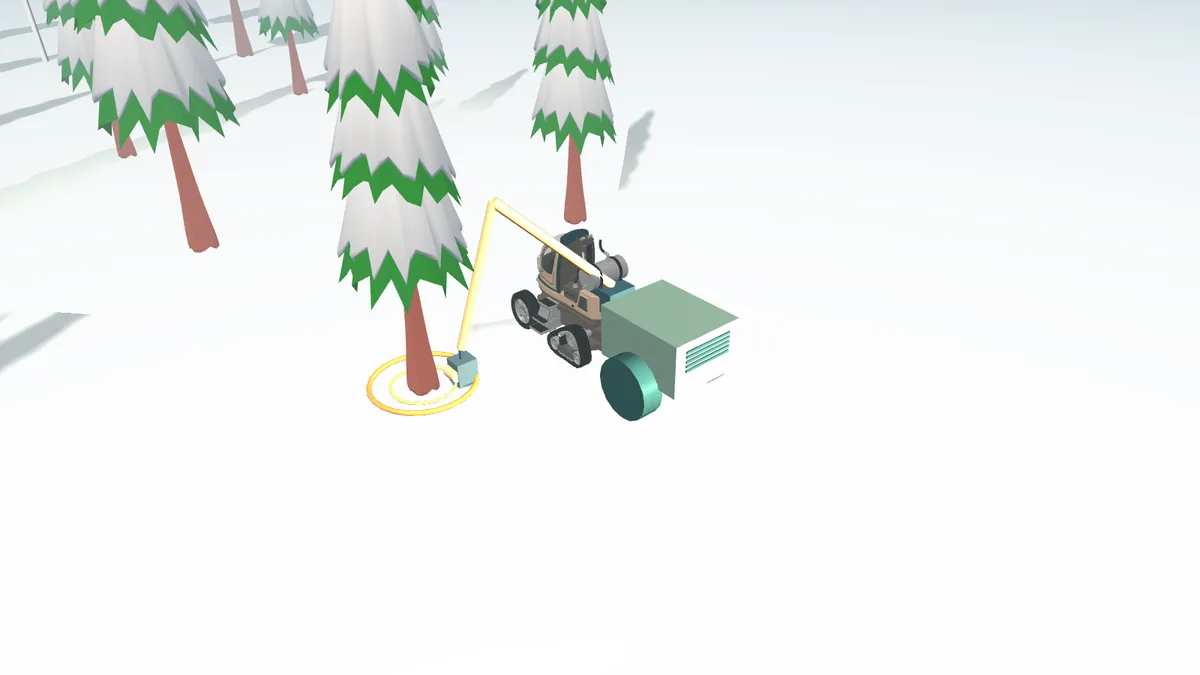
Open Map & machines and choose Harvester. Select a standing tree. Drive close enough, park in crane mode and use Reach selected tree. Grip the stem, then hold Fell until it is down. Next cut feeds the stem to a useful cutting length and cuts it. Keep cutting until the stem is finished. You can also feed it yourself and use Cut here.
The head sorts each log by species, length, top diameter and defects. A crooked sawlog becomes pulpwood. Cutting choices show the lengths and their values.
Forwarder
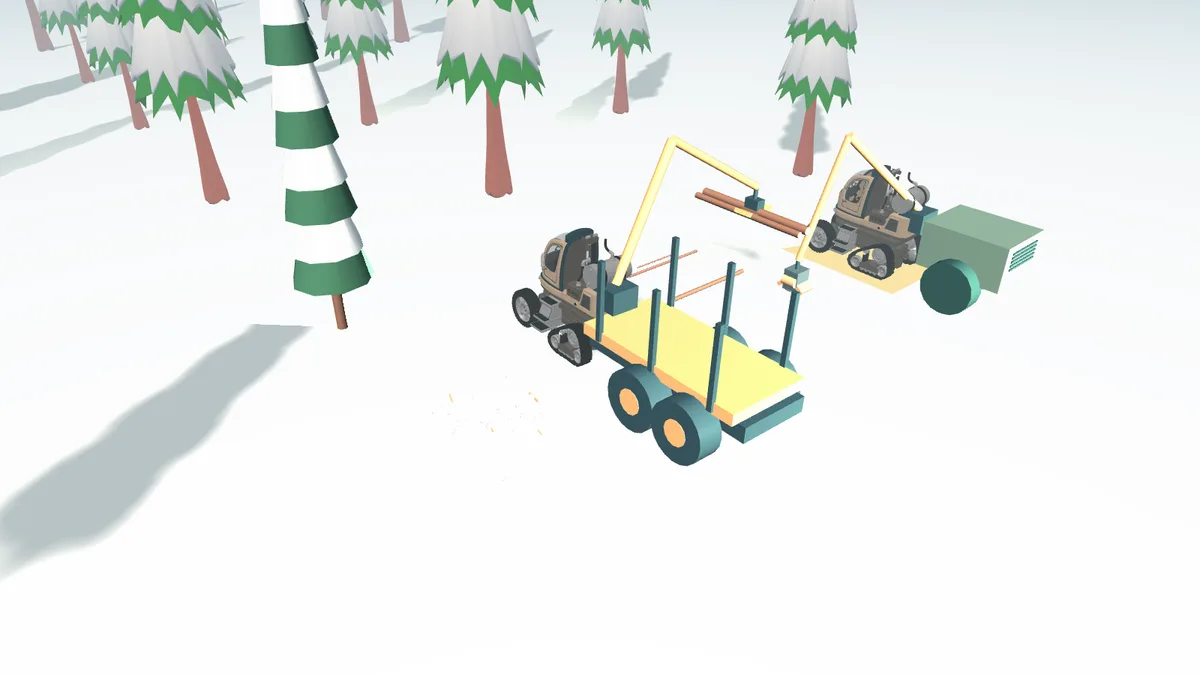
Choose a Forest pile, turn the grapple along the logs and grip. Lift clear before swinging. Turn the load along the bunk, reach the load bunk and release. Let it settle.
Drive to the landing by the workshop. Machine load aims the crane at your own load. Grip logs back out, lift clear, turn them along the roadside pile and use Unload pile. Sawlogs, pulpwood and energy wood have separate roadside piles. Keep one sort in each grab. The truck operator chooses timber that its selected mill accepts.
Timber truck and trailer
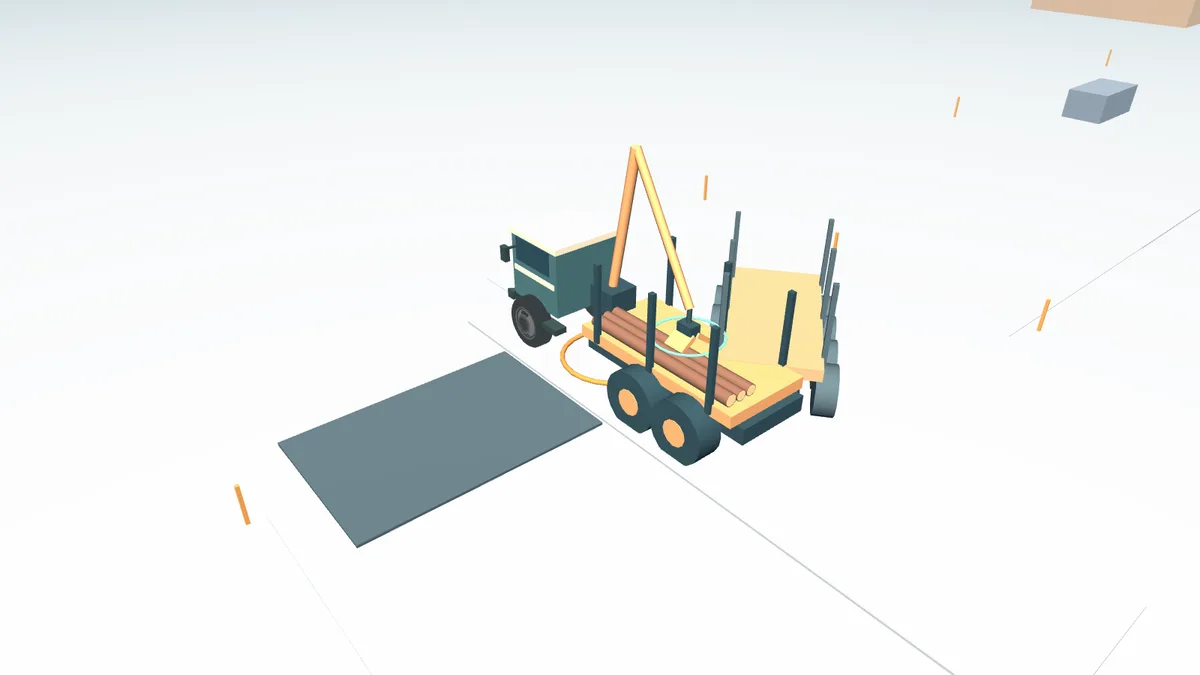
Load from the Roadside pile. The truck and trailer have separate bunks; the Trailer bunk button changes which one you aim at. The trailer follows the hitch and cuts inside corners. Take wide turns. Hitch or unhitch only when stopped and close enough.
Choose a mill on the map and follow the road. Park on its weighbridge and choose Weigh / get paid. Use your own crane to move the weighed logs to the mill deck. Only then can you collect your pay. Keep your delivery note: it shows weight, axle loads, payment and any overweight fine.
Park at the marked forwarder stop on the outside of the piles. The truck stop is on the road side, so both cranes have working room.
Keep your first load simple
Take one timber sort at a time. Lift the logs clear before turning the crane, then line them up with the bunk before releasing. Let each grab settle before adding another. A smaller, tidy load is easier to handle than a full load that catches on the bunk.
| Problem | Check in the game |
|---|---|
| The grapple will not take the logs | Turn it along the logs and check the selected pile. |
| Logs catch while the crane swings | Lift clear before turning, then lower them into the bunk. |
| You cannot collect your delivery pay yet | Weigh the load, then use the crane to unload the weighed logs at the mill. |
| The trailer clips a corner | Slow down and leave more room on the inside of the turn. |
Your next step is to learn how winter roads, running costs and delivery pay affect a job. For a short reminder before setting off, read the driving and loading tips.


