Download 3D CAD Converter
Convert STEP, IGES, STL, OBJ, glTF and 15+ 3D formats in batch. Mesh repair, tessellation, assembly support. Free trial.
Free trial No account required Windows 10/11
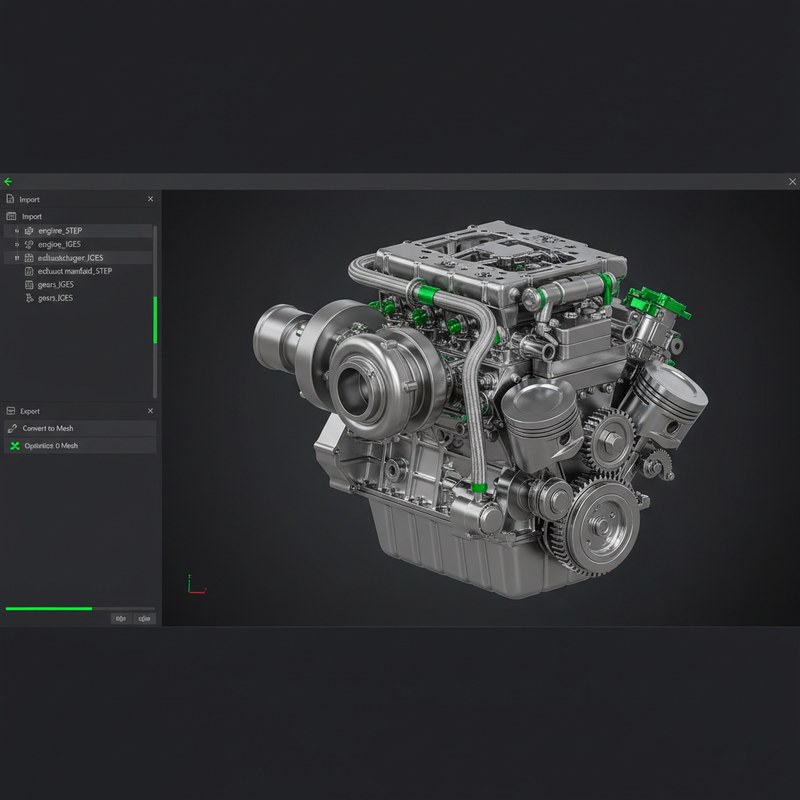
All the 3D Formats You Need
Professional 3D Conversion Tools
Advanced geometry kernels ensure precision during conversion, maintaining metadata and hierarchy.
Batch Format Conversion
Convert entire folders between STEP, IGES, STL, OBJ, 3MF, glTF and more. Drag-and-drop, naming templates, folder mirroring.
Mesh Repair & Healing
Automatic fix for non-manifold edges, self-intersections, open holes, degenerate faces. Essential for 3D printing.
Tessellation Control
Fine-tune STEP/IGES to mesh with chord deviation, angular deflection, max edge length. Quality presets from Draft to Ultra.
3D Preview & Inspection
GPU-accelerated viewer. Wireframe, solid, X-ray modes. Measure distances, inspect assemblies, verify conversion quality.
CLI & Automation
Full command-line interface. Watch-folder mode. Profile presets. JSON output. Exit codes for CI/CD.
Assembly Support
Preserve multi-part hierarchy. Export merged or individual parts. Assembly tree with transformations.
How It Works
Add CAD Files
Drag and drop any supported CAD file or select an entire directory.
Configure Output
Select your destination format and adjust quality parameters as needed.
Convert
Click process. Your converted files will be ready in seconds.
Who Uses 3D CAD Converter
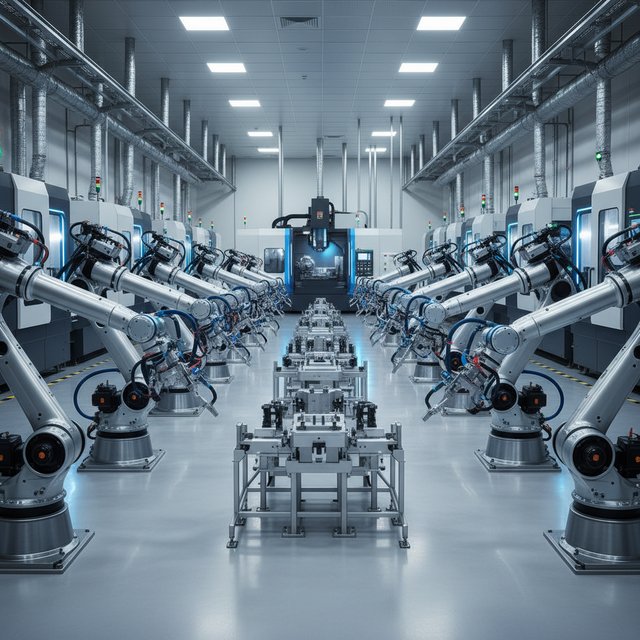
Manufacturing Engineers
Precision part conversion
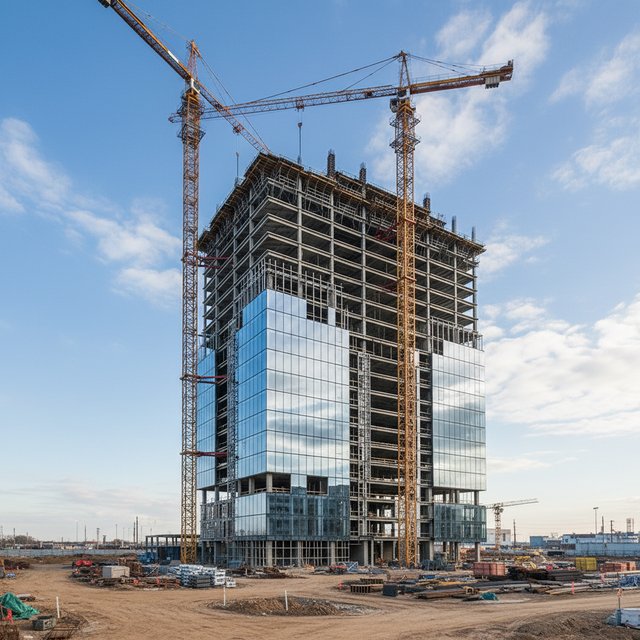
Architects & BIM
BIM & structural assets

Aerospace & Defense
Critical component integrity
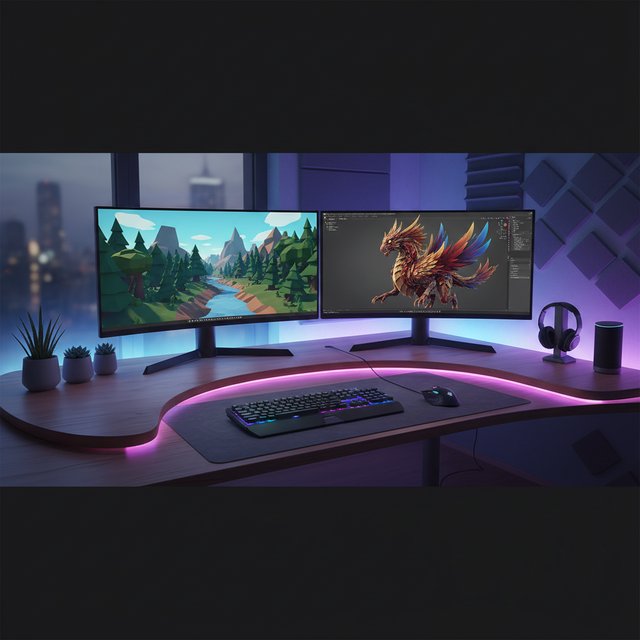
Game & Web 3D Developers
CAD to Game Engine pipeline
Simple, Transparent Pricing
One-time purchase or flexible subscription. No hidden fees.
- All 15+ formats
- 1 year of updates
- Standard support
- Commercial license
- All 15+ formats
- 1 year of updates
- Standard support
- Commercial license
- All 15+ formats
- Perpetual updates
- Priority support
- Multi-PC activation (3)
Frequently Asked Questions
STEP (AP203/AP214/AP242), IGES, STL, OBJ, 3MF, glTF/GLB, FBX, VRML, DXF, PLY, BREP, Collada, AMF, X3D, and OFF.
Yes — 100% offline. No cloud processing, no internet required. Your CAD files and IP stay on your machine.
Yes — automatic healing fixes non-manifold edges, self-intersections, open holes, and degenerate faces.
Yes — full command-line interface with watch-folder mode, profile presets, JSON output, and CI/CD exit codes.
$179 one-time (Lifetime), or $99.90/year, or $49.90/quarter. All plans include every feature. 30-day money-back guarantee.
OpenCASCADE Technology is used under LGPL license. All trademarks belong to their respective owners.
Free trial: full features for 30 days. After trial, conversion is limited to 3 files per session.
System Requirements
- Windows 10 or Windows 11 (64-bit)
- 4 GB RAM minimum (8 GB recommended for large assemblies)
- 500 MB free disk space
Published by ContentaSoft, Umea, Sweden — developer of 3D CAD Converter.
3D CAD Converter is a desktop application for Windows that batch converts STEP, IGES, STL, OBJ, glTF, and 15+ 3D CAD formats with mesh repair and tessellation control.
This software contains no adware, spyware, toolbars, or bundled third-party programs. The installer installs only 3D CAD Converter.
All 3D files are processed locally on your computer. No files are uploaded to any server. The software does not collect personal data.
Free trial available. After the trial, a license key is required. Lifetime license: $179 (one-time payment, no subscription).
How to Uninstall
Open Windows Settings > Apps > Installed apps, find "3D CAD Converter" in the list, and click Uninstall. You can also run the uninstaller from the installation folder or use Control Panel > Programs and Features.
Download size: ~2 MB (web installer). Additional components are downloaded during installation.
Also from ContentaSoft
Contenta Converter PREMIUM
Batch convert, resize, rename & enhance thousands of photos. AI background removal, effects & upscaling. One-time purchase.
VideoRecompress Studio
Compress videos with H.265, AV1, VP9. Hardware-accelerated batch processing. Reduce file sizes up to 90% without visible quality loss.
AI Video Enhancer Studio
AI-powered video upscaling, denoising, frame interpolation & stabilization. Batch process with GPU acceleration.