How to winch a car onto a flatbed in Nordic Recovery
To recover a car with the flatbed in Nordic Recovery, reverse your tow truck up to the car until the Parking gauge says Good, then press E. In the work view you tilt the bed (Z), let out the cable (S), hook on at the right moment (E), winch the car up (hold W, ease off when the gauge turns red), tilt the bed back (Q) and strap the wheels (tap Space). Then you drive it to the workshop.
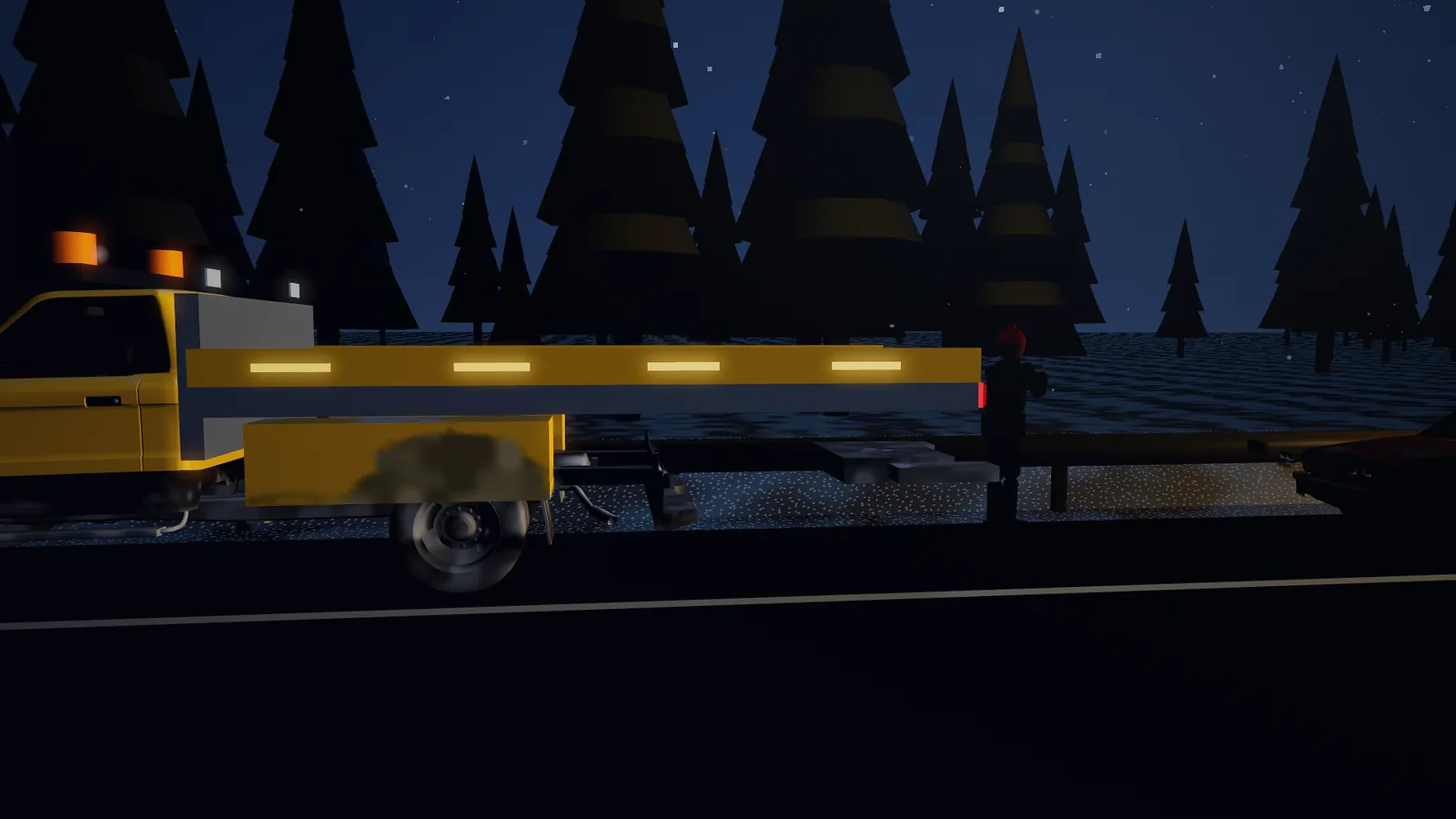
Before you start: make the spot safe
When you arrive, Base says: "Make the spot safe first: lights, then the triangle." The job line asks for these, one by one:
- Turn on the hazard lights: B (Y on a controller, ⚠ on touch). You can switch them on while you drive there.
- Put out the warning triangle: stop near the car and press E (A, ✋).
- Talk to the driver: stop close to them and press E. Pick any answer.
The job can't be finished without these steps, and the lights and the triangle earn you the safety bonus. Now the job line says Connect the winch.
Step 1: park the truck
Drive past the car, then reverse up to it so your truck's back points straight at the car's front. A frame on the ground shows where the truck should stand. The Parking gauge grades three things:
| Gauge | What it means | Good for the flatbed |
|---|---|---|
| Distance | Gap between your truck and the car | 2 to 7 metres |
| Sideways | How far you are to the left or right of the car | Up to about 0.6 metres |
| Angle | How crooked your truck is compared to the car | Very small, under 8 degrees |
Each line says Good, OK or Bad. Short hints help you: "Drive past the car and reverse up to it", "Too close. Pull forward a bit.", "Reverse closer to the car", "Move the truck to the left" or "Line the truck up with the car". When you see "Perfect. Stop here." press E to Park here.
If the grade is Bad, the game warns you: "Bad parking. Move the truck, or confirm again to go on anyway." If you park too far away, "The cable won't reach". A good spot gives you "Nice and straight. This will be a clean one!"
Step 2: the work view
After parking, the camera switches to the work view and a panel shows each step, the button to press and how far you are. Every step uses one button:
| Step on screen | Keyboard | Controller | Touch |
|---|---|---|---|
| Tilt and slide out the bed | Hold Z | Hold D-pad down | Hold ⤓ |
| Unroll the winch cable to the car | Hold S | Hold LT | Hold ▼ |
| Hook onto the tow loop | E when the hook is in the zone | A | ✋ |
| Winch the car up onto the bed | Hold W | Hold RT | Hold ▲ |
| Tilt the bed back up | Hold Q | Hold D-pad up | Hold ⤒ |
| Strap down the wheels | Tap Space fast | Tap X fast | Tap P fast |
A "hold" step only starts after you let go of the button from the step before, so one long press can't skip ahead.
Step 3: hook on
The hook swings back and forth across a marked zone. Press E (A, ✋) while it is inside the zone. Miss, and you see "Missed the loop. Go again." The hook keeps swinging, so just wait for the next pass. When it works: "Hook is in the loop".
Step 4: winch without breaking the cable
Hold W to run the winch. On a controller, the harder you press RT, the faster it winches. Watch the Cable pull gauge:
| Gauge says | What to do |
|---|---|
| Slack | The winch is not pulling. Hold the button. |
| Even | Perfect. Keep going. |
| High | Careful, the car is getting hard to pull. |
| Too high! | Ease off now. |
The pull gets harder in some places, for example when the front wheels climb the edge of the bed. If the gauge stays red for more than about half a second, the cable jerks ("Jerk on the cable! Take it easier.") and the car rolls back a little. The third jerk in one pull makes the cable let go ("The cable let go! Hook on again."). The car rolls further back, and you must hook on again.
A crooked setup makes the cable pull harder, so straight parking also makes winching easier.
Step 5: tilt the bed back and strap down
Hold Q to tilt the bed back. Then tap Space fast to strap the wheels, one strap at a time. If you slow down, "The strap is slipping. Press faster!" When you see "All four wheels are strapped down", Base says the load is secure: "Load is strapped down. Head to the workshop!"
Step 6: deliver the car
Drive steadily to the workshop and roll slowly into the marker. You get paid on the Job done screen.
Changed your mind? Pack the rig away
Parked badly? Before the winch starts pulling, press Backspace (B on a controller, or Stop in the panel) to pack the rig away: "All packed away". Now you can park again. Once the car has started to move, you must finish the job.
If the truck moves after you parked, you see "The truck moved. Park it again."
Common mishaps and how to fix them
| What you see | Why | What to do next time |
|---|---|---|
| "The bed hit the car. You were standing too close!" | Gap under 2 metres when the bed tilts | Stop a little further from the car |
| "Crooked! The car slides sideways" | Parking was graded Bad | Line up until all three lines say Good |
| "Scraping against the edge of the bed" | Parking was only OK | Get all three lines to Good |
| "Jerk on the cable! Take it easier." | The gauge stayed red too long | Ease off when it says Too high! |
| "The cable let go! Hook on again." | Three jerks in one pull | Winch in short, steady pulls |
| "The strap is slipping. Press faster!" | You tapped too slowly | Tap fast and keep going |
Every mishap except the slipping strap takes a little off your safety bonus (you see "Damage!" and the amount), it can cost you the clean recovery bonus, and a bed hit or a scrape also dents your own truck.
How do you get the clean recovery bonus?
- Clean: parking graded Good and no mishaps at all. You get 10% of the base pay extra.
- Tidy: parking Good or OK, the cable never let go, and one mishap at most. You get 4% extra.
- Anything else pays no recovery bonus, but you still get your pay.
More about the bonuses is on The workshop, pay and repairs.
See also
- Heavy and tricky recoveries: ditches, roofs, ice, lorries and the timber truck.
- Roadside jobs: tyre changes, jump-starts and more.
- Controls: every recovery button in one table.
- Tips for new drivers: quick habits for clean recoveries.
- Try it yourself: play Nordic Recovery.


