How to play Solitaire: your first deal, step by step
Your first game of Solitaire is easy to start. You pick a save slot, choose Klondike on the title screen, read three short How to play cards and start moving cards. This page walks you through it, one step at a time.
Step 1: pick a save slot
After a short intro (you can skip it), the game asks you to choose a save slot. There are three: Save 1, Save 2 and Save 3. A slot you have never used says Not played yet and has a New game button. Tap it.
Each slot keeps its own wins, settings and deal in progress, so a brother or sister can have their own. Read more on saving, save slots and your stats.
Step 2: choose a game
Now you see the title screen: Solitaire and "Pick a game and put the cards in order." Below are six tiles: Klondike, Pyramid, Spider, FreeCell, Daily deal and Goals.
For your first game, choose Klondike. Under its name there are two small buttons, Turn 1 and Turn 3. Pick Turn 1: you turn one card at a time, which is the easier way. Then tap the Klondike tile.
At the top of the title screen there are two round buttons. The one with cards opens Cards and table (your card backs and table cloths) and the gear opens Settings. Sound is off when you start; you can turn it on in Settings.
Step 3: read the How to play cards
The cards fly onto the table, and the first How to play card pops up. Klondike has four:
- "Put a card on one that is one higher and the other colour. A red 9 goes on a black 10."
- "Aces go up to the top piles. Then 2, 3 and so on, all the same suit."
- "Tap the draw pile to turn a card. Stuck? Tap Hint, or Undo."
- The keys and controller buttons.
Press Next to go on, Skip to close them, and Let's play on the last one. They only pop up the first time you open each game. You can read them again from the Menu.
Step 4: look at the table
A Klondike table has four parts:
| Part | Where | What it is for |
|---|---|---|
| Draw pile | Face-down cards in a corner | Tap it to turn a card |
| Turned cards | Next to the draw pile | The top one can be played |
| Top piles | Four spots with ♥ ♦ ♣ ♠ | Each suit goes up here, ace first |
| Piles | Seven piles on the table | Pile 1 has 1 card, pile 7 has 7. Only the top card is face up |
At the side is a strip of buttons. It shows the game's name, Moves (how many moves you have made), a bar that fills up as cards go home, and the buttons Undo, Hint and Menu.
Step 5: make your first moves
Start by looking for aces. An ace on top of a pile can go straight up to a top pile. Tap it, and it jumps there.
Then look for a card that fits on another card: one number lower and the other colour. A black 6 goes on a red 7. Tap the card, and it jumps to the best place it can go. You can also drag it with your finger or the mouse. If it can't go where you drop it, it just slides back.
When you move the last face-up card off a pile, the card under it turns over by itself. That is good: every new card you can see gives you more choices.
No moves on the table? Tap the draw pile to turn a card. When the draw pile is empty, tap it again to turn the pile over and go round once more. You can do that as often as you like.
Step 6: ask for help when you need it
- Don't know what to do? Tap Hint. The card to move glows gold, and the place it goes gets a ring.
- Made a move you don't like? Tap Undo. You can undo as many moves as you want.
- If there is really no move left, a bar says No move left and offers Undo, Restart this deal or New deal.
All the helpers are on the hints and helpers page.
Step 7: win the deal
When the draw pile and the turned cards are empty and every card on the table is face up, a Finish button appears. Tap it and the rest of the cards fly up to the top piles.
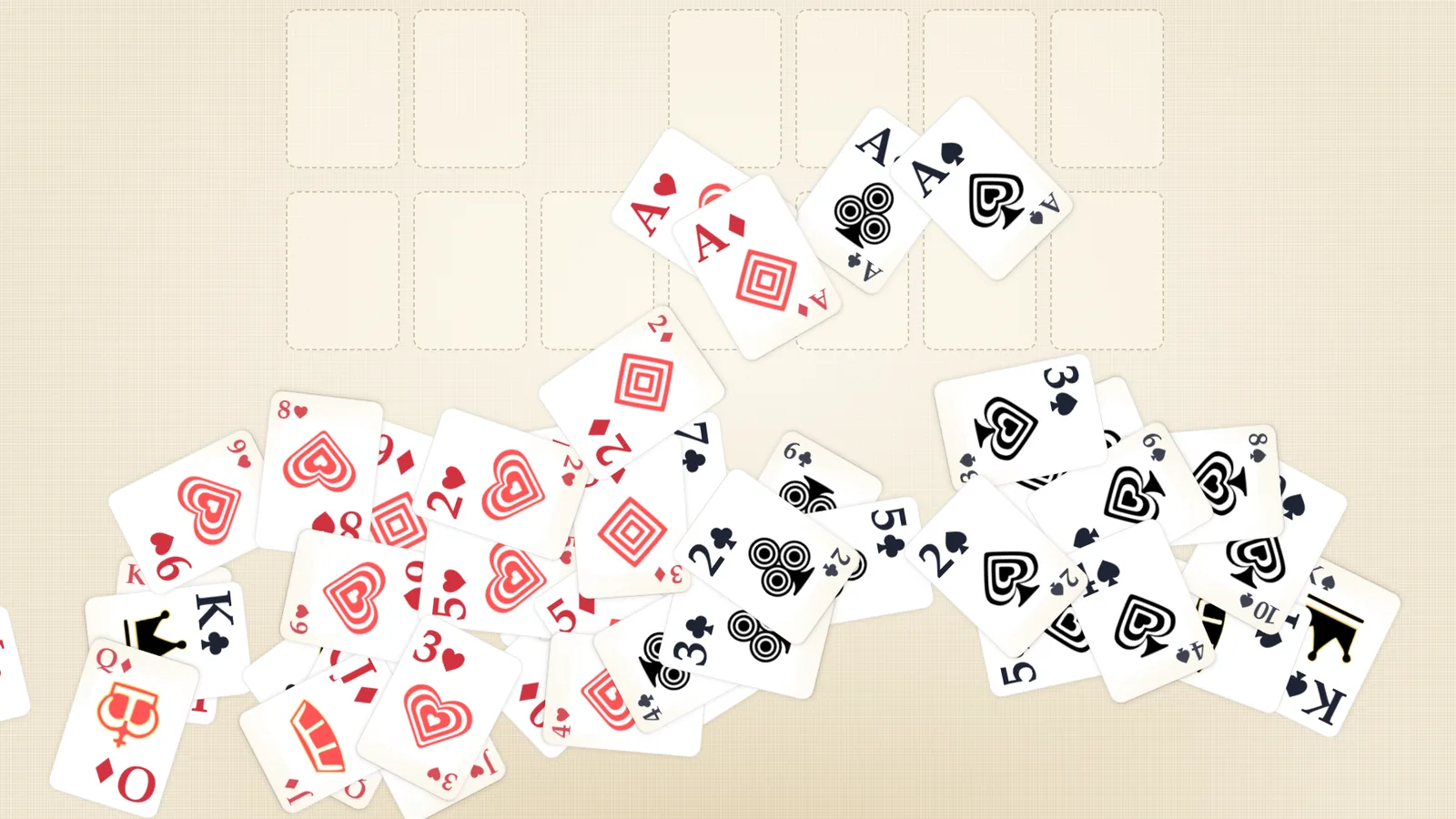
When the last card is home, the cards bounce away across the table. Then you see You cleared the table and "You did it in" with your number of moves. Choose New deal to play again, or All games to go back to the title screen.
Your first win opens the Stars card back. The game tells you with "New look to pick! Open Cards and table." See every look on card backs and table cloths.
Next
- Learn every rule of Klondike, then try Pyramid, the quickest game to learn.
- Read tips for beginners to win more deals.
- Check every key and button if you play with a keyboard or controller.
- Ready? Play Solitaire.


