12 Browser Games, One Asset Step
We make browser games with 3D CAD Converter. These are the real numbers.
On 17 November 2026 every 3D game on our games portal moved to the same step: cadconvert with the web-game preset. Here is what changed, the commands we ran, and what the games taught the converter.
Download Free TrialFree trial: 10 conversions with every feature. No credit card required. Windows 10/11.
The numbers
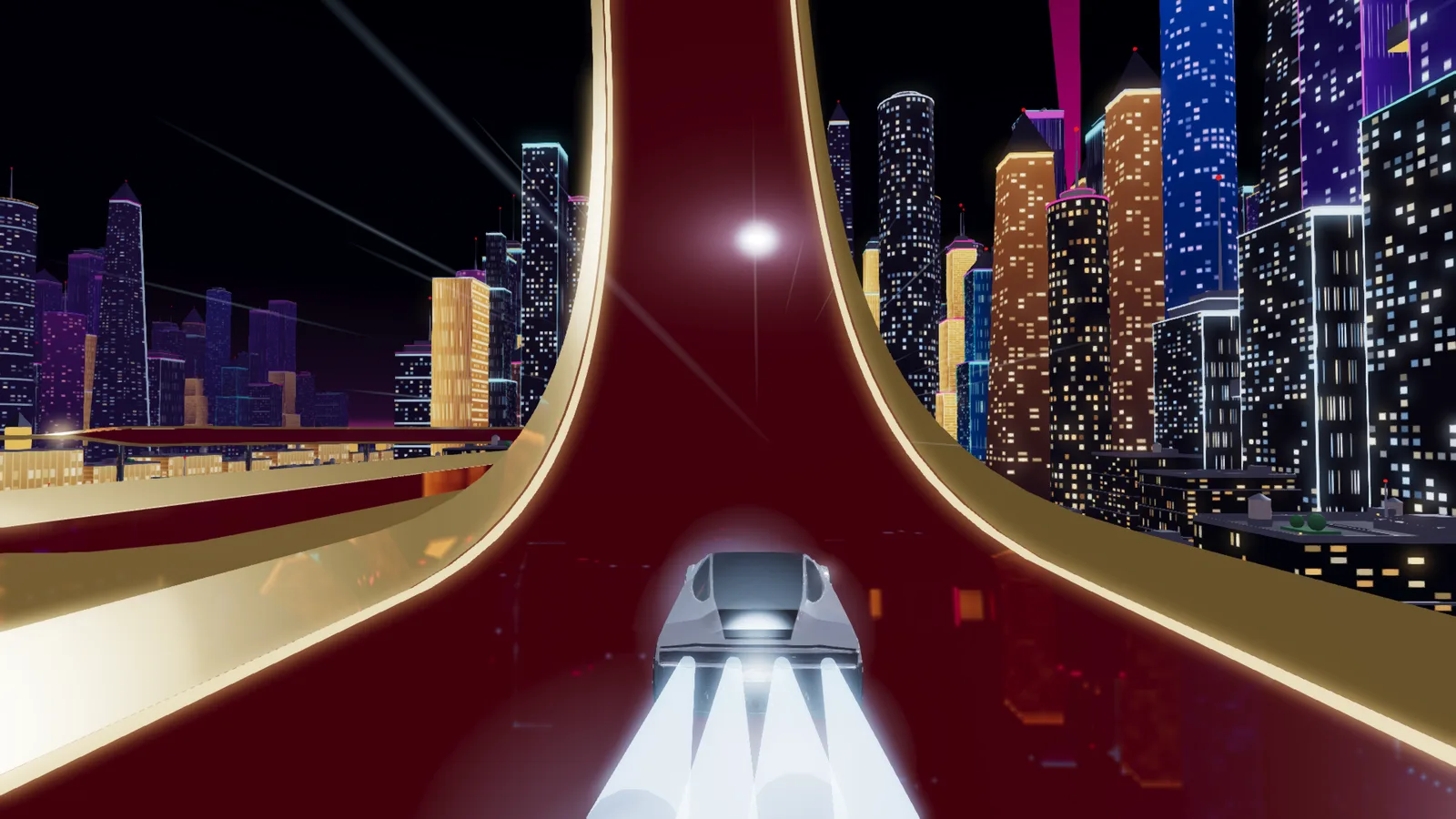
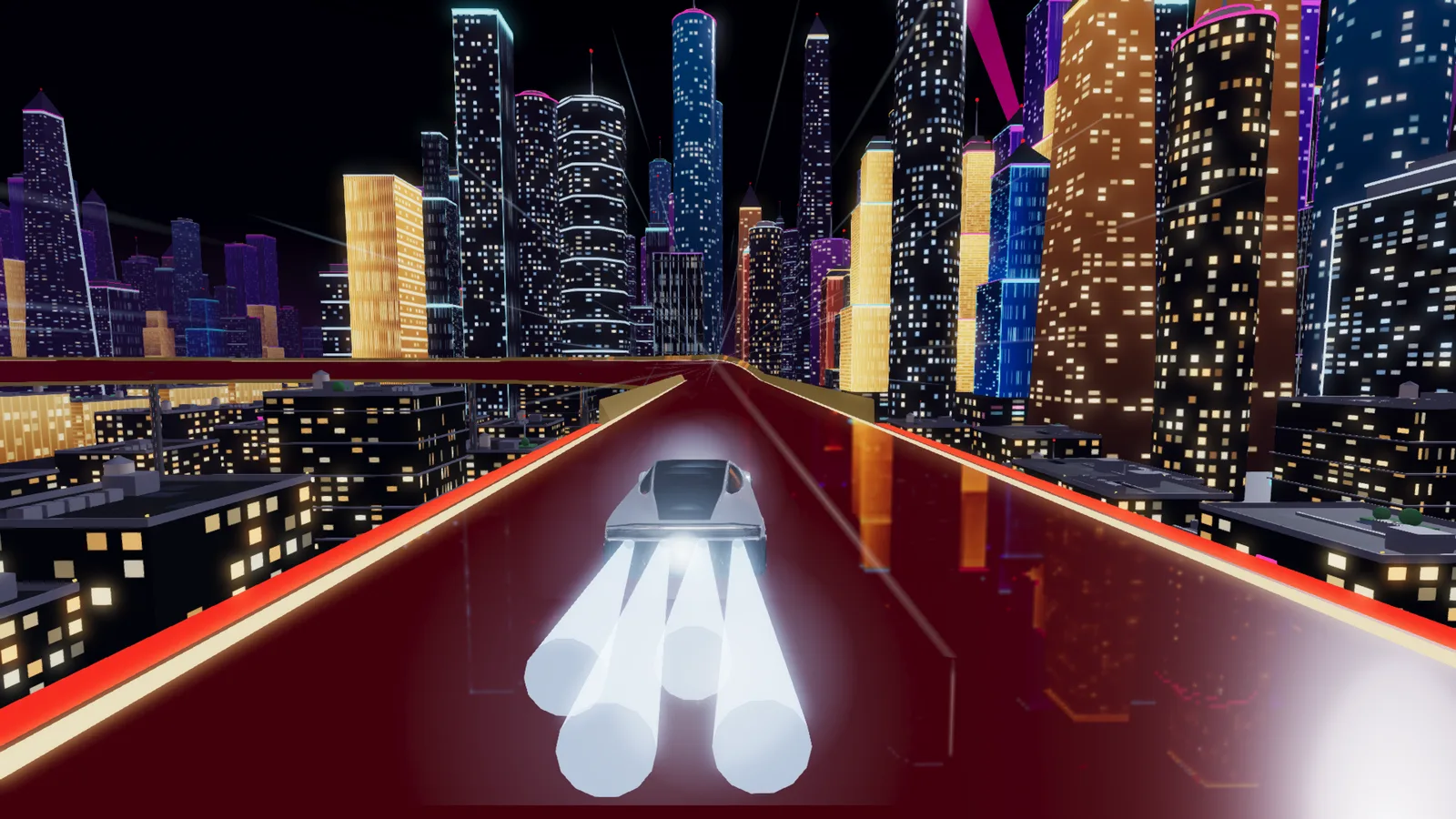
Shanghai Roadster, the model file: 9,430,736 bytes before, 3,111,892 bytes after.
Shanghai Roadster, estimated graphics memory for its 38 textures: 2048 pixel JPEG before, 1024 pixel KTX2 after.
All 12 games, model downloads with their textures. A texture that several models share counts once.
All 12 games, estimated graphics memory for textures.
Download sizes are file sizes. Memory figures are the converter's estimate of what the textures take in graphics memory, not a measurement on a device. The triangle count did not change: Shanghai Roadster has 100,220 triangles before and after.
The exact commands
Each game keeps its source models in git and runs this step from a script. This is what the script runs for one model:
Most models: the web-game preset, textures capped at 1024 pixels

cadconvert convert roadster.glb -o out/ -f glb --preset web-game --texture-max-size 1024 --strict --overwrite

Flat-colour models, such as a van: UASTC at a smaller size keeps the colours

cadconvert convert van.glb -o out/ -f glb --preset web-game --texture-mode uastc --texture-max-size 256 --strict --overwrite

Check the result: textures, formats and the memory estimate

cadconvert info out/roadster.glb
What the games taught the converter
- Smaller can look better. A van turned blue with ETC1S. UASTC at 256 pixels kept its colours at 0.54 MB, less than the 0.60 MB ETC1S file.
- The info command crashed on models with Blender shape keys. Fixed in 1.1.0.
- With a size limit, --max-size cut triangles before it shrank the textures. It now converts the textures first: on one test model a 0.8 MB limit kept all 5,560 triangles.
- Textures came out upside down after converting OBJ, FBX or DAE to GLB. Fixed, and --base-color and --texture-dir were added for models whose texture links are lost.
Play the games
All twelve run in your browser. Open the games portal and try them yourself.
Free trial: 10 conversions with every feature. No credit card required. Windows 10/11.