Watch how to fix old, shaky and low-resolution video
Short guides, one job each: which settings to pick in AI Video Enhancer Studio and what to expect from the result.
AI upscaling needs an NVIDIA RTX 20-series or newer graphics card. Denoise, stabilisation and frame interpolation also run on AMD and Intel.
How-to guides
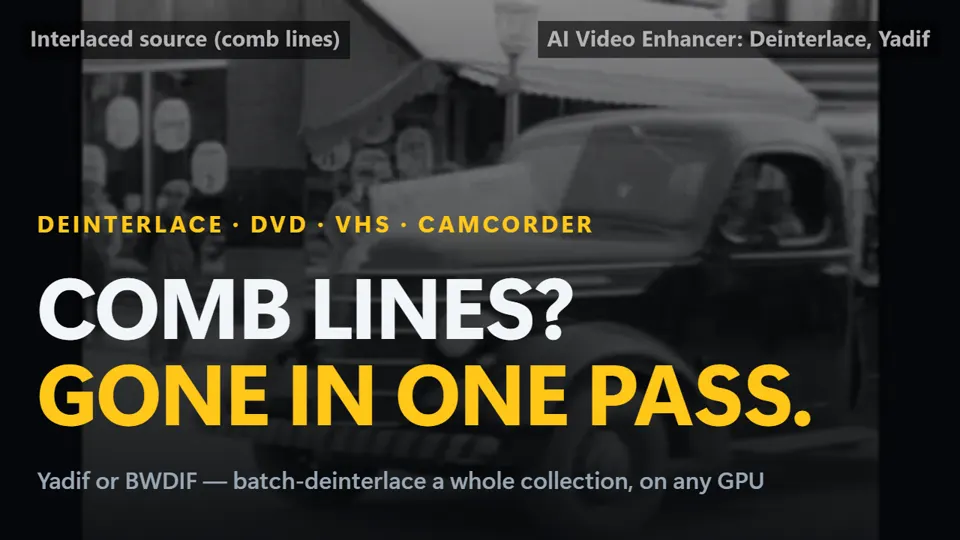
How to deinterlace video and remove comb lines (VHS, DVD, camcorder)
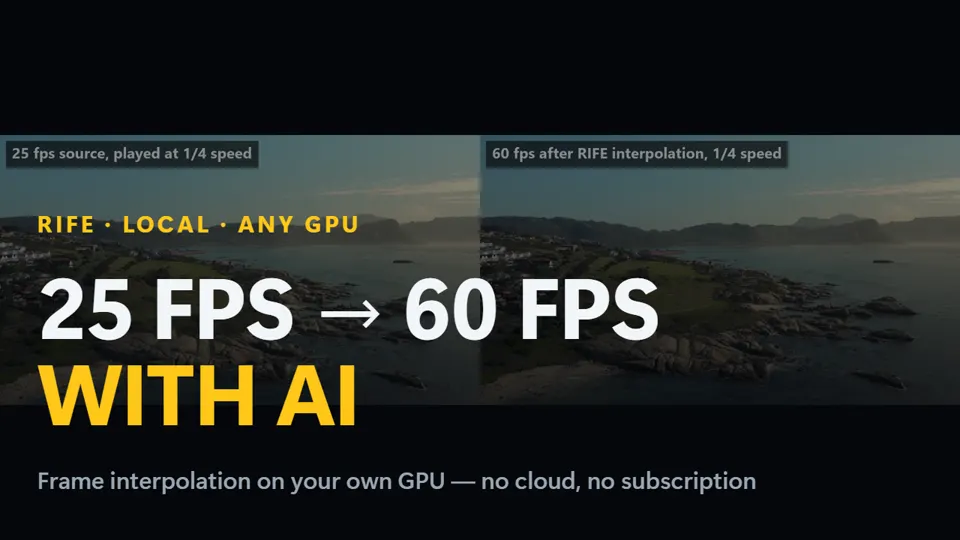
How to make any video 60 fps with AI frame interpolation (RIFE)
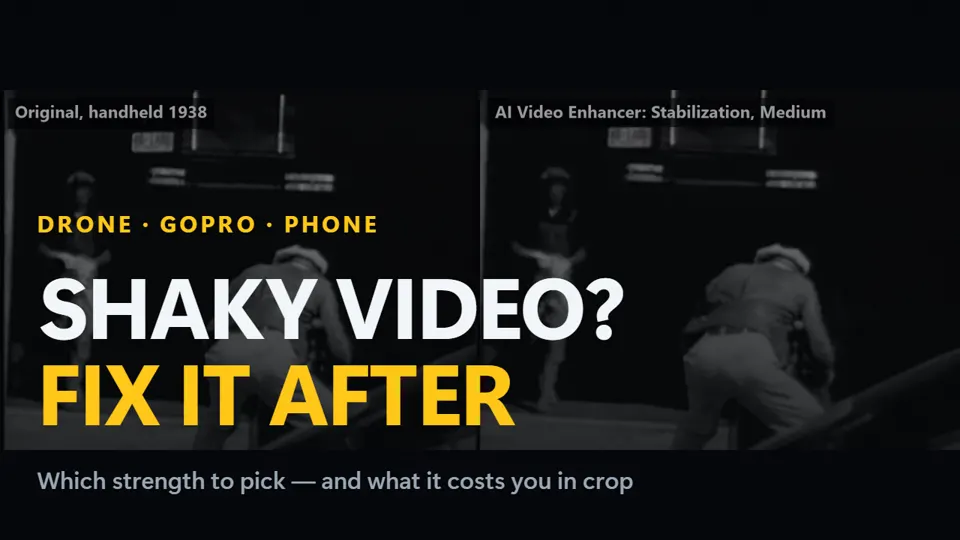
How to stabilize shaky video: drone, GoPro and phone footage
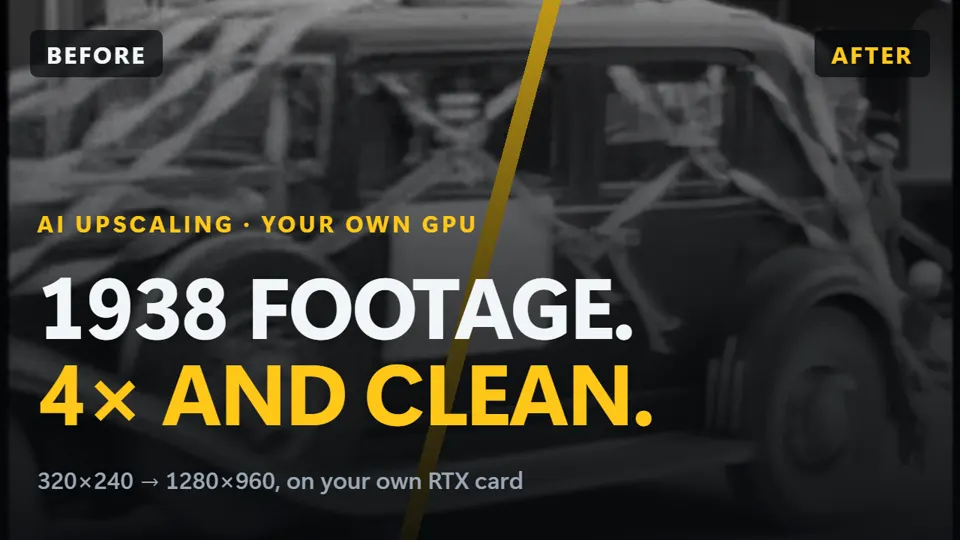
Comparisons
Topaz Video AI alternative: pay once, not $299 a year
RTX VSR vs Topaz Video AI vs Video2X: AI upscaling compared
Topaz Video AI price 2026: what 1 to 3 years cost vs paying once
What's new
Upscale 1080p to 4K 2.5x faster: AI Video Enhancer 2026.7.11
Try it on your own footage
Free trial: your first 5 files within 30 days at full resolution, no watermark. Then a watermark and a 720p cap until you buy. No credit card needed.