Download AI Video Enhancer Studio
Free trial: your first 5 files within 30 days at full resolution, no watermark. No account required.
Free trial No account needed Windows 10/11 Lost your key?

Supported Video Formats
AI-Powered Enhancement
NVIDIA RTX VSR upscaling, RIFE frame interpolation and FFmpeg filters for the rest, all running locally on your PC.
AI Upscaling (2x-4x)
Upscale 720p to 4K or 1080p to 8K with NVIDIA RTX VSR. Preserves sharpness, detail, and natural motion.
Noise Reduction
Remove grain, noise, and compression artifacts from old home videos, surveillance footage, and high-ISO clips.
Frame Interpolation
RIFE generates new in-between frames to reach 30 or 60 fps, so 24 or 30 fps footage plays back at a smooth 60 fps, without the ghosting of frame blending.
Video Stabilization
Remove camera shake from handheld, action-camera and drone footage. The picture zooms in slightly to hide the moving edges.
Batch Processing
Enhance hundreds of videos in a single batch. Chain several enhancements in one pipeline.
GPU Acceleration
AI upscaling runs on NVIDIA RTX Video Super Resolution (RTX GPU required). NVENC, AMF, and QSV hardware encoding keep output fast on any system.
More than an enhancer: Remix and Extract Frames
Two production tools included with every copy — free trial included — that turn footage you already have into content you can actually use.
Highlight-Reel Remix
Two-hour gameplay sessions, full ceremonies, entire matches — the moments worth sharing add up to thirty seconds. Remix gets you there in four guided steps: trim the part worth analyzing, review the suggested clips, preview the reel, export one clean MP4.

- Scene + audio detection find the moments — every scene change and every audio spike (a goal, a cheer, an explosion) is scored, and the strongest beats become suggested clips — even on static-camera footage.
- You stay in control — add, remove and retime any clip with live frame thumbnails; pick the target length and the reel ends on a held shot, not a hard cut.
- Made for Shorts and Reels — export vertical 9:16 or square 1:1 with one click, add background music with automatic ducking, then send the reel straight into the AI enhancer.
- Private and scriptable — everything runs on your PC, nothing is uploaded, and the same engine ships in the CLI (
remix suggest/remix render) for batch jobs.
Extract Frames
Thumbnails for YouTube, a storyboard for a client, a still of the exact moment the camera never photographed — Extract Frames pulls pin-sharp PNG images out of your videos, exactly where you want them.

- Smart sampling presets — Storyboard (evenly spaced), Thumbnails (five key points), Social (extra frames near the ending), Scenes (one frame per detected scene change), or custom counts, intervals and exact timestamps.
- Whole folders at once — queue hundreds of videos; each one gets its own tidy subfolder of numbered stills — PNG, JPG or WebP with a quality dial — up to 1,000 frames per video.
- AI-upscaled stills — optionally enhance every extracted frame with NVIDIA Video Super Resolution (2x–4x), with auto-2x for low-resolution sources.
- Always the sharp frame — optional sharpness picking compares five nearby frames and keeps the crispest; the same engine powers the app and
aivideoenhancer extract-framesfor automation.
How It Works
Add Videos
Drop video files or entire folders. Reads MP4, MKV, AVI, MOV, WebM, and 20+ formats.
Choose Enhancement
Select upscaling, denoising, frame interpolation, stabilization, or combine them in a pipeline.
Enhance
Hit Start. GPU-accelerated AI processes your videos locally with hardware encoding.
Who Uses This
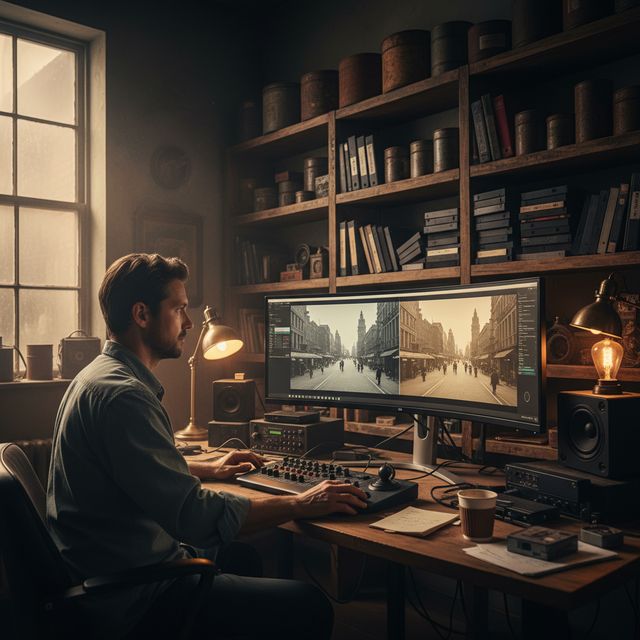
Film Restoration
Restore VHS, Hi8, and old home videos
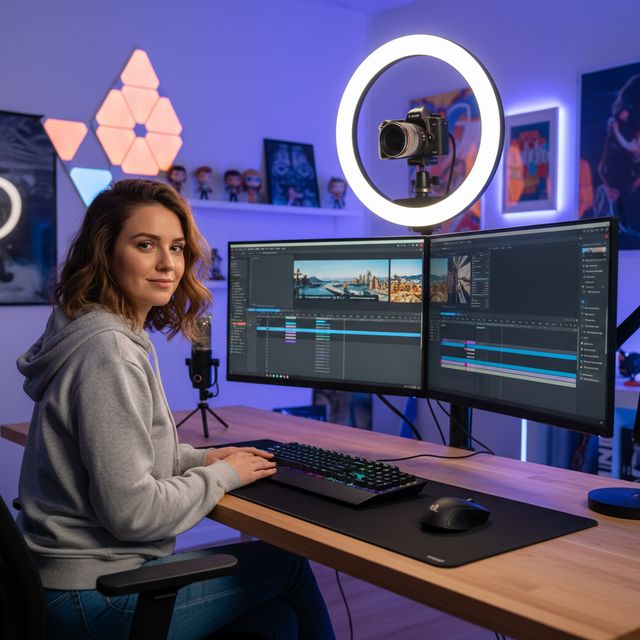
Content Creators
Upscale and enhance YouTube & social media
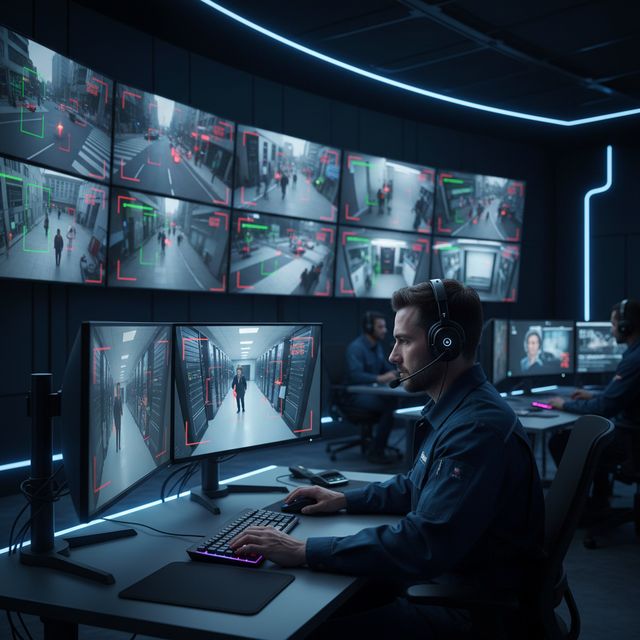
Security & Surveillance
Enhance low-resolution camera footage
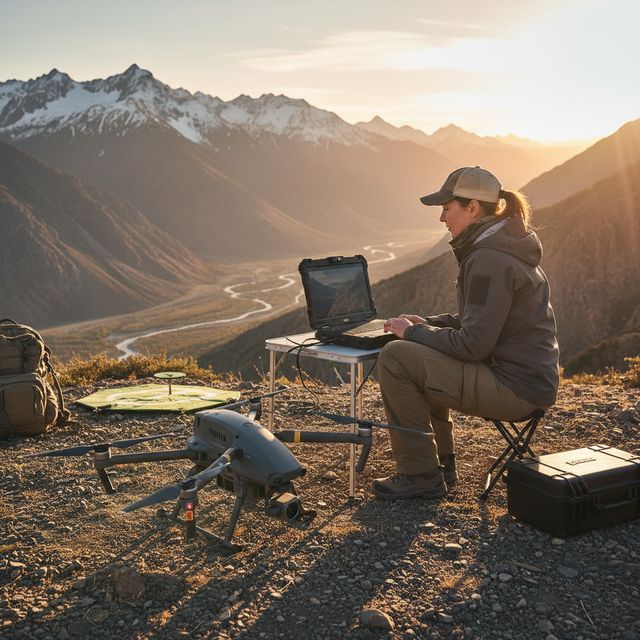
Drone & Action Cam
Stabilize and upscale aerial footage
Free trial No account needed Windows 10/11
Frequently Asked Questions
NVIDIA RTX VSR for upscaling and RIFE for frame interpolation. Everything else is an FFmpeg filter: hqdn3d or nlmeans denoising, two-pass vidstab stabilization, yadif or bwdif deinterlacing, unsharp mask or CAS sharpening. It all runs locally on your machine.
Yes. Upscale 720p to 4K (4x), 1080p to 4K (2x), or even to 8K. Multiple AI models optimized for real-world footage, animation, and archival content.
AI upscaling uses NVIDIA RTX Video Super Resolution, so it requires an NVIDIA RTX GPU (20-series or newer) with a current driver - there is no CPU, AMD, or Intel fallback for upscaling. Every other enhancement (denoise, sharpen, stabilize, deinterlace) and hardware encoding work on any modern Windows PC.
On your own PC, on its processor and graphics card. Upscaling runs on your NVIDIA RTX card with RTX Video Super Resolution. The software sends anonymous install, crash and usage statistics and license checks, as described in the Privacy Policy.
© 2026 ContentaSoft AB. All rights reserved.
Free trial: your first 5 files within 30 days at full resolution without a watermark. After that, output is watermarked and capped at 720p until you enter a license key.
System Requirements
- Windows 10/11 (64-bit)
- AI upscaling: NVIDIA RTX GPU (20-series or newer) required. Other filters run on any modern PC.
- 8 GB RAM minimum (16 GB recommended for 4K)
- 2 GB free disk space + space for video output
Antivirus or firewall blocking the download? Get the full offline installer
Published by ContentaSoft, Umea, Sweden — developer of AI Video Enhancer Studio.
AI Video Enhancer Studio is a desktop application for Windows that upscales video with NVIDIA RTX Video Super Resolution, interpolates frames with RIFE, and denoises, stabilizes and deinterlaces with FFmpeg filters. Encoding is GPU-accelerated.
This software contains no adware, spyware, toolbars, or bundled third-party programs. The installer installs only AI Video Enhancer Studio.
Videos are processed on your own PC, on its processor and graphics card. The software sends anonymous install, crash and usage statistics and license checks, as described in the Privacy Policy.
Free trial: your first 5 files within 30 days at full resolution without a watermark. After that, output is watermarked and capped at 720p until you enter a license key. Lifetime license: $129 (one-time payment, no subscription).
How to Uninstall
Open Windows Settings > Apps > Installed apps, find "AI Video Enhancer Studio" in the list, and click Uninstall. You can also run the uninstaller from the installation folder or use Control Panel > Programs and Features.
Download size: ~2 MB (web installer). Additional components including AI models are downloaded during installation.
Also from ContentaSoft
Contenta Converter PREMIUM
Batch convert, resize, rename & enhance thousands of photos. AI background removal, effects & upscaling. One-time purchase.
VideoRecompress Studio
Compress videos with H.265, AV1, VP9. Hardware-accelerated batch processing. Reduce file sizes up to 90% without visible quality loss.
3D CAD Converter
Batch convert CAD files between STEP, IGES, STL, OBJ, glTF, 3MF and more. One-time purchase, no subscription.