Video Deinterlacing: Remove Combing Artifacts from DVD & VHS Video
Watch the short version
- Jump to
Windows · free trial · pay once, no subscription
AI upscaling needs an NVIDIA RTX 20-series or newer graphics card. Denoise, stabilisation and frame interpolation also run on AMD and Intel.
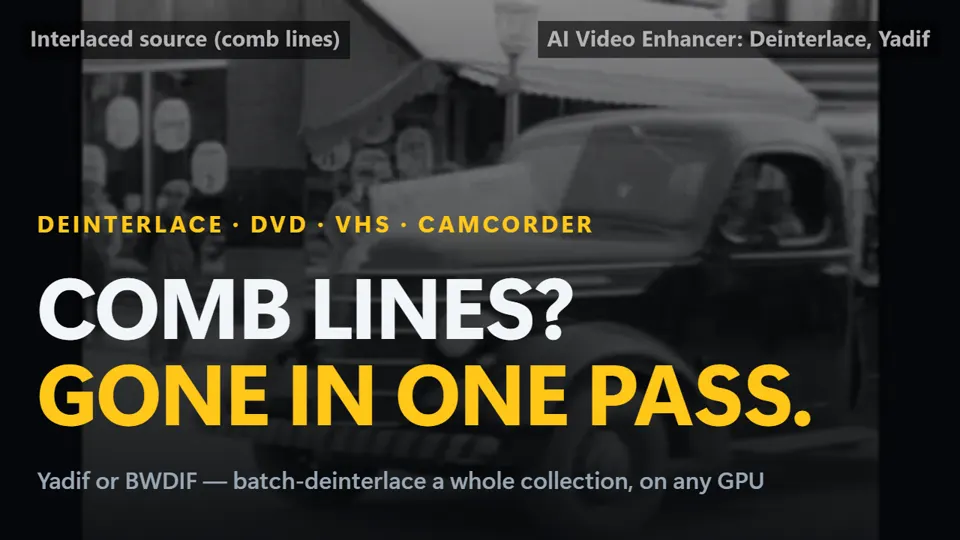
If you've ever ripped a DVD or digitized a VHS tape, you've seen the telltale horizontal combing lines that appear during motion. This is interlacing — a legacy of CRT television technology that stored video as alternating half-frames (fields) rather than full progressive frames.
Deinterlacers like Yadif and BWDIF have been the standard fix for decades. AI Video Enhancer Studio builds both of them into a batch pipeline, so you can deinterlace a whole DVD or VHS collection in one pass — and combine it with denoise and upscale.
What Is Interlacing?
Interlaced video stores each frame as two fields: one containing the even-numbered lines, the other containing the odd-numbered lines. On a CRT television, these fields were displayed alternately at 50 or 60 Hz, creating the illusion of smooth motion. On modern progressive displays (LCD, OLED), both fields are shown simultaneously, causing visible combing artifacts during movement.
Common sources of interlaced content include DVD video (480i/576i), VHS and Hi8 tape captures, broadcast TV recordings (DVB, ATSC), and older DV camcorder footage.
Yadif vs BWDIF: Which to Choose
Deinterlacers reconstruct the missing lines in each field. Yadif uses a fast spatial-temporal algorithm that handles most footage well. BWDIF (Bob Weaver Deinterlacing Filter) is motion-adaptive — it analyzes movement between fields to reduce artifacts on fast motion and preserve more edge detail.
| Method | Quality | Speed |
|---|---|---|
| Yadif | Good — occasional artifacts on fast motion | Very fast |
| BWDIF | Better — fewer artifacts but can soften edges | Very fast |
BWDIF understands temporal motion between consecutive fields, allowing it to reconstruct missing information rather than simply blending or duplicating existing lines. The result is progressive video that looks naturally filmed — not processed.
How to Deinterlace Your Videos
AI Video Enhancer Studio makes deinterlacing simple:
- Add your interlaced video files (DVD rips, VHS captures, broadcast recordings)
- Pick a preset or click Auto-Analyze: interlaced files get Deinterlace set to
Yadif. Switch it toBWDIFin Configure if you prefer. - Optionally enable Upscale (x2 or x4) to increase resolution after deinterlacing
- Click Start — your videos are deinterlaced and encoded with GPU-accelerated hardware encoding
Common Interlaced Video Sources
These are the most common sources of interlaced content that benefit from deinterlacing:
DVD rips (480i NTSC, 576i PAL) — the most common source worldwide
VHS, Hi8, MiniDV tape captures — family videos and home movies
TV recordings (DVB-T, cable, satellite) — news, sports, documentaries
DV camcorder footage (MiniDV, DVCAM) — 2000s-era event recordings
Try deinterlacing free — process up to 5 videos with no watermark.
Download Free Trial