Descargar AI Video Enhancer Studio
Prueba gratuita: tus 5 primeros archivos en 30 días a resolución completa, sin marca de agua. No se requiere cuenta.
Prueba gratuita Sin cuenta necesaria Windows 10/11 ¿Perdió su clave?

Formatos de vídeo compatibles
Mejora con IA
Escalado NVIDIA RTX VSR, interpolación de fotogramas RIFE y filtros FFmpeg para el resto, todo en local en tu PC.
Aumento de IA (2x-4x)
Aumenta 720p a 4K o 1080p a 8K con NVIDIA RTX VSR. Preserva nitidez, detalle y movimiento natural.
Reducción de ruido
Elimina grano, ruido y artefactos de compresión de viejos videos caseros, grabaciones de vigilancia y clips de alto ISO.
Interpolación de Fotogramas
RIFE genera nuevos fotogramas intermedios para llegar a 30 o 60 fps, así el material a 24 o 30 fps se reproduce fluido a 60 fps, sin el ghosting de la mezcla de fotogramas.
Estabilización de Video
Elimina el temblor de la cámara en grabaciones a mano, cámaras de acción y drones. La imagen se amplía ligeramente para ocultar los bordes en movimiento.
Procesamiento por Lotes
Mejora cientos de vídeos en un solo lote. Encadena varias mejoras en un solo flujo.
Aceleración por GPU
El escalado con IA funciona con NVIDIA RTX Video Super Resolution (requiere GPU RTX). La codificacion por hardware NVENC, AMF y QSV mantiene una salida rapida en cualquier sistema.
Más que un mejorador: Remix y Extraer fotogramas
Dos herramientas de producción incluidas en cada copia — también en la prueba gratuita — que convierten el material que ya tiene en contenido aprovechable.
Remix de mejores momentos
Sesiones de juego de dos horas, ceremonias completas, partidos enteros — los momentos que merecen compartirse suman treinta segundos. Remix le lleva hasta ahí en cuatro pasos guiados: recorte la parte a analizar, revise los clips sugeridos, previsualice el resultado y exporte un MP4 limpio.

- La detección de escenas y de audio encuentra los momentos — cada cambio de escena y cada pico de audio (un gol, una ovación, una explosión) se puntúa, y los picos más fuertes se convierten en clips sugeridos — incluso con cámara fija.
- Usted mantiene el control — añada, elimine y reajuste cualquier clip con miniaturas de fotogramas en vivo; elija la duración objetivo y el vídeo termina en un plano sostenido, no en un corte brusco.
- Hecho para Shorts y Reels — exporte en vertical 9:16 o cuadrado 1:1 con un clic, añada música de fondo con atenuación automática y envíe el resumen directamente al mejorador de IA.
- Privado y automatizable — todo se ejecuta en su PC, no se sube nada, y el mismo motor está en la CLI (
remix suggest/remix render) para trabajos por lotes.
Extraer fotogramas
Miniaturas para YouTube, un storyboard para un cliente, la imagen del momento exacto que ninguna cámara fotografió — Extraer fotogramas obtiene imágenes PNG nítidas de sus vídeos, exactamente donde usted quiere.

- Presets de muestreo inteligentes — Storyboard (espaciado uniforme), Miniaturas (cinco puntos clave), Social (fotogramas extra hacia el final), Escenas (un fotograma por cambio de escena detectado), o recuentos, intervalos y marcas de tiempo personalizados.
- Carpetas completas de una vez — ponga en cola cientos de vídeos; cada uno recibe su propia subcarpeta de imágenes numeradas — PNG, JPG o WebP con ajuste de calidad — hasta 1.000 fotogramas por vídeo.
- Imágenes escaladas por IA — mejore opcionalmente cada fotograma extraído con NVIDIA Video Super Resolution (2x–4x), con 2x automático para fuentes de baja resolución.
- Siempre el fotograma nítido — la selección por nitidez opcional compara cinco fotogramas cercanos y conserva el más nítido; el mismo motor impulsa la aplicación y
aivideoenhancer extract-framespara la automatización.
Cómo funciona
Agregar Videos
Suelta archivos de video o carpetas enteras. Lee MP4, MKV, AVI, MOV, WebM y más de 20 formatos.
Elegir Mejora
Selecciona aumento, reducción de ruido, interpolación de fotogramas, estabilización o combínalos en un flujo.
Enhance
Presiona Iniciar. La IA acelerada por GPU procesa tus videos localmente con codificación de hardware.
Quién usa esto
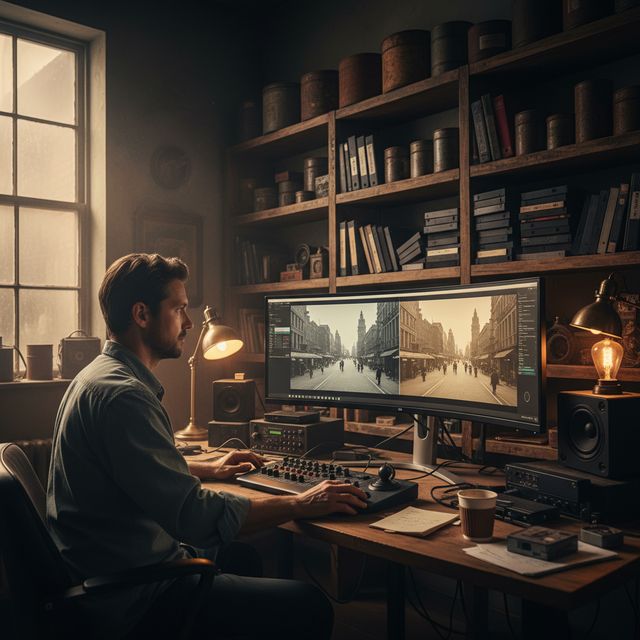
Restauración de Películas
Restaura VHS, Hi8 y viejos videos caseros
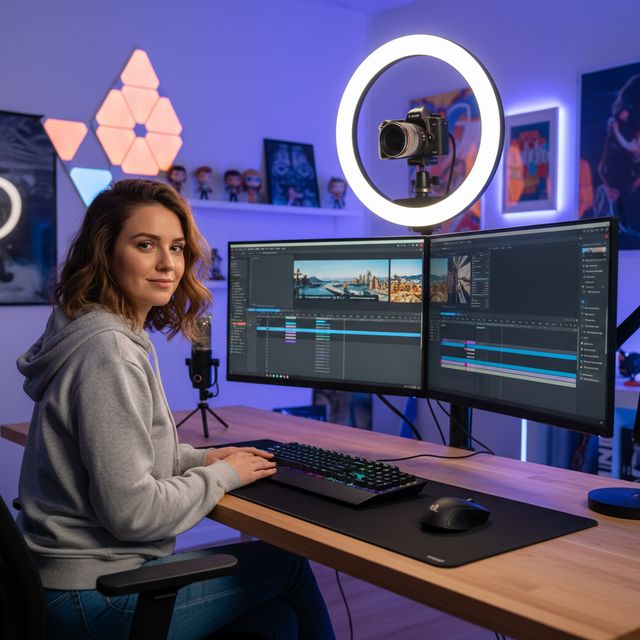
Creadores de Contenido
Aumenta y mejora YouTube y redes sociales
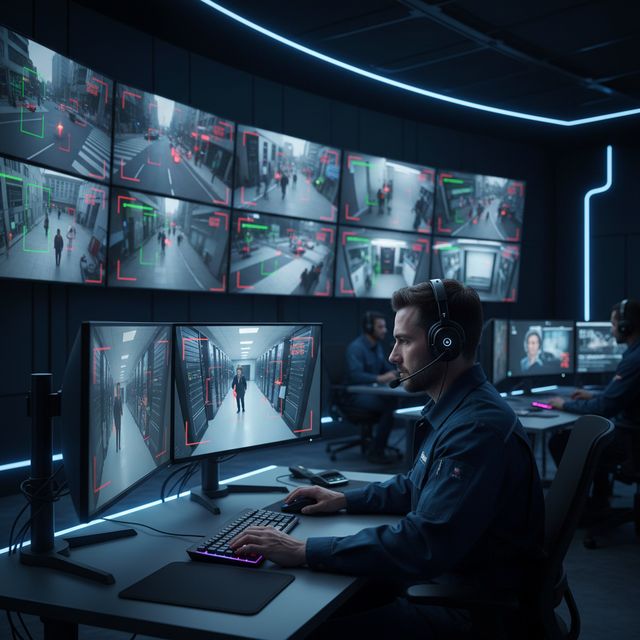
Seguridad y Vigilancia
Mejora el metraje de cámaras de baja resolución
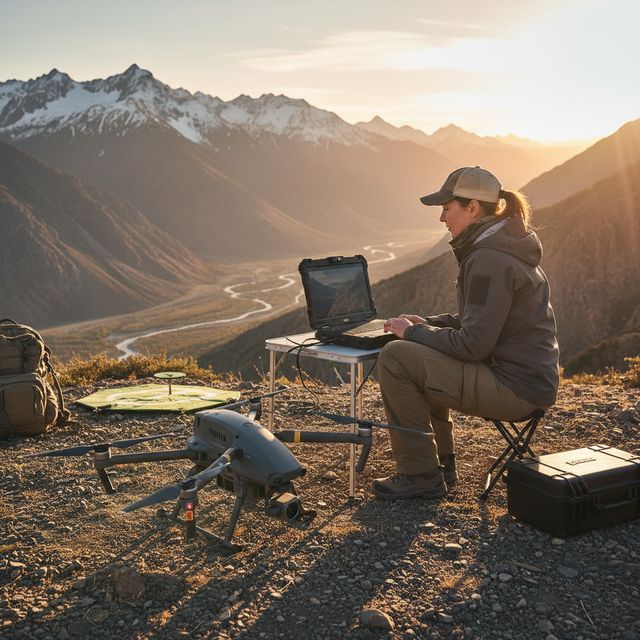
Drones y Cámaras de Acción
Estabiliza y mejora el metraje aéreo
Prueba gratuita Sin cuenta necesaria Windows 10/11
Preguntas frecuentes
NVIDIA RTX VSR para el escalado y RIFE para la interpolación de fotogramas. Todo lo demás son filtros de FFmpeg: eliminación de ruido hqdn3d o nlmeans, estabilización vidstab de dos pasadas, desentrelazado yadif o bwdif, enfoque unsharp mask o CAS. Todo se ejecuta localmente en tu máquina.
Sí. Escala 2x, 3x o 4x con NVIDIA RTX Video Super Resolution: 720p a 4K (3x), 1080p a 4K (2x) y 4K a 8K (2x) en una tarjeta con suficiente memoria de vídeo. Un solo motor, así que no hay modelo que elegir.
El escalado con IA usa NVIDIA RTX Video Super Resolution, por lo que requiere una GPU NVIDIA RTX (serie 20 o mas reciente) con un controlador actualizado: no hay alternativa de CPU, AMD ni Intel para el escalado. Las demas mejoras (reduccion de ruido, enfoque, estabilizacion, desentrelazado) y la codificacion por hardware funcionan en cualquier PC con Windows moderno.
En tu propio PC, con su procesador y su tarjeta gráfica. El escalado se ejecuta en tu tarjeta NVIDIA RTX con RTX Video Super Resolution. El software envía estadísticas anónimas de instalación, fallos y uso, y comprobaciones de licencia, como se describe en la Política de privacidad.
© 2026 ContentaSoft AB. Todos los derechos reservados.
Prueba gratuita: tus 5 primeros archivos en 30 días a resolución completa, sin marca de agua. Después, la salida lleva marca de agua y se limita a 720p hasta que introduzcas una clave de licencia.
Requisitos del sistema
- Windows 10/11 (64 bits)
- Escalado con IA: se requiere GPU NVIDIA RTX (serie 20 o mas reciente). Los demas filtros funcionan en cualquier PC moderno.
- 8 GB de RAM mínimo (16 GB recomendados para 4K)
- 2 GB de espacio libre en disco + espacio para la salida de video
¿El antivirus o el firewall bloquean la descarga? Descargar el instalador completo sin conexión
Publicado por ContentaSoft, Umea, Suecia — desarrollador de AI Video Enhancer Studio.
AI Video Enhancer Studio es una aplicación de escritorio para Windows que escala vídeo con NVIDIA RTX Video Super Resolution, interpola fotogramas con RIFE y elimina ruido, estabiliza y desentrelaza con filtros de FFmpeg. La codificación está acelerada por GPU.
Este software no contiene adware, spyware, barras de herramientas ni programas de terceros incluidos. El instalador instala únicamente AI Video Enhancer Studio.
Los vídeos se procesan en tu propio PC, con su procesador y su tarjeta gráfica. El software envía estadísticas anónimas de instalación, fallos y uso, y comprobaciones de licencia, como se describe en la Política de privacidad.
Prueba gratuita: tus 5 primeros archivos en 30 días a resolución completa, sin marca de agua. Después, la salida lleva marca de agua y se limita a 720p hasta que introduzcas una clave de licencia. Licencia de por vida: $129 (pago único, sin suscripción).
Cómo desinstalar
Abra Windows Settings > Apps > Installed apps, busque "AI Video Enhancer Studio" en la lista y haga clic en Desinstalar. También puede ejecutar el desinstalador desde la carpeta de instalación o usar Control Panel > Programs and Features.
Tamaño de descarga: ~2 MB (instalador web). Componentes adicionales incluyendo modelos AI se descargan durante la instalación.
Más productos de ContentaSoft
Contenta Converter PREMIUM
Convierte, redimensiona, renombra y mejora miles de fotos. Eliminación de fondo IA, efectos y upscaling. Compra única.
VideoRecompress Studio
Comprime vídeos con H.265, AV1, VP9. Procesamiento por lotes con aceleración de hardware. Reduce el tamaño hasta un 90 % sin pérdida visible.
3D CAD Converter
Convierte archivos CAD entre STEP, IGES, STL, OBJ, glTF, 3MF y más. Compra única, sin suscripción.