Last ned AI Video Enhancer Studio
Gratis prøveversjon: de første 5 filene dine innen 30 dager i full oppløsning, uten vannmerke. Ingen konto nødvendig.
Gratis prøveversjon Ingen konto nødvendig Windows 10/11 Mistet nøkkelen?

Støttede videoformater
AI-drevet forbedring
NVIDIA RTX VSR-oppskalering, RIFE-bildeinterpolasjon og FFmpeg-filtre for resten — alt kjører lokalt på PC-en din.
AI Oppskalering (2x-4x)
Oppskaler 720p til 4K eller 1080p til 8K med NVIDIA RTX VSR. Bevarer skarphet, detaljer og naturlig bevegelse.
Støyreduksjon
Fjern korn, støy og kompresjonsartefakter fra gamle hjemmevideoer, overvåkningsopptak og høy-ISO-klipp.
Bildeinterpolering
RIFE lager nye mellombilder for å nå 30 eller 60 fps, så 24- eller 30fps-opptak spilles av jevnt i 60 fps, uten ghosting fra frame blending.
Videostabilisering
Fjern kameraristing fra håndholdte opptak, actionkameraer og droner. Bildet zoomer litt inn for å skjule de bevegelige kantene.
Batchbehandling
Forbedre hundrevis av videoer i en enkelt batch. Kjed sammen flere forbedringer i én pipeline.
GPU Akselerasjon
AI-oppskalering kjorer paa NVIDIA RTX Video Super Resolution (RTX GPU kreves). NVENC-, AMF- og QSV-maskinvarekoding holder utdataene raske paa ethvert system.
Mer enn en enhancer: Remix og Hent ut bilder
To produksjonsverktøy følger med hver kopi — også i den gratis prøveversjonen — og gjør opptak du allerede har om til innhold du faktisk kan bruke.
Highlight-reel remix
To timer lange spilløkter, hele seremonier, hele kamper — øyeblikkene som er verdt å dele, utgjør til sammen tretti sekunder. Remix tar deg dit i fire veiledede trinn: avgrens delen som skal analyseres, gå gjennom de foreslåtte klippene, forhåndsvis resultatet, og eksporter én ren MP4.

- Scene- og lyddeteksjon finner øyeblikkene — hvert sceneskifte og hver lydtopp (et mål, et jubelbrøl, en eksplosjon) får en poengsum, og de sterkeste øyeblikkene blir foreslåtte klipp — selv på opptak med fast kamera.
- Du beholder kontrollen — legg til, fjern og juster hvert klipp med direkte bildeminiatyrer; velg mållengden, og reelen slutter på et holdt bilde, ikke et hardt kutt.
- Laget for Shorts og Reels — eksporter vertikalt 9:16 eller kvadratisk 1:1 med ett klikk, legg til bakgrunnsmusikk med automatisk ducking, og send reelen rett inn i AI-enhanceren.
- Privat og skriptbar — alt kjører på din PC, ingenting lastes opp, og samme motor finnes i CLI-en (
remix suggest/remix render) for batchjobber.
Hent ut bilder
Miniatyrer til YouTube, et storyboard til en kunde, stillbildet av øyeblikket ingen kamera fotograferte — Hent ut bilder trekker knivskarpe PNG-bilder ut av videoene dine, akkurat der du vil ha dem.

- Smarte samplings-forvalg — Storyboard (jevnt fordelt), Miniatyrer (fem nøkkelpunkter), Social (ekstra bilder mot slutten), Scener (ett bilde per registrert sceneskifte), eller egne antall, intervaller og nøyaktige tidsstempler.
- Hele mapper på én gang — sett hundrevis av videoer i kø; hver video får sin egen undermappe med nummererte stillbilder — PNG, JPG eller WebP med kvalitetsinnstilling — opptil 1 000 bilder per video.
- AI-oppskalerte stillbilder — forbedre valgfritt hvert uthentede bilde med NVIDIA Video Super Resolution (2x–4x), med automatisk 2x for kilder med lav oppløsning.
- Alltid det skarpe bildet — den valgfrie skarphetsutvelgelsen sammenligner fem nærliggende bilder og beholder det skarpeste; samme motor driver appen og
aivideoenhancer extract-framesfor automatisering.
Slik fungerer det
Legg til videoer
Dra videofiler eller hele mapper. Leser MP4, MKV, AVI, MOV, WebM og 20+ formater.
Velg forbedring
Velg oppskalering, støyreduksjon, bildeinterpolering, stabilisering, eller kombiner dem i en pipeline.
Enhance
Trykk Start. GPU-akselerert AI prosesserer videoene dine lokalt med maskinvarekoding.
Hvem bruker dette
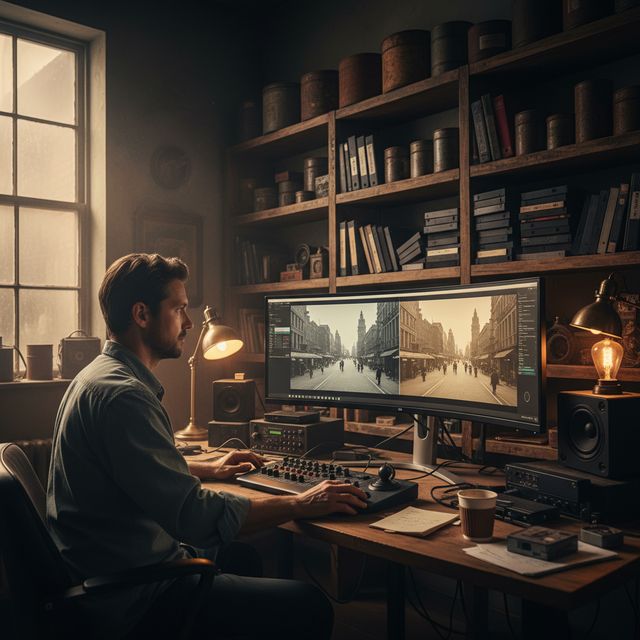
Filmrestaurering
Restaurer VHS, Hi8 og gamle hjemmevideoer
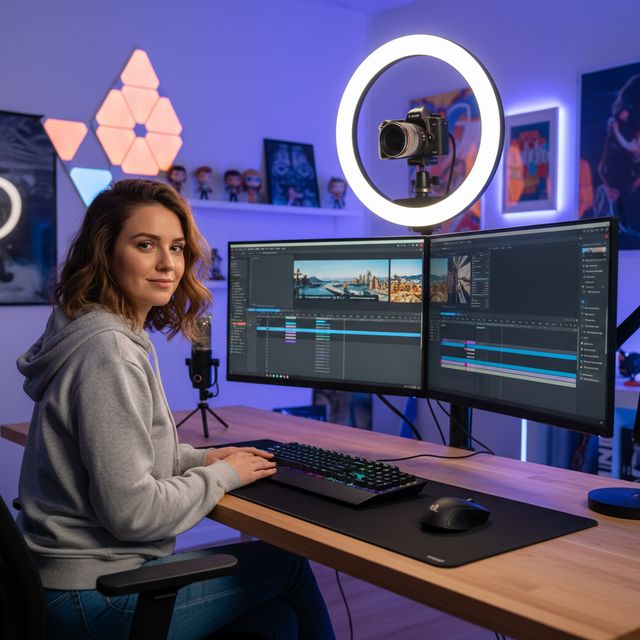
Innholdsprodusenter
Oppskaler og forbedre YouTube & sosiale medier
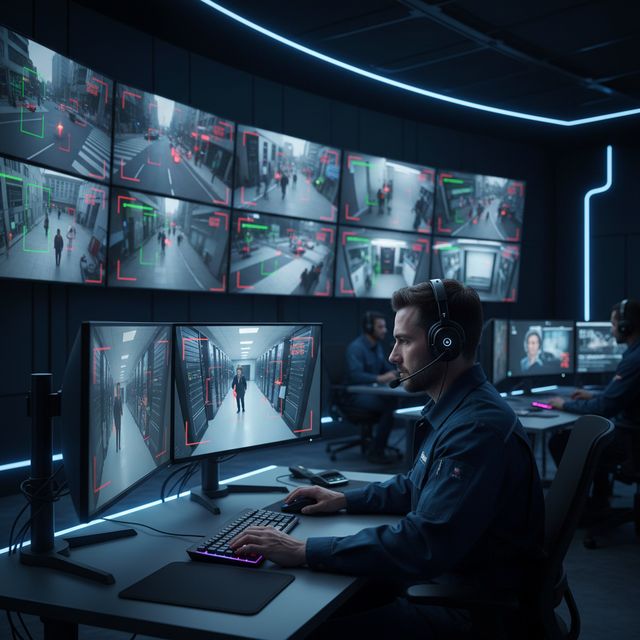
Sikkerhet & Overvåkning
Forbedre lavoppløselig kameramateriale
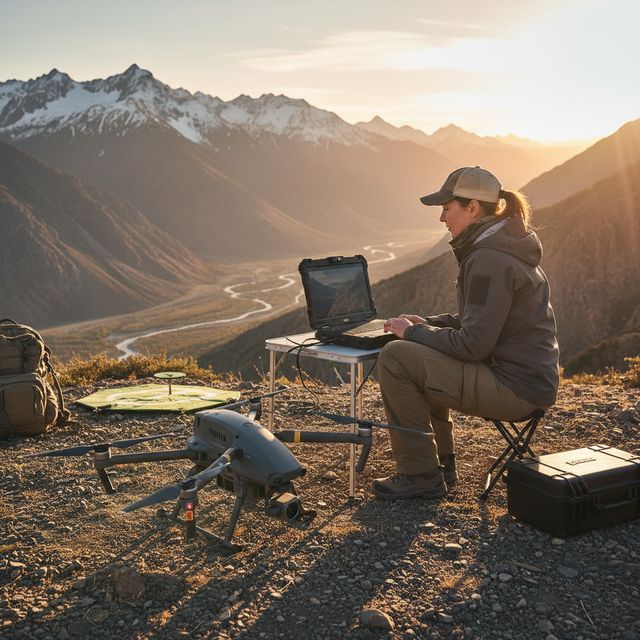
Drone & Actionkamera
Stabiliser og oppskaler luftopptak
Gratis prøveversjon Ingen konto nødvendig Windows 10/11
Ofte stilte spørsmål
NVIDIA RTX VSR for oppskalering og RIFE for bildeinterpolering. Resten er FFmpeg-filtre: hqdn3d eller nlmeans for støyfjerning, vidstab i to trinn for stabilisering, yadif eller bwdif for deinterlacing, unsharp mask eller CAS for skjerping. Alt kjører lokalt på maskinen din.
Ja. Oppskaler 2x, 3x eller 4x med NVIDIA RTX Video Super Resolution: 720p til 4K (3x), 1080p til 4K (2x) og 4K til 8K (2x) på et kort med nok videominne. Én motor, så det er ingen modell å velge.
AI-oppskalering bruker NVIDIA RTX Video Super Resolution og krever derfor en NVIDIA RTX GPU (20-serien eller nyere) med oppdatert driver - det finnes ingen CPU-, AMD- eller Intel-reserve for oppskalering. Alle andre forbedringer (stoyreduksjon, skarphet, stabilisering, deinterlacing) og maskinvarekoding kjorer paa enhver moderne Windows-PC.
På din egen PC, av prosessoren og grafikkortet. Oppskaleringen kjører på NVIDIA RTX-kortet ditt med RTX Video Super Resolution. Programvaren sender anonym installasjons-, krasj- og bruksstatistikk og lisenskontroller, som beskrevet i personvernerklæringen.
© 2026 ContentaSoft AB. Alle rettigheter forbeholdt.
Gratis prøveversjon: de første 5 filene dine innen 30 dager i full oppløsning uten vannmerke. Deretter får utdata vannmerke og maks 720p til du legger inn en lisensnøkkel.
Systemkrav
- Windows 10/11 (64-bit)
- AI-oppskalering: NVIDIA RTX GPU (20-serien eller nyere) kreves. Andre filtre kjorer paa enhver moderne PC.
- Minimum 8 GB RAM (16 GB anbefalt for 4K)
- 2 GB ledig diskplass + plass for videooutput
Blokkerer antivirus eller brannmur nedlastingen? Last ned det komplette frakoblede installasjonsprogrammet
Utgitt av ContentaSoft, Umea, Sverige — utvikler av AI Video Enhancer Studio.
AI Video Enhancer Studio er en skrivebordsapplikasjon for Windows som oppskalerer video med NVIDIA RTX Video Super Resolution, interpolerer bilder med RIFE og fjerner støy, stabiliserer og deinterlacer med FFmpeg-filtre. Kodingen er GPU-akselerert.
Denne programvaren inneholder ingen adware, spyware, verktøylinjer eller medfølgende tredjepartsprogrammer. Installasjonsprogrammet installerer utelukkende AI Video Enhancer Studio.
Videoer behandles på din egen PC, av prosessoren og grafikkortet. Programvaren sender anonym installasjons-, krasj- og bruksstatistikk og lisenskontroller, som beskrevet i personvernerklæringen.
Gratis prøveversjon: de første 5 filene dine innen 30 dager i full oppløsning uten vannmerke. Deretter får utdata vannmerke og maks 720p til du legger inn en lisensnøkkel. Livstidslisens: $129 (engangsbetaling, ingen abonnement).
Slik avinstallerer du
Åpne Windows Settings > Apps > Installed apps, finn "AI Video Enhancer Studio" i listen og klikk på Avinstaller. Du kan også kjøre avinstallasjonsprogrammet fra installasjonsmappen eller bruke Control Panel > Programs and Features.
Nedlastingsstørrelse: ~2 MB (web-installer). Ytterligere komponenter inkludert AI-modeller lastes ned under installasjonen.
Mer fra ContentaSoft
Contenta Converter PREMIUM
Konverter, skaler, gi nytt navn og forbedre tusenvis av bilder. AI-bakgrunnsfjerning, effekter og oppskalering. Engangskjøp.
VideoRecompress Studio
Komprimer videoer med H.265, AV1, VP9. Maskinvareakselerert batchbehandling. Reduser filstørrelsen opptil 90 % uten synlig kvalitetstap.
3D CAD Converter
Konverter CAD-filer mellom STEP, IGES, STL, OBJ, glTF, 3MF og mer. Engangskjøp, uten abonnement.