Download AI Video Enhancer Studio
Gratis proefversie: je eerste 5 bestanden binnen 30 dagen op volledige resolutie, zonder watermerk. Geen account vereist.
Gratis proefversie Geen account nodig Windows 10/11 Sleutel kwijt?

Ondersteunde videoformaten
AI-verbeterde verwerking
NVIDIA RTX VSR-upscaling, RIFE-frame-interpolatie en FFmpeg-filters voor de rest, allemaal lokaal op je eigen pc.
AI Upscaling (2x-4x)
Upscale 720p naar 4K of 1080p naar 8K met NVIDIA RTX VSR. Behoudt scherpte, detail en natuurlijke beweging.
Ruisonderdrukking
Verwijder korrel, ruis en compressie-artifacten uit oude homevideo's, bewakingsbeelden en clips met hoge ISO.
Frame Interpolatie
RIFE maakt nieuwe tussenframes om 30 of 60 fps te halen, zodat 24- of 30fps-beeld vloeiend op 60 fps afspeelt, zonder de ghosting van frame blending.
Video Stabilisatie
Verwijder cameratrilling uit handheld-, actiecamera- en dronebeelden. Het beeld zoomt iets in om de bewegende randen te verbergen.
Batchverwerking
Verbeter honderden video's in één batch. Combineer meerdere verbeteringen in één pipeline.
GPU Versnelling
AI-upscaling draait op NVIDIA RTX Video Super Resolution (RTX GPU vereist). NVENC-, AMF- en QSV-hardware-encoding houden de uitvoer snel op elk systeem.
Meer dan een enhancer: Remix en Frames extraheren
Twee productietools in elke versie — ook in de gratis proefversie — die bestaand beeldmateriaal omzetten in bruikbare content.
Highlight-reel remix
Gamesessies van twee uur, volledige ceremonies, hele wedstrijden — de momenten die het delen waard zijn, passen in dertig seconden. Remix brengt u er in vier begeleide stappen: kies het deel om te analyseren, beoordeel de voorgestelde clips, bekijk het resultaat, exporteer één schone MP4.

- Scène- en audiodetectie vinden de momenten — elke scènewissel en elke audiopiek (een doelpunt, gejuich, een explosie) krijgt een score, en de sterkste momenten worden clipvoorstellen — zelfs bij beelden met een vaste camera.
- U houdt de regie — voeg clips toe, verwijder ze en verschuif ze met live framethumbnails; kies de doellengte en de reel eindigt op een rustig shot, niet op een harde knip.
- Gemaakt voor Shorts en Reels — exporteer met één klik verticaal 9:16 of vierkant 1:1, voeg achtergrondmuziek met automatische ducking toe en stuur de reel rechtstreeks naar de AI-enhancer.
- Privé en scriptbaar — alles draait op uw pc, niets wordt geüpload, en dezelfde engine zit in de CLI (
remix suggest/remix render) voor batchtaken.
Frames extraheren
Thumbnails voor YouTube, een storyboard voor een klant, de still van precies dat moment dat niemand fotografeerde — Frames extraheren haalt haarscherpe PNG-afbeeldingen uit uw video's, precies waar u ze wilt.

- Slimme sampling-presets — Storyboard (gelijkmatig verdeeld), Thumbnails (vijf sleutelpunten), Social (extra frames tegen het einde), Scènes (één frame per gedetecteerde scènewissel), of eigen aantallen, intervallen en exacte tijdstempels.
- Hele mappen tegelijk — zet honderden video's in de wachtrij; elke video krijgt een eigen submap met genummerde stills — PNG, JPG of WebP met kwaliteitsregelaar — tot 1.000 frames per video.
- AI-opgeschaalde stills — verbeter optioneel elk geëxtraheerd frame met NVIDIA Video Super Resolution (2x–4x), met automatisch 2x voor bronnen met lage resolutie.
- Altijd het scherpe frame — optionele scherpteselectie vergelijkt vijf nabijgelegen frames en houdt het scherpste; dezelfde engine drijft de app en
aivideoenhancer extract-framesaan voor automatisering.
Hoe het werkt
Voeg Video's Toe
Sleep videobestanden of hele mappen. Leest MP4, MKV, AVI, MOV, WebM en 20+ formaten.
Kies Verbetering
Selecteer upscaling, ruisonderdrukking, frame-interpolatie, stabilisatie of combineer ze in een pipeline.
Enhance
Druk op Start. GPU-versnelde AI verwerkt je video's lokaal met hardware-encoding.
Wie gebruikt dit
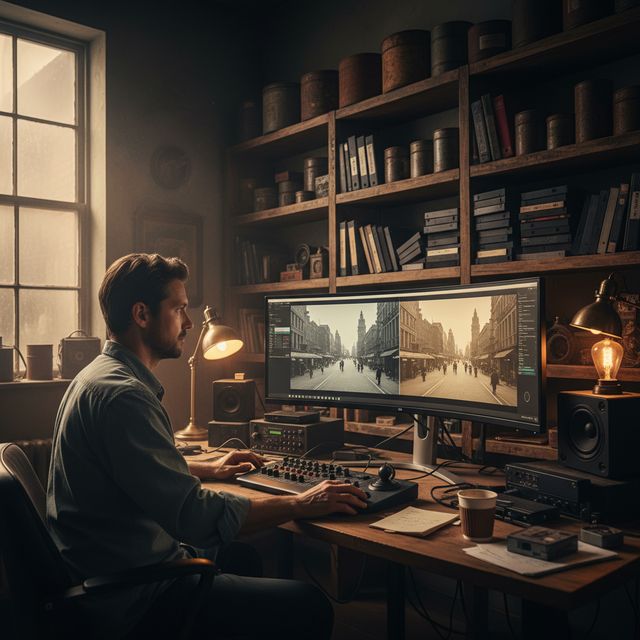
Filmrestauratie
Herstel VHS, Hi8 en oude homevideo's
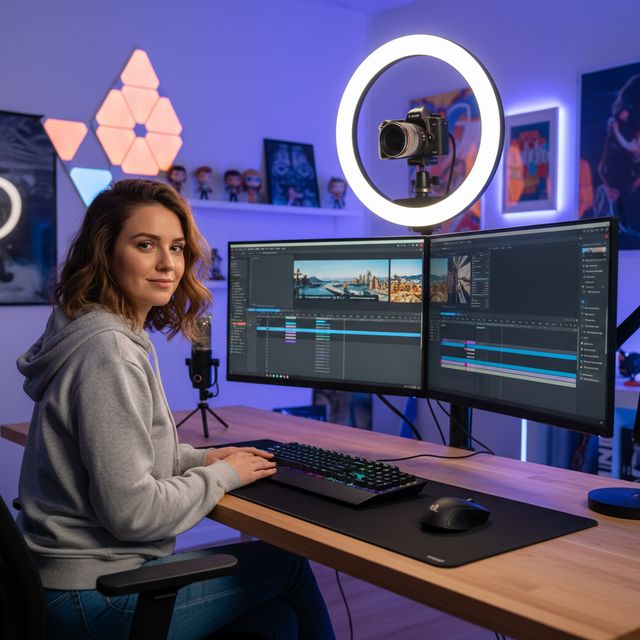
Contentmakers
Upscale en verbeter YouTube & sociale media
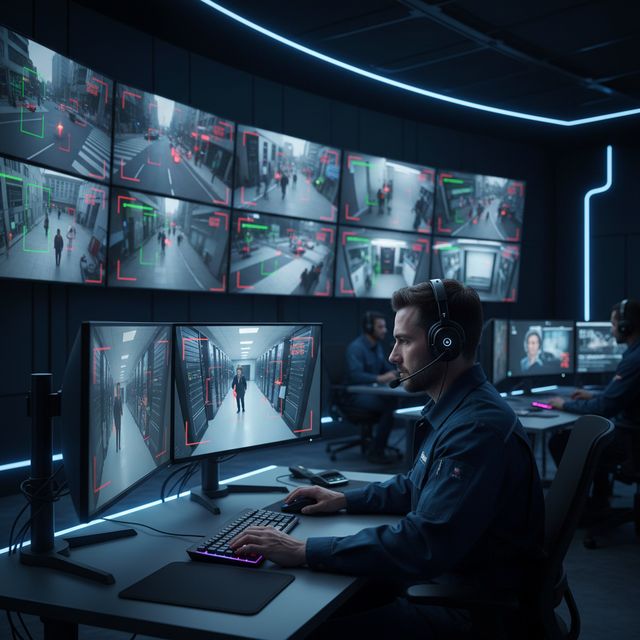
Beveiliging & Toezicht
Verbeter camerabeelden met lage resolutie
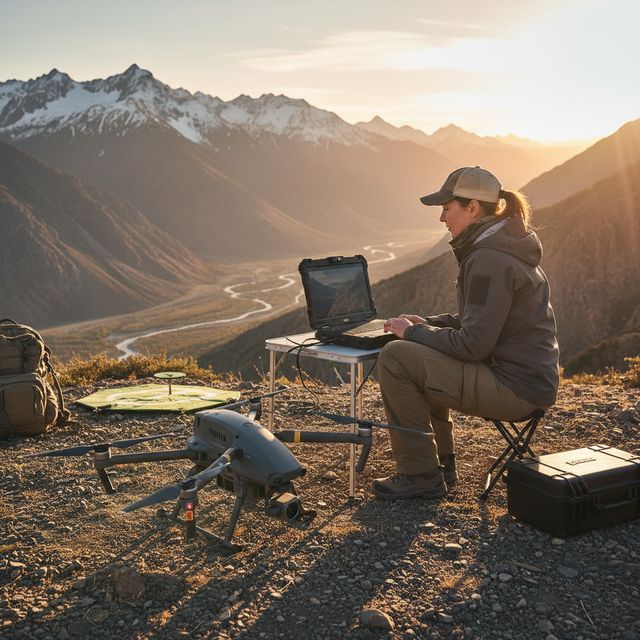
Drone & Actiecamera
Stabiliseer en upscale luchtbeelden
Gratis proefversie Geen account nodig Windows 10/11
Veelgestelde vragen
NVIDIA RTX VSR voor upscaling en RIFE voor frame-interpolatie. De rest zijn FFmpeg-filters: hqdn3d of nlmeans voor ruisonderdrukking, vidstab in twee stappen voor stabilisatie, yadif of bwdif voor deinterlacing, unsharp mask of CAS voor verscherping. Alles draait lokaal op je machine.
Ja. Schaal 2x, 3x of 4x op met NVIDIA RTX Video Super Resolution: 720p naar 4K (3x), 1080p naar 4K (2x) en 4K naar 8K (2x) op een kaart met genoeg videogeheugen. Eén engine, dus geen model om te kiezen.
AI-upscaling gebruikt NVIDIA RTX Video Super Resolution en vereist daarom een NVIDIA RTX GPU (20-serie of nieuwer) met een actuele driver - er is geen CPU-, AMD- of Intel-terugval voor upscaling. Alle andere verbeteringen (ruisonderdrukking, verscherping, stabilisatie, deinterlacing) en hardware-encoding werken op elke moderne Windows-pc.
Op je eigen pc, door de processor en de videokaart. Upscaling draait op je NVIDIA RTX-kaart met RTX Video Super Resolution. De software stuurt anonieme installatie-, crash- en gebruiksstatistieken en licentiecontroles, zoals beschreven in het privacybeleid.
© 2026 ContentaSoft AB. Alle rechten voorbehouden.
Gratis proefversie: je eerste 5 bestanden binnen 30 dagen op volledige resolutie zonder watermerk. Daarna krijgt de uitvoer een watermerk en maximaal 720p tot je een licentiesleutel invoert.
Systeemvereisten
- Windows 10/11 (64-bit)
- AI-upscaling: NVIDIA RTX GPU (20-serie of nieuwer) vereist. Andere filters werken op elke moderne pc.
- Minimaal 8 GB RAM (16 GB aanbevolen voor 4K)
- 2 GB vrije schijfruimte + ruimte voor video-uitvoer
Blokkeert antivirus of firewall de download? Download het volledige offline installatieprogramma
Uitgegeven door ContentaSoft, Umea, Zweden — ontwikkelaar van AI Video Enhancer Studio.
AI Video Enhancer Studio is een desktoptoepassing voor Windows die video opschaalt met NVIDIA RTX Video Super Resolution, frames interpoleert met RIFE en ruis verwijdert, stabiliseert en deinterlacet met FFmpeg-filters. Encoding is GPU-versneld.
Deze software bevat geen adware, spyware, werkbalken of gebundelde programma's van derden. Het installatieprogramma installeert uitsluitend AI Video Enhancer Studio.
Video's worden op je eigen pc verwerkt, door de processor en de videokaart. De software stuurt anonieme installatie-, crash- en gebruiksstatistieken en licentiecontroles, zoals beschreven in het privacybeleid.
Gratis proefversie: je eerste 5 bestanden binnen 30 dagen op volledige resolutie zonder watermerk. Daarna krijgt de uitvoer een watermerk en maximaal 720p tot je een licentiesleutel invoert. Levenslange licentie: $129 (eenmalige betaling, geen abonnement).
Hoe te verwijderen
Open Windows Settings > Apps > Installed apps, zoek "AI Video Enhancer Studio" in de lijst en klik op Verwijderen. U kunt ook het verwijderprogramma uitvoeren vanuit de installatiemap of Control Panel > Programs and Features gebruiken.
Downloadgrootte: ~2 MB (web-installer). Extra componenten inclusief AI-modellen worden tijdens de installatie gedownload.
Meer van ContentaSoft
Contenta Converter PREMIUM
Duizenden foto's converteren, schalen, hernoemen en verbeteren. AI-achtergrondverwijdering, effecten en upscaling. Eenmalige aankoop.
VideoRecompress Studio
Comprimeer video's met H.265, AV1, VP9. Hardwareversnelde batchverwerking. Bestandsgrootte tot 90% verkleinen zonder zichtbaar kwaliteitsverlies.
3D CAD Converter
CAD-bestanden converteren tussen STEP, IGES, STL, OBJ, glTF, 3MF en meer. Eenmalige aankoop, geen abonnement.