
対応動画フォーマット
AI搭載の映像強化
NVIDIA RTX VSR アップスケーリング、RIFE フレーム補間、その他は FFmpeg フィルター。すべてあなたのPCでローカルに実行されます。
AIアップスケーリング(2x-4x)
NVIDIA RTX VSRを使用して720pを4K、または1080pを8Kにアップスケールします。シャープさ、ディテール、自然な動きを保ちます。
ノイズ除去
古いホームビデオ、監視映像、高ISOクリップから粒子、ノイズ、圧縮アーティファクトを除去します。
フレーム補間
RIFE が新しい中間フレームを生成して 30fps または 60fps に到達。24fps や 30fps の映像が、フレームブレンドのようなゴーストなしで 60fps でなめらかに再生されます。
動画安定化
手持ち映像、アクションカメラ、ドローンからカメラの揺れを除去します。動く端を隠すため、画面はわずかにズームします。
バッチ処理
一度に数百の動画を強化します。複数の強化を1つのパイプラインに連結します。
GPU加速
AIアップスケーリングは NVIDIA RTX Video Super Resolution で動作します(RTX GPU が必要)。NVENC、AMF、QSV のハードウェアエンコードがあらゆるシステムで高速な出力を維持します。
エンハンスだけじゃない:リミックスとフレーム抽出
すべてのコピー(無料試用版を含む)に付属する2つの制作ツールが、手元の映像を実際に使えるコンテンツに変えます。
ハイライトリール・リミックス
2時間のゲームプレイ、式典の全記録、試合まるごと — 共有する価値のある瞬間は合計30秒ほど。リミックスは4つのガイド付きステップでそこへ導きます:分析する範囲をトリムし、提案されたクリップを確認し、プレビューして、きれいなMP4を書き出すだけ。

- シーン検出とオーディオ検出が見どころを発見 — すべてのシーン切り替えとオーディオの盛り上がり(ゴール、歓声、爆発)をスコア化し、最も強い瞬間をクリップとして提案 — カメラ固定の映像でも有効です。
- 主導権はあなたに — ライブのフレームサムネイルでクリップの追加・削除・調整が可能。目標の長さを選べば、最後は急なカットではなく静止したショットで締めくくられます。
- ShortsやReelsのために — ワンクリックで縦型9:16や正方形1:1で書き出し、自動ダッキング付きのBGMを追加し、そのままリールをAIエンハンサーへ送れます。
- プライベートかつスクリプト対応 — すべてPC上で実行され、何もアップロードされません。同じエンジンはCLI(
remix suggest/remix render)でも使え、バッチ処理に最適です。
フレーム抽出
YouTube用のサムネイル、クライアント向けのストーリーボード、カメラでは撮れなかった瞬間の静止画 — フレーム抽出は、動画から狙いどおりの位置で鮮明なPNG画像を取り出します。

- スマートなサンプリングプリセット — ストーリーボード(等間隔)、サムネイル(5つのキーポイント)、ソーシャル(終盤に追加フレーム)、シーン(検出したシーン切り替えごとに1枚)、またはカスタムの枚数・間隔・タイムスタンプ指定。
- フォルダーごと一括処理 — 数百本の動画をキューに追加。動画ごとに連番静止画の専用サブフォルダーが作られ — PNG・JPG・WebPを品質設定付きで — 1本あたり最大1,000フレームまで抽出できます。
- AIアップスケールした静止画 — 抽出した各フレームをNVIDIA Video Super Resolution(2x–4x)でオプション強化。低解像度ソースには自動2xも。
- 常に鮮明なフレームを — オプションのシャープネス選択が近くの5フレームを比較して最も鮮明な1枚を残します。同じエンジンがアプリと
aivideoenhancer extract-framesの両方を支え、自動化にも対応します。
使い方
動画を追加
動画ファイルまたはフォルダー全体をドロップします。MP4、MKV、AVI、MOV、WebM、その他20以上のフォーマットを読み取ります。
強化を選択
アップスケーリング、ノイズ除去、フレーム補間、安定化を選択するか、それらをパイプラインで組み合わせます。
Enhance
スタートを押します。GPU加速されたAIがハードウェアエンコーディングであなたの動画をローカルに処理します。
ご利用シーン
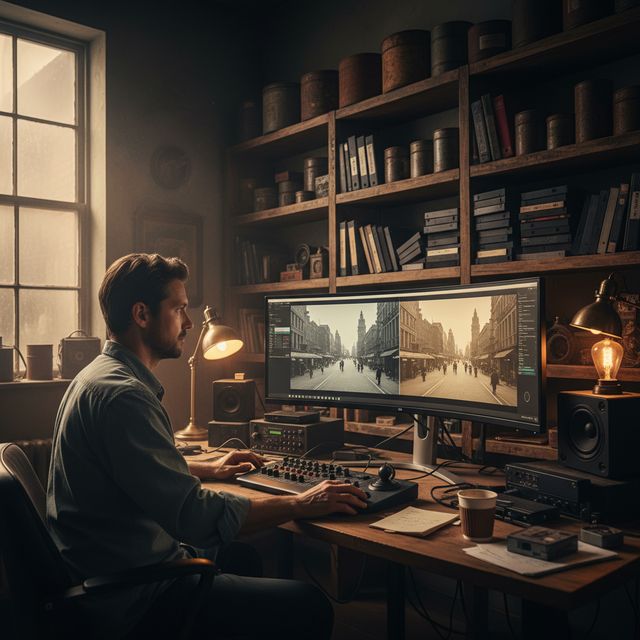
フィルム修復
VHS、Hi8、古いホームビデオを復元
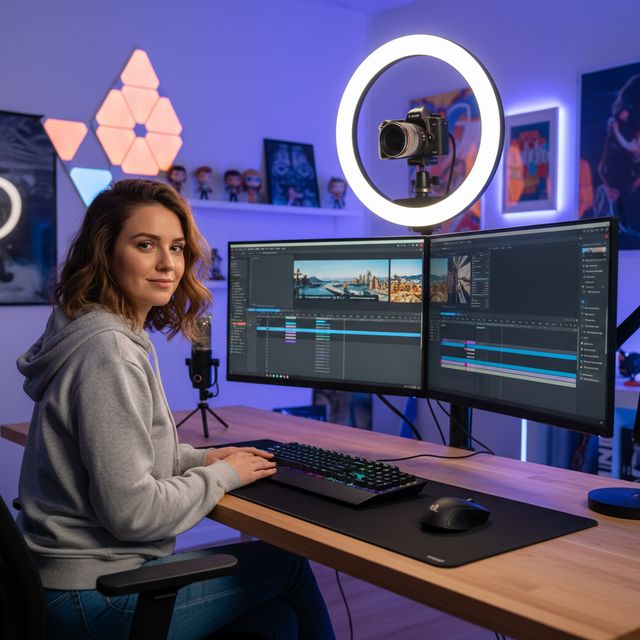
コンテンツクリエイター
YouTubeやソーシャルメディアのアップスケールと強化
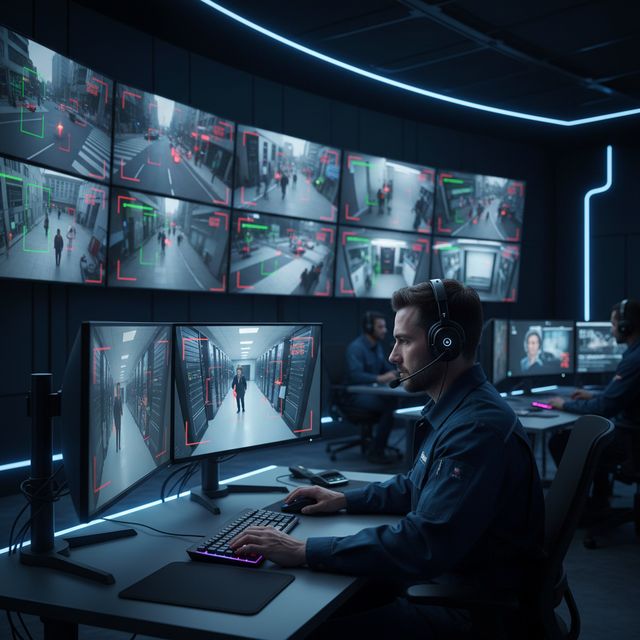
セキュリティと監視
低解像度のカメラ映像を強化
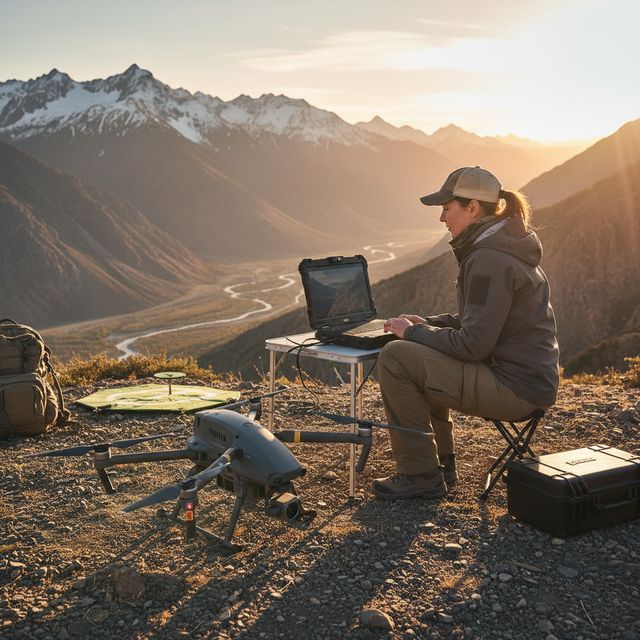
ドローンとアクションカメラ
空撮映像を安定化しアップスケール
無料体験版 アカウント不要 Windows 10/11
よくある質問
アップスケーリングには NVIDIA RTX VSR、フレーム補間には RIFE を使用します。それ以外はすべて FFmpeg フィルターです:ノイズ除去は hqdn3d または nlmeans、手ブレ補正は 2 パスの vidstab、デインターレースは yadif または bwdif、シャープ化は unsharp mask または CAS。すべてお使いのマシン上でローカルに実行されます。
はい。NVIDIA RTX Video Super Resolution で 2 倍・3 倍・4 倍にアップスケールできます:720p を 4K(3 倍)に、1080p を 4K(2 倍)に、ビデオメモリが十分なカードなら 4K を 8K(2 倍)に。エンジンは 1 つなので、モデルを選ぶ必要はありません。
AIアップスケーリングは NVIDIA RTX Video Super Resolution を使用するため、最新ドライバーを備えた NVIDIA RTX GPU(20シリーズ以降)が必要です。アップスケーリングには CPU、AMD、Intel のフォールバックはありません。その他のすべての強調処理(ノイズ除去、シャープ化、手ぶれ補正、インターレース解除)とハードウェアエンコードは、最新の Windows PC で動作します。
お使いの PC のプロセッサーとグラフィックカードで処理されます。アップスケーリングは RTX Video Super Resolution により NVIDIA RTX カード上で実行されます。本ソフトウェアは、プライバシーポリシーに記載のとおり、匿名のインストール・クラッシュ・利用統計とライセンス確認を送信します。
© 2026 ContentaSoft AB. 全著作権所有。
無料体験版:30 日以内の最初の 5 ファイルはフル解像度・透かしなし。その後はライセンスキーを入力するまで、出力に透かしが入り 720p に制限されます。
システム要件
- Windows 10/11 (64ビット)
- AIアップスケーリング:NVIDIA RTX GPU(20シリーズ以降)が必要。その他のフィルターは最新の PC で動作します。
- 最低8 GB RAM(4Kの場合は16 GB推奨)
- 2 GBの空きディスクスペース + 動画出力用のスペース
ウイルス対策ソフトやファイアウォールがダウンロードをブロックしていますか? 完全オフラインインストーラーを入手
ContentaSoft(スウェーデン、ウメオ)が開発・公開 — AI Video Enhancer Studio の開発元。
AI Video Enhancer Studio は、NVIDIA RTX Video Super Resolution で動画をアップスケールし、RIFE でフレームを補間し、FFmpeg フィルターでノイズ除去・手ぶれ補正・インターレース解除を行う Windows 用デスクトップアプリケーションです。エンコードは GPU アクセラレーションに対応しています。
本ソフトウェアにはアドウェア、スパイウェア、ツールバー、サードパーティ製プログラムは一切含まれていません。インストーラーは AI Video Enhancer Studio のみをインストールします。
動画はお使いの PC のプロセッサーとグラフィックカードで処理されます。本ソフトウェアは、プライバシーポリシーに記載のとおり、匿名のインストール・クラッシュ・利用統計とライセンス確認を送信します。
無料体験版:30 日以内の最初の 5 ファイルはフル解像度・透かしなし。その後はライセンスキーを入力するまで、出力に透かしが入り 720p に制限されます。永久ライセンス:$129(一回払い、サブスクリプションなし)。
アンインストール方法
Windows Settings > Apps > Installed apps を開き、リストから "AI Video Enhancer Studio" を見つけてアンインストールをクリックします。インストールフォルダーからアンインストーラーを実行するか、Control Panel > Programs and Features を使用することもできます。
ダウンロードサイズ:約 2 MB(Web インストーラー)。AI モデルを含む追加コンポーネントはインストール中にダウンロードされます。