Descarregue o AI Video Enhancer Studio
Teste grátis: seus 5 primeiros arquivos em 30 dias em resolução total, sem marca d'água. Sem conta necessária.
Teste grátis Sem conta necessária Windows 10/11 Perdeu a chave?

Formatos de vídeo suportados
Melhoria com IA
Upscaling NVIDIA RTX VSR, interpolação de quadros RIFE e filtros FFmpeg para o resto, tudo localmente no seu PC.
Aumento de Resolução por IA (2x-4x)
Aumente 720p para 4K ou 1080p para 8K com NVIDIA RTX VSR. Preserva nitidez, detalhe e movimento natural.
Redução de ruído
Remova grão, ruído e artefatos de compressão de vídeos caseiros antigos, filmagens de vigilância e clipes de alto ISO.
Interpolação de Frames
O RIFE gera novos quadros intermediários para chegar a 30 ou 60 fps, então o material em 24 ou 30 fps roda fluido a 60 fps, sem o ghosting da mesclagem de quadros.
Estabilização de Vídeo
Remova tremores de câmera de filmagens na mão, câmeras de ação e drones. A imagem aproxima levemente para esconder as bordas em movimento.
Processamento em Lote
Melhore centenas de vídeos num único lote. Encadeie várias melhorias num só pipeline.
Aceleração por GPU
O upscaling com IA funciona com NVIDIA RTX Video Super Resolution (GPU RTX necessaria). A codificacao por hardware NVENC, AMF e QSV mantem a saida rapida em qualquer sistema.
Mais do que um melhorador: Remix e Extrair quadros
Duas ferramentas de produção incluídas em cada cópia — também na versão de avaliação gratuita — que transformam as filmagens que você já tem em conteúdo aproveitável.
Remix de melhores momentos
Sessões de jogo de duas horas, cerimónias completas, partidas inteiras — os momentos que valem a pena partilhar somam trinta segundos. O Remix leva você até lá em quatro passos guiados: recorte a parte a analisar, reveja os clipes sugeridos, pré-visualize o resultado e exporte um MP4 limpo.

- A deteção de cenas e de áudio encontra os momentos — cada mudança de cena e cada pico de áudio (um golo, um aplauso, uma explosão) recebe uma pontuação, e os picos mais fortes tornam-se clipes sugeridos — mesmo com câmara fixa.
- Você mantém o controlo — adicione, remova e reajuste qualquer clipe com miniaturas de quadros ao vivo; escolha a duração alvo e o vídeo termina num plano segurado, não num corte seco.
- Feito para Shorts e Reels — exporte em vertical 9:16 ou quadrado 1:1 com um clique, adicione música de fundo com atenuação automática e envie o vídeo diretamente para o melhorador de IA.
- Privado e automatizável — tudo corre no seu PC, nada é enviado, e o mesmo motor está na CLI (
remix suggest/remix render) para trabalhos em lote.
Extrair quadros
Miniaturas para o YouTube, um storyboard para um cliente, a imagem do momento exato que nenhuma câmara fotografou — Extrair quadros retira imagens PNG nítidas dos seus vídeos, exatamente onde você quiser.

- Presets de amostragem inteligentes — Storyboard (espaçamento uniforme), Miniaturas (cinco pontos-chave), Social (quadros extra perto do final), Cenas (um quadro por mudança de cena detetada), ou contagens, intervalos e marcas de tempo personalizados.
- Pastas inteiras de uma vez — coloque centenas de vídeos na fila; cada um recebe a sua própria subpasta de imagens numeradas — PNG, JPG ou WebP com ajuste de qualidade — até 1.000 quadros por vídeo.
- Imagens ampliadas por IA — melhore opcionalmente cada quadro extraído com NVIDIA Video Super Resolution (2x–4x), com 2x automático para fontes de baixa resolução.
- Sempre o quadro nítido — a seleção por nitidez opcional compara cinco quadros próximos e mantém o mais nítido; o mesmo motor alimenta a aplicação e
aivideoenhancer extract-framespara automação.
Como funciona
Adicionar Vídeos
Arraste arquivos de vídeo ou pastas inteiras. Lê MP4, MKV, AVI, MOV, WebM e mais de 20 formatos.
Escolher Melhoria
Selecione aumento de resolução, redução de ruído, interpolação de frames, estabilização ou combine-os em um fluxo.
Enhance
Clique em Iniciar. A IA acelerada por GPU processa os seus vídeos localmente com codificação de hardware.
Quem usa isto
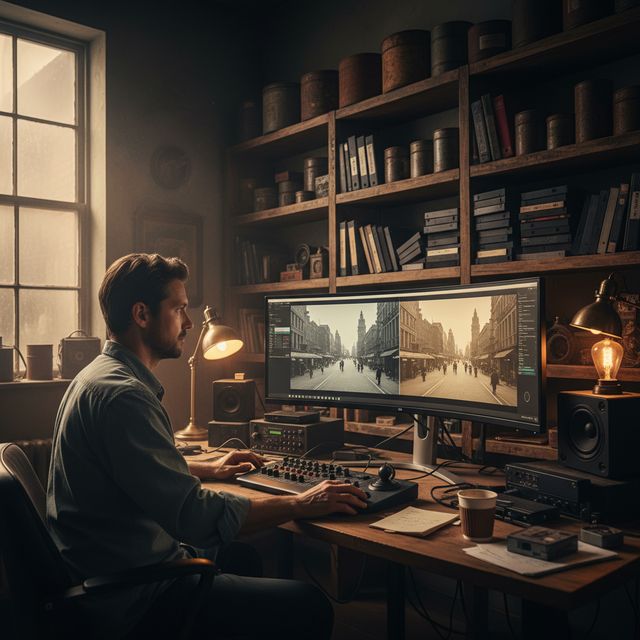
Restauração de Filmes
Restaure VHS, Hi8 e vídeos caseiros antigos
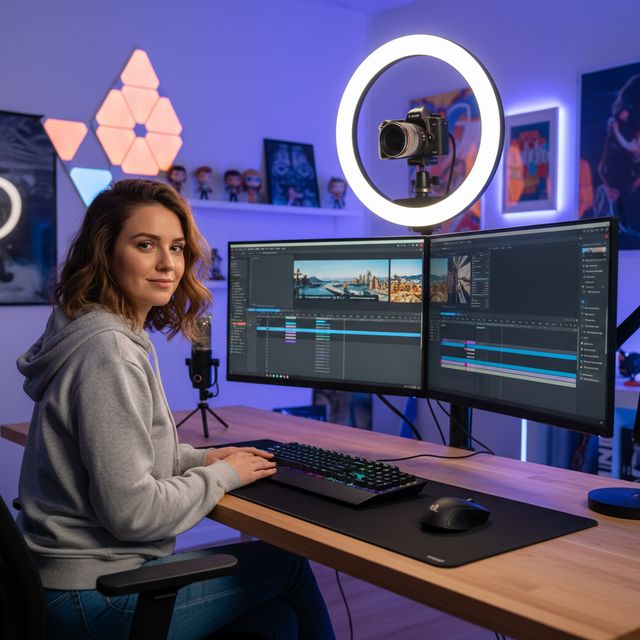
Criadores de Conteúdo
Aumente a resolução e melhore YouTube e redes sociais
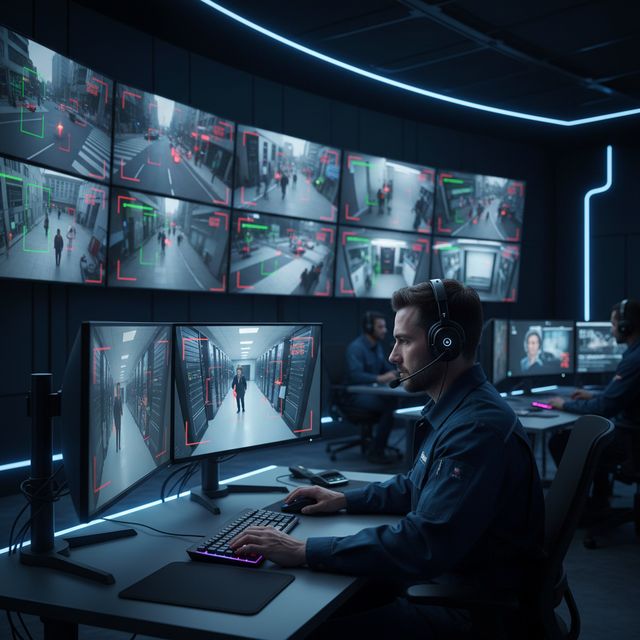
Segurança & Vigilância
Melhore gravações de câmaras de baixa resolução
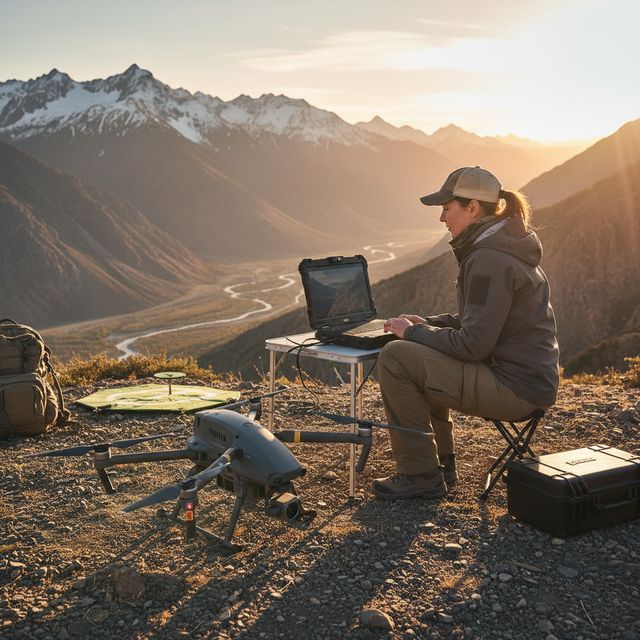
Drone & Câmera de Ação
Estabilize e aumente a qualidade de gravações aéreas
Teste grátis Sem conta necessária Windows 10/11
Perguntas frequentes
NVIDIA RTX VSR para upscaling e RIFE para interpolação de quadros. Tudo o resto são filtros FFmpeg: redução de ruído hqdn3d ou nlmeans, estabilização vidstab em duas passagens, desentrelaçamento yadif ou bwdif, nitidez unsharp mask ou CAS. Tudo corre localmente na sua máquina.
Sim. Faça upscaling 2x, 3x ou 4x com NVIDIA RTX Video Super Resolution: 720p para 4K (3x), 1080p para 4K (2x) e 4K para 8K (2x) numa placa com memória de vídeo suficiente. Um único mecanismo, então não há modelo para escolher.
O upscaling com IA usa NVIDIA RTX Video Super Resolution, por isso requer uma GPU NVIDIA RTX (serie 20 ou mais recente) com driver atualizado - nao ha alternativa de CPU, AMD ou Intel para o upscaling. Todas as outras melhorias (reducao de ruido, nitidez, estabilizacao, desentrelacamento) e a codificacao por hardware funcionam em qualquer PC com Windows moderno.
No seu próprio PC, pelo processador e pela placa de vídeo. O upscaling roda na sua placa NVIDIA RTX com RTX Video Super Resolution. O software envia estatísticas anônimas de instalação, falhas e uso e verificações de licença, conforme descrito na Política de Privacidade.
© 2026 ContentaSoft AB. Todos os direitos reservados.
Teste grátis: seus 5 primeiros arquivos em 30 dias em resolução total, sem marca d'água. Depois, a saída leva marca d'água e fica limitada a 720p até você inserir uma chave de licença.
Requisitos do sistema
- Windows 10/11 (64-bit)
- Upscaling com IA: GPU NVIDIA RTX (serie 20 ou mais recente) necessaria. Os outros filtros funcionam em qualquer PC moderno.
- 8 GB de RAM mínimo (16 GB recomendado para 4K)
- 2 GB de espaço livre no disco + espaço para a saída de vídeo
Antivírus ou firewall bloqueando o download? Baixar o instalador offline completo
Publicado por ContentaSoft, Umea, Suécia — desenvolvedor do AI Video Enhancer Studio.
AI Video Enhancer Studio é uma aplicação de desktop para Windows que amplia vídeo com NVIDIA RTX Video Super Resolution, interpola quadros com RIFE e reduz ruído, estabiliza e desentrelaça com filtros FFmpeg. A codificação é acelerada por GPU.
Este software não contém adware, spyware, barras de ferramentas ou programas de terceiros incluídos. O instalador instala apenas o AI Video Enhancer Studio.
Os vídeos são processados no seu próprio PC, pelo processador e pela placa de vídeo. O software envia estatísticas anônimas de instalação, falhas e uso e verificações de licença, conforme descrito na Política de Privacidade.
Teste grátis: seus 5 primeiros arquivos em 30 dias em resolução total, sem marca d'água. Depois, a saída leva marca d'água e fica limitada a 720p até você inserir uma chave de licença. Licença vitalícia: $129 (pagamento único, sem assinatura).
Como desinstalar
Abra Windows Settings > Apps > Installed apps, encontre "AI Video Enhancer Studio" na lista e clique em Desinstalar. Também pode executar o desinstalador a partir da pasta de instalação ou usar Control Panel > Programs and Features.
Tamanho do download: ~2 MB (instalador web). Componentes adicionais incluindo modelos AI são descarregados durante a instalação.
Mais produtos da ContentaSoft
Contenta Converter PREMIUM
Converta, redimensione, renomeie e melhore milhares de fotos. Remoção de fundo IA, efeitos e upscaling. Compra única.
VideoRecompress Studio
Comprima vídeos com H.265, AV1, VP9. Processamento em lote com aceleração de hardware. Reduza o tamanho em até 90% sem perda visível.
3D CAD Converter
Converta arquivos CAD entre STEP, IGES, STL, OBJ, glTF, 3MF e mais. Compra única, sem assinatura.