Scarica AI Video Enhancer Studio
Prova gratuita: i tuoi primi 5 file entro 30 giorni a piena risoluzione, senza filigrana. Nessun account richiesto.
Prova gratuita Nessun account necessario Windows 10/11 Chiave persa?

Formati video supportati
Miglioramento con IA
Upscaling NVIDIA RTX VSR, interpolazione dei fotogrammi RIFE e filtri FFmpeg per il resto, tutto in locale sul tuo PC.
Upscaling AI (2x-4x)
Aumenta la risoluzione da 720p a 4K o da 1080p a 8K con NVIDIA RTX VSR. Preserva nitidezza, dettagli e movimento naturale.
Riduzione del rumore
Rimuovi grana, rumore e artefatti di compressione da vecchi video domestici, riprese di sorveglianza e clip ad alta ISO.
Interpolazione dei Fotogrammi
RIFE genera nuovi fotogrammi intermedi per arrivare a 30 o 60 fps, così il materiale a 24 o 30 fps scorre fluido a 60 fps, senza il ghosting della fusione dei fotogrammi.
Stabilizzazione Video
Rimuovi il tremolio della fotocamera da riprese a mano, action camera e droni. L'immagine si ingrandisce leggermente per nascondere i bordi in movimento.
Elaborazione Batch
Migliora centinaia di video in un unico batch. Concatena più miglioramenti in una sola pipeline.
Accelerazione GPU
L'upscaling IA si basa su NVIDIA RTX Video Super Resolution (GPU RTX richiesta). La codifica hardware NVENC, AMF e QSV mantiene veloce l'output su qualsiasi sistema.
Più di un enhancer: Remix ed Estrai fotogrammi
Due strumenti di produzione inclusi in ogni copia — anche nella prova gratuita — che trasformano il girato che hai già in contenuti davvero utilizzabili.
Remix dei momenti migliori
Sessioni di gioco di due ore, cerimonie complete, partite intere — i momenti che vale la pena condividere durano trenta secondi. Remix ti ci porta in quattro passaggi guidati: delimita la parte da analizzare, rivedi le clip suggerite, guarda l'anteprima, esporta un MP4 pulito.

- Il rilevamento di scene e audio trova i momenti — ogni cambio di scena e ogni picco audio (un gol, un applauso, un'esplosione) riceve un punteggio, e i picchi più forti diventano clip suggerite — anche con camera fissa.
- Il controllo resta a te — aggiungi, rimuovi e ricalibra ogni clip con miniature dei fotogrammi in tempo reale; scegli la durata target e il video termina su un'inquadratura tenuta, non su un taglio netto.
- Fatto per Shorts e Reels — esporta in verticale 9:16 o quadrato 1:1 con un clic, aggiungi musica di sottofondo con ducking automatico, poi manda il video direttamente nell'enhancer IA.
- Privato e automatizzabile — tutto gira sul tuo PC, nulla viene caricato online, e lo stesso motore è nella CLI (
remix suggest/remix render) per i lavori batch.
Estrai fotogrammi
Miniature per YouTube, uno storyboard per un cliente, il fermo immagine del momento esatto che nessuna fotocamera ha scattato — Estrai fotogrammi ricava immagini PNG nitidissime dai tuoi video, esattamente dove vuoi tu.

- Preset di campionamento intelligenti — Storyboard (spaziatura uniforme), Miniature (cinque punti chiave), Social (fotogrammi extra verso la fine), Scene (un fotogramma per ogni cambio di scena rilevato), oppure conteggi, intervalli e timestamp personalizzati.
- Cartelle intere in una volta — metti in coda centinaia di video; ognuno riceve la propria sottocartella di immagini numerate — PNG, JPG o WebP con regolazione della qualità — fino a 1.000 fotogrammi per video.
- Fermi immagine con upscaling IA — migliora opzionalmente ogni fotogramma estratto con NVIDIA Video Super Resolution (2x–4x), con 2x automatico per le sorgenti a bassa risoluzione.
- Sempre il fotogramma nitido — la selezione per nitidezza opzionale confronta cinque fotogrammi vicini e tiene il più nitido; lo stesso motore alimenta l'app e
aivideoenhancer extract-framesper l'automazione.
Come funziona
Aggiungi Video
Trascina file video o intere cartelle. Legge MP4, MKV, AVI, MOV, WebM e oltre 20 formati.
Scegli Miglioramento
Seleziona upscaling, denoising, interpolazione dei fotogrammi, stabilizzazione o combinali in un flusso.
Enhance
Clicca su Inizia. L'AI accelerata da GPU elabora i tuoi video localmente con codifica hardware.
Chi lo usa
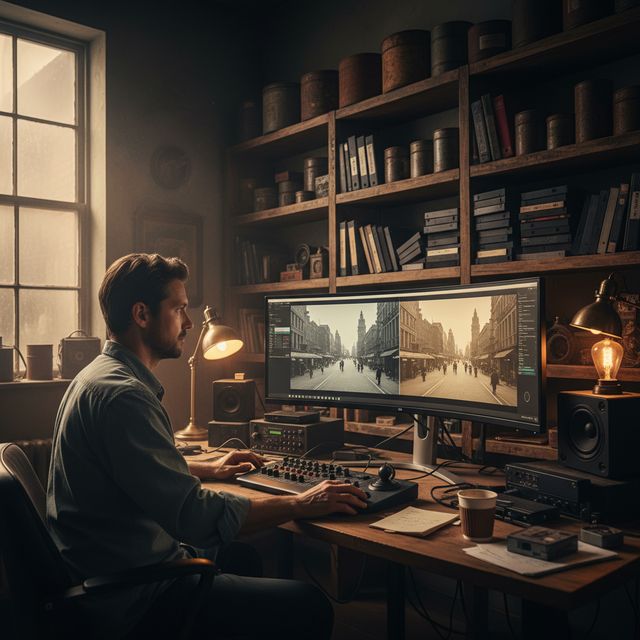
Restauro Film
Ripristina VHS, Hi8 e vecchi video domestici
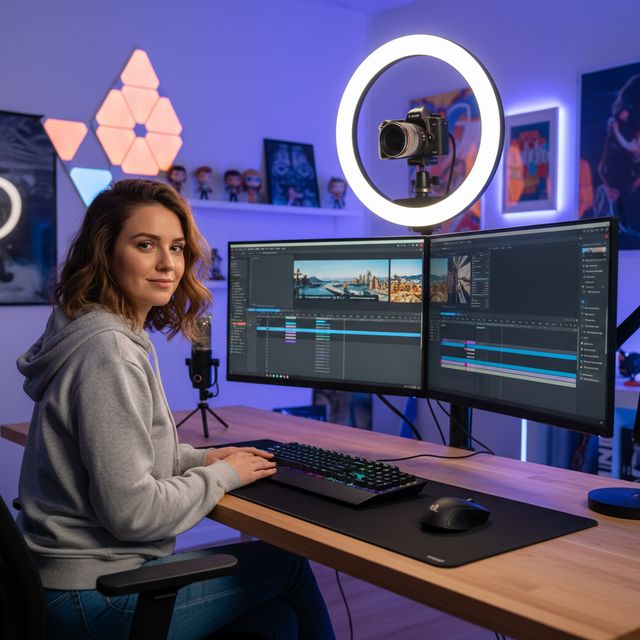
Creatori di Contenuti
Aumenta e migliora YouTube e social media
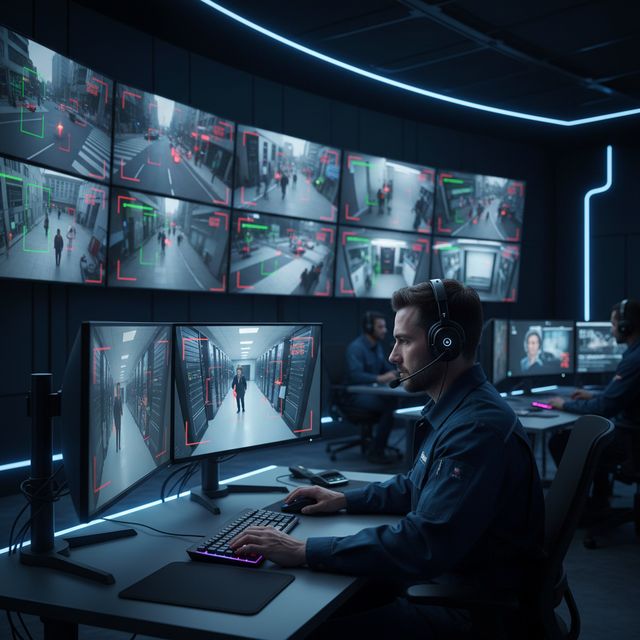
Sicurezza & Sorveglianza
Migliora i filmati di telecamere a bassa risoluzione
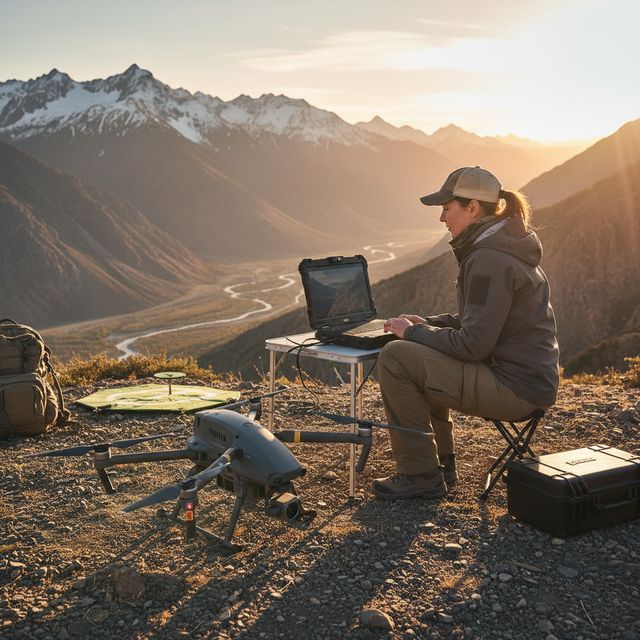
Drone e Action Cam
Stabilizza e migliora i filmati aerei
Prova gratuita Nessun account necessario Windows 10/11
Domande frequenti
NVIDIA RTX VSR per l'upscaling e RIFE per l'interpolazione dei fotogrammi. Tutto il resto sono filtri FFmpeg: riduzione del rumore hqdn3d o nlmeans, stabilizzazione vidstab in due passaggi, deinterlacciamento yadif o bwdif, nitidezza unsharp mask o CAS. Tutto gira in locale sul tuo computer.
Sì. Fai l'upscaling 2x, 3x o 4x con NVIDIA RTX Video Super Resolution: da 720p a 4K (3x), da 1080p a 4K (2x) e da 4K a 8K (2x) su una scheda con abbastanza memoria video. Un solo motore, quindi nessun modello da scegliere.
L'upscaling con IA usa NVIDIA RTX Video Super Resolution, quindi richiede una GPU NVIDIA RTX (serie 20 o piu recente) con driver aggiornato: non esiste alcun ripiego su CPU, AMD o Intel per l'upscaling. Tutti gli altri miglioramenti (riduzione del rumore, nitidezza, stabilizzazione, deinterlacciamento) e la codifica hardware funzionano su qualsiasi PC Windows moderno.
Sul tuo PC, dal suo processore e dalla sua scheda grafica. L'upscaling gira sulla tua scheda NVIDIA RTX con RTX Video Super Resolution. Il software invia statistiche anonime di installazione, crash e utilizzo e verifiche della licenza, come descritto nell'Informativa sulla privacy.
© 2026 ContentaSoft AB. Tutti i diritti riservati.
Prova gratuita: i tuoi primi 5 file entro 30 giorni a piena risoluzione, senza filigrana. Dopo, l'output ha una filigrana ed è limitato a 720p finché non inserisci una chiave di licenza.
Requisiti di sistema
- Windows 10/11 (64-bit)
- Upscaling IA: richiesta GPU NVIDIA RTX (serie 20 o piu recente). Gli altri filtri funzionano su qualsiasi PC moderno.
- 8 GB di RAM minima (16 GB consigliati per 4K)
- 2 GB di spazio libero su disco + spazio per l'output video
Antivirus o firewall bloccano il download? Scarica il programma di installazione offline completo
Pubblicato da ContentaSoft, Umea, Svezia — sviluppatore di AI Video Enhancer Studio.
AI Video Enhancer Studio è un'applicazione desktop per Windows che esegue l'upscaling dei video con NVIDIA RTX Video Super Resolution, interpola i fotogrammi con RIFE e riduce il rumore, stabilizza e deinterlaccia con filtri FFmpeg. La codifica è accelerata da GPU.
Questo software non contiene adware, spyware, barre degli strumenti o programmi di terze parti inclusi. Il programma di installazione installa esclusivamente AI Video Enhancer Studio.
I video vengono elaborati sul tuo PC, dal suo processore e dalla sua scheda grafica. Il software invia statistiche anonime di installazione, crash e utilizzo e verifiche della licenza, come descritto nell'Informativa sulla privacy.
Prova gratuita: i tuoi primi 5 file entro 30 giorni a piena risoluzione, senza filigrana. Dopo, l'output ha una filigrana ed è limitato a 720p finché non inserisci una chiave di licenza. Licenza a vita: $129 (pagamento unico, nessun abbonamento).
Come disinstallare
Aprire Windows Settings > Apps > Installed apps, trovare "AI Video Enhancer Studio" nell'elenco e fare clic su Disinstalla. È inoltre possibile eseguire il programma di disinstallazione dalla cartella di installazione o utilizzare Control Panel > Programs and Features.
Dimensione del download: ~2 MB (installer web). Componenti aggiuntivi inclusi i modelli AI vengono scaricati durante l'installazione.
Altri prodotti ContentaSoft
Contenta Converter PREMIUM
Converti, ridimensiona, rinomina e migliora migliaia di foto. Rimozione sfondo IA, effetti e upscaling. Acquisto una tantum.
VideoRecompress Studio
Comprimi video con H.265, AV1, VP9. Elaborazione batch con accelerazione hardware. Riduci le dimensioni fino al 90% senza perdita visibile.
3D CAD Converter
Converti file CAD tra STEP, IGES, STL, OBJ, glTF, 3MF e altro. Acquisto una tantum, nessun abbonamento.