Ladda ner AI Video Enhancer Studio
Gratis testversion: dina första 5 filer inom 30 dagar i full upplösning, utan vattenstämpel. Inget konto krävs.
Gratis provversion Inget konto behövs Windows 10/11 Tappat nyckeln?

Videoformat som stöds
AI-driven förbättring
NVIDIA RTX VSR-uppskalning, RIFE-bildinterpolering och FFmpeg-filter för resten — allt körs lokalt på din PC.
AI Upskalning (2x-4x)
Upskalera 720p till 4K eller 1080p till 8K med NVIDIA RTX VSR. Bevarar skärpa, detalj och naturlig rörelse.
Brusreducering
Ta bort korn, brus och kompressionsartefakter från gamla hemvideor, övervakningsmaterial och hög-ISO klipp.
Bildinterpolation
RIFE skapar nya mellanbilder för att nå 30 eller 60 fps, så 24- eller 30fps-material spelas upp jämnt i 60 fps, utan ghosting från frame blending.
Videostabilisering
Ta bort kameraskakningar från handhållna videor, actionkameror och drönare. Bilden zoomar in lite för att dölja de rörliga kanterna.
Batchbearbetning
Förbättra hundratals videor i en enda batch. Kedja flera förbättringar i en enda pipeline.
GPU-accelerering
AI-uppskalning kor pa NVIDIA RTX Video Super Resolution (RTX GPU kravs). NVENC-, AMF- och QSV-hardvarukodning haller utmatningen snabb pa alla system.
Mer än en enhancer: Remix och Extrahera bildrutor
Två produktionsverktyg ingår i varje exemplar — även i den kostnadsfria testversionen — och förvandlar material du redan har till innehåll du faktiskt kan använda.
Highlight-reel remix
Två timmar långa spelsessioner, hela ceremonier, hela matcher — ögonblicken som är värda att dela ryms i trettio sekunder. Remix tar dig dit i fyra guidade steg: avgränsa delen som ska analyseras, granska de föreslagna klippen, förhandsgranska resultatet och exportera en ren MP4.

- Scen- och ljuddetektering hittar ögonblicken — varje scenbyte och varje ljudtopp (ett mål, ett jubel, en explosion) poängsätts, och de starkaste ögonblicken blir föreslagna klipp — även i material med fast kamera.
- Du behåller kontrollen — lägg till, ta bort och justera varje klipp med bildminiatyrer i realtid; välj mållängd så slutar filmen på en stilla bild, inte en hård klippning.
- Gjord för Shorts och Reels — exportera vertikalt 9:16 eller kvadratiskt 1:1 med ett klick, lägg till bakgrundsmusik med automatisk ducking och skicka reelen direkt vidare till AI-förbättraren.
- Privat och skriptbart — allt körs på din dator, inget laddas upp, och samma motor finns i CLI:t (
remix suggest/remix render) för batchjobb.
Extrahera bildrutor
Miniatyrer till YouTube, ett storyboard till en kund, stillbilden av ögonblicket som ingen kamera fotograferade — Extrahera bildrutor plockar knivskarpa PNG-bilder ur dina videor, exakt där du vill ha dem.

- Smarta samplingsförval — Storyboard (jämnt fördelade), Miniatyrer (fem nyckelpunkter), Social (extra bildrutor mot slutet), Scener (en bildruta per upptäckt scenbyte), eller egna antal, intervall och exakta tidsstämplar.
- Hela mappar på en gång — köa hundratals videor; varje video får en egen undermapp med numrerade stillbilder — PNG, JPG eller WebP med kvalitetsreglage — upp till 1 000 bildrutor per video.
- AI-uppskalade stillbilder — förbättra valfritt varje extraherad bildruta med NVIDIA Video Super Resolution (2x–4x), med automatisk 2x för källor med låg upplösning.
- Alltid den skarpa bildrutan — det valfria skärpevalet jämför fem närliggande bildrutor och behåller den skarpaste; samma motor driver appen och
aivideoenhancer extract-framesför automatisering.
Så fungerar det
Lägg till Videor
Dra och släpp videofiler eller hela mappar. Läser MP4, MKV, AVI, MOV, WebM och 20+ format.
Välj Förbättring
Välj uppskalning, brusreducering, bildinterpolation, stabilisering eller kombinera dem i en pipeline.
Enhance
Tryck på Start. GPU-accelererad AI bearbetar dina videor lokalt med hårdvaruencoding.
Vem använder detta
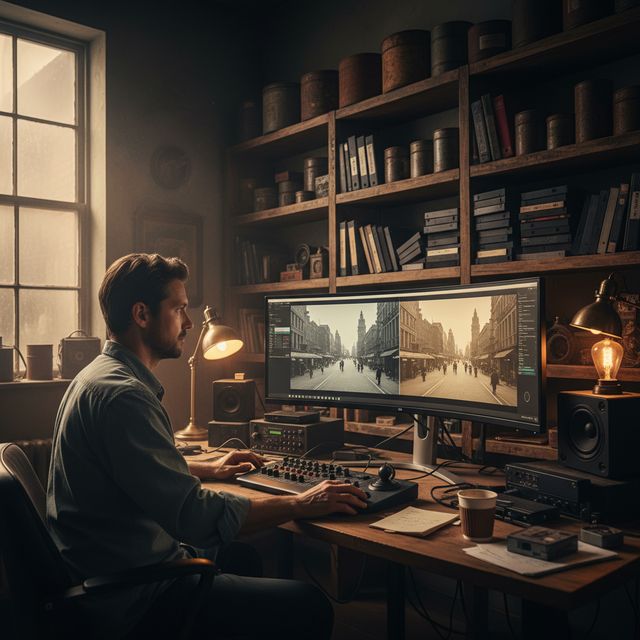
Filmrestaurering
Återställ VHS, Hi8 och gamla hemvideor
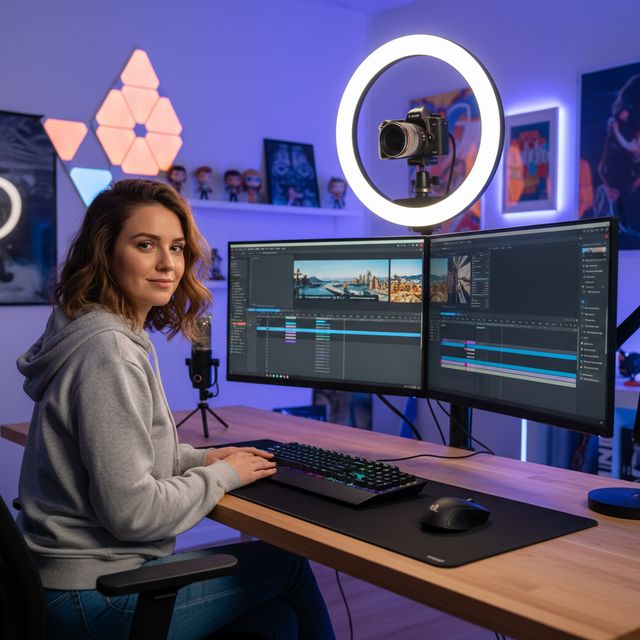
Innehållsskapare
Uppskalning och förbättring av YouTube & sociala medier
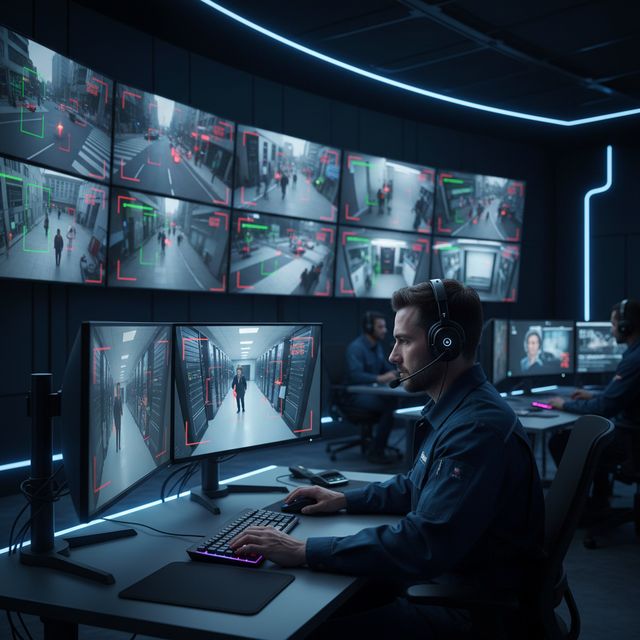
Säkerhet & Övervakning
Förbättra lågupplöst kamerainspelning
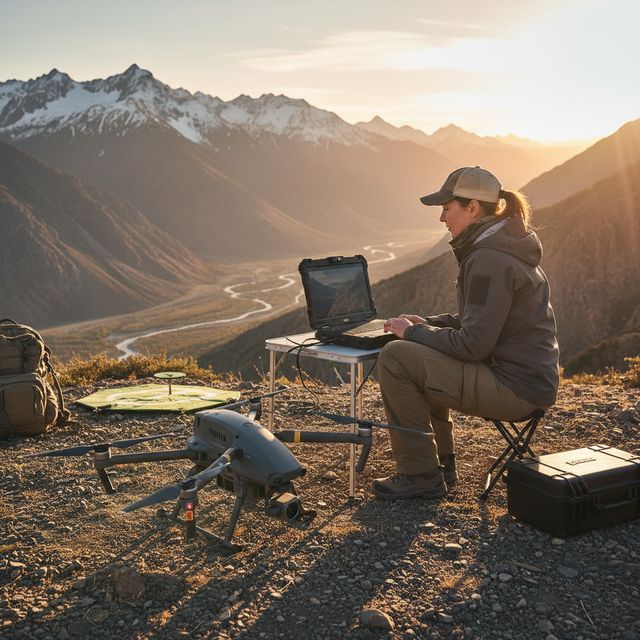
Dron & Actionkamera
Stabilisera och uppskala flygbilder
Gratis provversion Inget konto behövs Windows 10/11
Vanliga frågor
NVIDIA RTX VSR för uppskalning och RIFE för bildinterpolering. Resten är FFmpeg-filter: hqdn3d eller nlmeans för brusreducering, vidstab i två pass för stabilisering, yadif eller bwdif för deinterlacing, unsharp mask eller CAS för skärpning. Allt körs lokalt på din maskin.
Ja. Skala upp 2x, 3x eller 4x med NVIDIA RTX Video Super Resolution: 720p till 4K (3x), 1080p till 4K (2x) och 4K till 8K (2x) på ett kort med tillräckligt videominne. En enda motor, så det finns ingen modell att välja.
AI-uppskalning anvander NVIDIA RTX Video Super Resolution och kraver darfor en NVIDIA RTX GPU (20-serien eller nyare) med en aktuell drivrutin - det finns ingen CPU-, AMD- eller Intel-reserv for uppskalning. Alla andra forbattringar (brusreducering, skarpa, stabilisering, avflatning) och hardvarukodning fungerar pa vilken modern Windows-PC som helst.
På din egen dator, av dess processor och grafikkort. Uppskalningen körs på ditt NVIDIA RTX-kort med RTX Video Super Resolution. Programmet skickar anonym installations-, krasch- och användningsstatistik samt licenskontroller, enligt integritetspolicyn.
© 2026 ContentaSoft AB. Alla rättigheter förbehållna.
Gratis testversion: dina första 5 filer inom 30 dagar i full upplösning utan vattenstämpel. Därefter får utdata vattenstämpel och högst 720p tills du anger en licensnyckel.
Systemkrav
- Windows 10/11 (64-bit)
- AI-uppskalning: NVIDIA RTX GPU (20-serien eller nyare) kravs. Ovriga filter fungerar pa vilken modern PC som helst.
- Minst 8 GB RAM (16 GB rekommenderas för 4K)
- 2 GB ledigt diskutrymme + utrymme för videooutput
Blockerar antivirus eller brandvägg nedladdningen? Hämta det fullständiga offline-installationsprogrammet
Publicerad av ContentaSoft, Umea, Sverige — utvecklare av AI Video Enhancer Studio.
AI Video Enhancer Studio är en skrivbordsapplikation för Windows som skalar upp video med NVIDIA RTX Video Super Resolution, interpolerar bildrutor med RIFE och brusreducerar, stabiliserar och deinterlacar med FFmpeg-filter. Kodningen är GPU-accelererad.
Denna programvara innehåller ingen adware, spyware, verktygsfält eller medföljande tredjepartsprogram. Installationsprogrammet installerar enbart AI Video Enhancer Studio.
Videor bearbetas på din egen dator, av dess processor och grafikkort. Programmet skickar anonym installations-, krasch- och användningsstatistik samt licenskontroller, enligt integritetspolicyn.
Gratis testversion: dina första 5 filer inom 30 dagar i full upplösning utan vattenstämpel. Därefter får utdata vattenstämpel och högst 720p tills du anger en licensnyckel. Livstidslicens: $129 (engångsbetalning, ingen prenumeration).
Så här avinstallerar du
Öppna Windows Settings > Apps > Installed apps, hitta "AI Video Enhancer Studio" i listan och klicka på Avinstallera. Du kan också köra avinstallationsprogrammet från installationsmappen eller använda Control Panel > Programs and Features.
Nedladdningsstorlek: ~2 MB (web-installer). Ytterligare komponenter inklusive AI-modeller laddas ned under installationen.
Mer från ContentaSoft
Contenta Converter PREMIUM
Konvertera, skala, döp om och förbättra tusentals foton. AI-bakgrundsborttagning, effekter och uppskalning. Engångsköp.
VideoRecompress Studio
Komprimera videor med H.265, AV1, VP9. Hårdvaruaccelererad batchbearbetning. Minska filstorleken upp till 90 % utan synlig kvalitetsförlust.
3D CAD Converter
Konvertera CAD-filer mellan STEP, IGES, STL, OBJ, glTF, 3MF och mer. Engångsköp, inget abonnemang.