Download AI Video Enhancer Studio
Gratis prøveversion: dine første 5 filer inden for 30 dage i fuld opløsning, uden vandmærke. Ingen konto nødvendig.
Gratis prøveversion Ingen konto påkrævet Windows 10/11 Mistet din nøgle?

Understøttede videoformater
AI-drevet forbedring
NVIDIA RTX VSR-opskalering, RIFE-billedinterpolation og FFmpeg-filtre til resten — det hele kører lokalt på din pc.
AI Upscaling (2x-4x)
Upscale 720p til 4K eller 1080p til 8K med NVIDIA RTX VSR. Bevarer skarphed, detaljer og naturlig bevægelse.
Støjreduktion
Fjern korn, støj og komprimeringsartefakter fra gamle hjemmevideoer, overvågningsoptagelser og høj-ISO klip.
Billedinterpolation
RIFE laver nye mellembilleder for at nå 30 eller 60 fps, så 24- eller 30fps-optagelser afspilles jævnt i 60 fps, uden ghosting fra frame blending.
Video Stabilisering
Fjern kamerarystelser fra håndholdte optagelser, actionkameraer og droner. Billedet zoomer lidt ind for at skjule de bevægelige kanter.
Batch Behandling
Forbedr hundredvis af videoer i en enkelt batch. Kæd flere forbedringer sammen i én pipeline.
GPU Acceleration
AI-opskalering koerer paa NVIDIA RTX Video Super Resolution (RTX GPU kraeves). NVENC-, AMF- og QSV-hardware-encoding holder outputtet hurtigt paa ethvert system.
Mere end en enhancer: Remix og Udtraek billeder
To produktionsværktøjer med i hver kopi — også i den gratis prøveversion — som forvandler optagelser, du allerede har, til indhold du faktisk kan bruge.
Highlight-reel remix
To timers gaming-sessioner, hele ceremonier, hele kampe — de øjeblikke, der er værd at dele, fylder tilsammen tredive sekunder. Remix får dig derhen i fire guidede trin: afgræns den del, der skal analyseres, gennemgå de foreslåede klip, se resultatet, og eksporter én ren MP4.

- Scene- og lyddetektion finder øjeblikkene — hvert sceneskift og hver lydspids (et mål, et jubelbrøl, en eksplosion) får en score, og de stærkeste øjeblikke bliver til foreslåede klip — selv ved optagelser med fast kamera.
- Du beholder kontrollen — tilføj, fjern og justér ethvert klip med live billedminiaturer; vælg mållængden, og reelen slutter på et fastholdt billede, ikke et hårdt klip.
- Skabt til Shorts og Reels — eksportér lodret 9:16 eller kvadratisk 1:1 med ét klik, tilføj baggrundsmusik med automatisk ducking, og send reelen direkte videre til AI-enhanceren.
- Privat og scriptbar — alt kører på din pc, intet uploades, og samme motor findes i CLI'en (
remix suggest/remix render) til batchjobs.
Udtraek billeder
Thumbnails til YouTube, et storyboard til en kunde, stillbilledet af det øjeblik, intet kamera fotograferede — Udtraek billeder henter knivskarpe PNG-billeder ud af dine videoer, præcis hvor du vil have dem.

- Smarte sampling-presets — Storyboard (jævnt fordelt), Thumbnails (fem nøglepunkter), Social (ekstra billeder mod slutningen), Scener (ét billede pr. registreret sceneskift), eller egne antal, intervaller og præcise tidsstempler.
- Hele mapper på én gang — sæt hundredvis af videoer i kø; hver video får sin egen undermappe med nummererede stillbilleder — PNG, JPG eller WebP med kvalitetsindstilling — op til 1.000 billeder pr. video.
- AI-opskalerede stillbilleder — forbedr valgfrit hvert udtrukket billede med NVIDIA Video Super Resolution (2x–4x), med automatisk 2x til kilder i lav opløsning.
- Altid det skarpe billede — den valgfri skarphedsudvælgelse sammenligner fem nærliggende billeder og beholder det skarpeste; samme motor driver appen og
aivideoenhancer extract-framestil automatisering.
Sådan virker det
Tilføj Videoer
Træk videofiler eller hele mapper. Læser MP4, MKV, AVI, MOV, WebM og 20+ formater.
Vælg Forbedring
Vælg upscaling, støjreduktion, billedinterpolation, stabilisering, eller kombiner dem i en pipeline.
Enhance
Tryk på Start. GPU-accelereret AI behandler dine videoer lokalt med hardwarekodning.
Hvem bruger dette
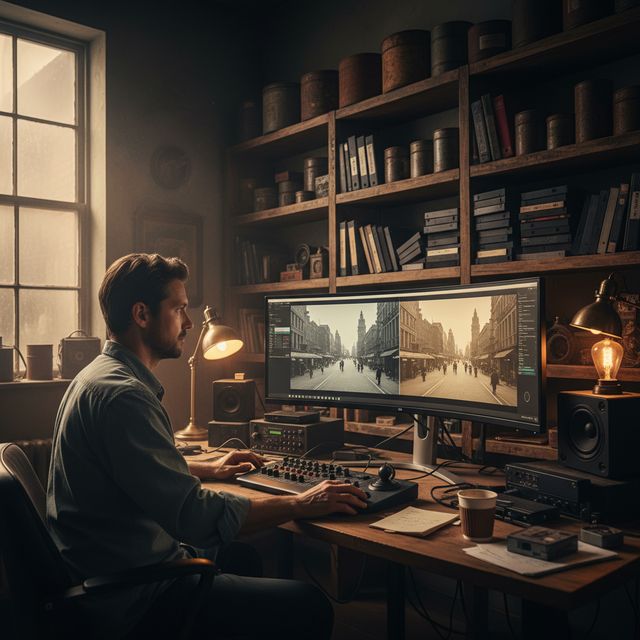
Filmrestaurering
Restaurer VHS, Hi8 og gamle hjemmevideoer
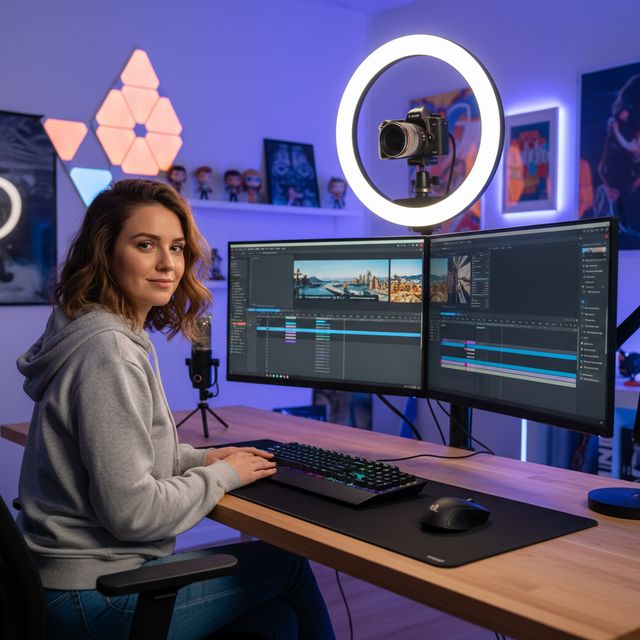
Indholdsskabere
Upscale og forbedre YouTube & sociale medier
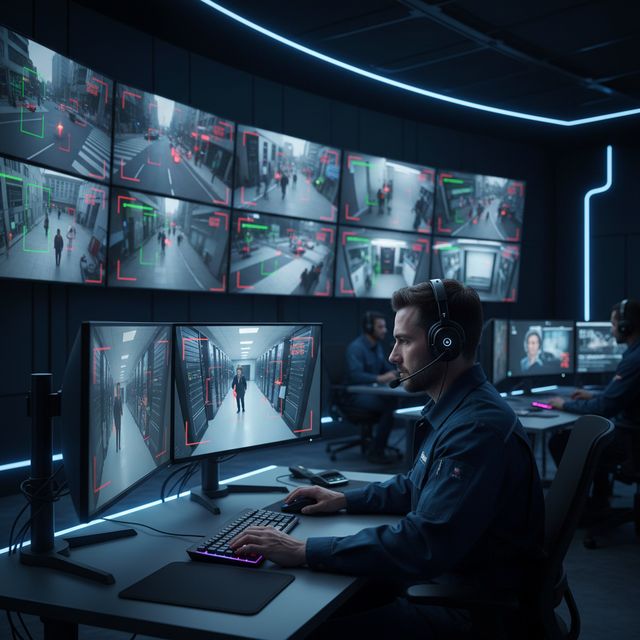
Sikkerhed & Overvågning
Forbedre lavopløsnings kameraoptagelser
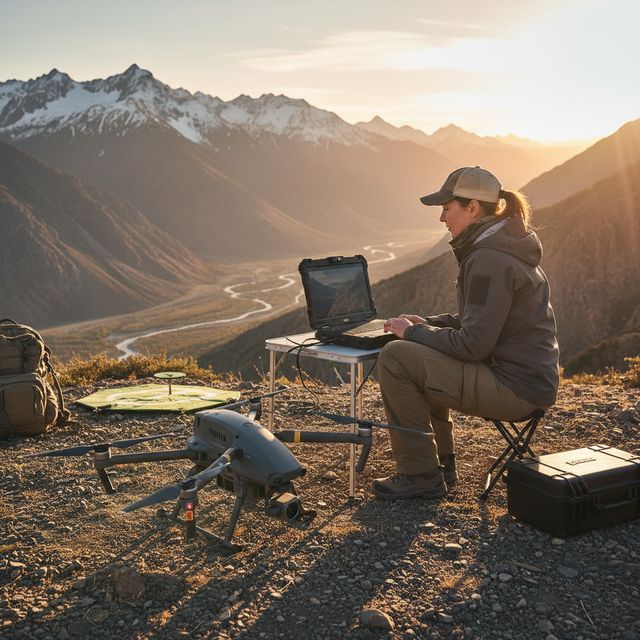
Drone & Action Cam
Stabiliser og upscale luftoptagelser
Gratis prøveversion Ingen konto påkrævet Windows 10/11
Ofte stillede spørgsmål
NVIDIA RTX VSR til opskalering og RIFE til billedinterpolation. Resten er FFmpeg-filtre: hqdn3d eller nlmeans til støjfjernelse, vidstab i to gennemløb til stabilisering, yadif eller bwdif til deinterlacing, unsharp mask eller CAS til skærpning. Det hele kører lokalt på din maskine.
Ja. Opskalér 2x, 3x eller 4x med NVIDIA RTX Video Super Resolution: 720p til 4K (3x), 1080p til 4K (2x) og 4K til 8K (2x) på et kort med nok videohukommelse. Én motor, så der er ingen model at vælge.
AI-opskalering bruger NVIDIA RTX Video Super Resolution og kraever derfor en NVIDIA RTX GPU (20-serien eller nyere) med en opdateret driver - der er ingen CPU-, AMD- eller Intel-reserve til opskalering. Alle andre forbedringer (stoejreduktion, skarphed, stabilisering, deinterlacing) og hardware-encoding koerer paa enhver moderne Windows-pc.
På din egen pc, af dens processor og grafikkort. Opskaleringen kører på dit NVIDIA RTX-kort med RTX Video Super Resolution. Softwaren sender anonyme installations-, nedbruds- og brugsstatistikker samt licenskontroller, som beskrevet i privatlivspolitikken.
© 2026 ContentaSoft AB. Alle rettigheder forbeholdes.
Gratis prøveversion: dine første 5 filer inden for 30 dage i fuld opløsning uden vandmærke. Derefter får output vandmærke og højst 720p, indtil du indtaster en licensnøgle.
Systemkrav
- Windows 10/11 (64-bit)
- AI-opskalering: NVIDIA RTX GPU (20-serien eller nyere) kraeves. Andre filtre koerer paa enhver moderne pc.
- Minimum 8 GB RAM (16 GB anbefales til 4K)
- 2 GB ledig diskplads + plads til videooutput
Blokerer antivirus eller firewall din download? Hent det fulde offline-installationsprogram
Udgivet af ContentaSoft, Umea, Sverige — udvikler af AI Video Enhancer Studio.
AI Video Enhancer Studio er en desktopapplikation til Windows, der opskalerer video med NVIDIA RTX Video Super Resolution, interpolerer billeder med RIFE og fjerner støj, stabiliserer og deinterlacer med FFmpeg-filtre. Kodningen er GPU-accelereret.
Denne software indeholder ingen adware, spyware, værktøjslinjer eller medfølgende tredjepartsprogrammer. Installationsprogrammet installerer udelukkende AI Video Enhancer Studio.
Videoer behandles på din egen pc, af dens processor og grafikkort. Softwaren sender anonyme installations-, nedbruds- og brugsstatistikker samt licenskontroller, som beskrevet i privatlivspolitikken.
Gratis prøveversion: dine første 5 filer inden for 30 dage i fuld opløsning uden vandmærke. Derefter får output vandmærke og højst 720p, indtil du indtaster en licensnøgle. Livstidslicens: $129 (engangsbetaling, intet abonnement).
Sådan afinstallerer du
Åbn Windows Settings > Apps > Installed apps, find "AI Video Enhancer Studio" på listen og klik på Afinstaller. Du kan også køre afinstallationsprogrammet fra installationsmappen eller bruge Control Panel > Programs and Features.
Downloadstørrelse: ~2 MB (web-installer). Yderligere komponenter inklusive AI-modeller downloades under installationen.
Mere fra ContentaSoft
Contenta Converter PREMIUM
Konverter, skalér, omdøb og forbedr tusindvis af fotos. AI-baggrundsfjernelse, effekter og opskalering. Engangskøb.
VideoRecompress Studio
Komprimer videoer med H.265, AV1, VP9. Hardwareaccelereret batchbehandling. Reducer filstørrelsen op til 90% uden synligt kvalitetstab.
3D CAD Converter
Konverter CAD-filer mellem STEP, IGES, STL, OBJ, glTF, 3MF og mere. Engangskøb, intet abonnement.