Scarica VideoRecompress Studio
Comprimi i video senza perdita di qualità visibile. Nel nostro test su 11 clip, H.265 su una GPU NVIDIA ha portato 254,9 MB a 128,4 MB e nessun file è diventato più grande.
30 giorni gratis Nessun account necessario Windows 10/11 Chiave persa?

Codec e Encoder Supportati
Compressione Video Intelligente
Riduci drasticamente le dimensioni dei file mantenendo la qualità visiva. Codifica accelerata da GPU con codec moderni.
Supporto Codec Moderni
Comprimi con H.264, H.265/HEVC, AV1 e VP9. Selezione automatica del codec o pieno controllo manuale su CRF e bitrate.
Accelerazione GPU
Codifica 10 volte più veloce con NVIDIA NVENC, Intel QSV e AMD AMF. Ripristino automatico su CPU se non viene rilevata una GPU compatibile.
Preset Intelligenti
7 preset integrati per flussi di lavoro comuni: archiviazione telefonica, caricamento su YouTube, video di matrimonio, sorveglianza, massimo risparmio e altro.
Elaborazione Batch
Comprimi intere cartelle con lavoratori paralleli. Scansione ricorsiva, cartelle di monitoraggio e organizzazione automatica dell'output.
Verifica della Qualità
Controllo di integrità post-codifica per garantire che ogni file compresso venga riprodotto correttamente. Punteggi di qualità SSIM e VMAF disponibili.
CLI & Automazione
Interfaccia a riga di comando completa per scripting e automazione. Pianifica lavori di compressione o integra nei flussi di lavoro esistenti.
Come funziona
Aggiungi Video
Trascina i file video o scansiona intere cartelle. Supporta MP4, MKV, AVI, MOV, WebM e oltre 20 formati.
Scegli un Preset
Scegli un preset intelligente o configura manualmente codec, qualità e impostazioni di codifica.
Compress
Clicca su Inizia. La codifica accelerata da GPU comprime i tuoi video localmente. Vedi i risparmi di spazio stimati in tempo reale.
Chi lo usa

Archivio Video Familiare
Comprimi i video di famiglia per risparmiare spazio su disco
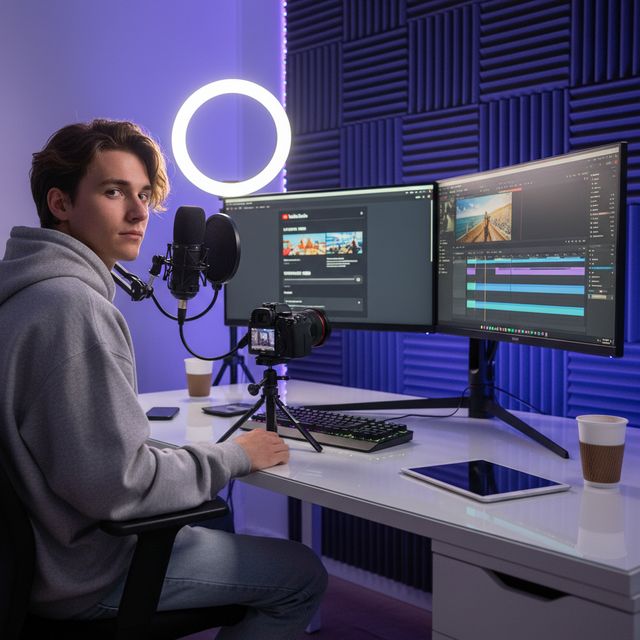
Creatori di Contenuti
Ottimizza i caricamenti per YouTube e i social media

Videografi di Matrimoni
Comprimi ore di riprese della cerimonia

IT e Archiviazione
Recupera spazio di archiviazione su NAS e server
30 giorni gratis Nessun account necessario Windows 10/11
Domande frequenti
No. VideoRecompress Studio utilizza impostazioni di qualità percettiva (CRF) che preservano la qualità visiva riducendo la dimensione del file. La maggior parte degli utenti non riesce a vedere alcuna differenza tra la versione originale e quella compressa.
H.264, H.265/HEVC, AV1, and VP9. Hardware-accelerated encoding via NVIDIA NVENC, Intel QSV, and AMD AMF for dramatically faster processing.
Dipende dal materiale. Nel nostro test su 11 clip (telefono, GoPro, drone, timelapse, lezione, matrimonio, DV e video web), H.265 ha portato 254,9 MB a 128,4 MB (−50 %) su una GPU NVIDIA e a 138,1 MB (−46 %) sulla CPU. Le singole clip hanno risparmiato da nulla fino al 96 %: un file già efficiente resta com'è, e un vecchio nastro DV si è ridotto di più. Nessun file è diventato più grande. L'app mostra il risparmio stimato prima di iniziare.
Sì. VideoRecompress Studio gestisce file di qualsiasi dimensione. Elabora in batch intere cartelle con lavoratori paralleli per il massimo rendimento.
Sì. La prova gratuita dura 30 giorni e ti consente di comprimere fino a 10 file. Non è necessario alcun account o carta di credito.
© 2026 ContentaSoft AB. Tutti i diritti riservati.
La prova gratuita è completamente funzionale per 30 giorni con un limite di 10 file. Acquista una licenza per un uso illimitato.
Requisiti di sistema
- Windows 10/11 (64-bit)
- Processore dual-core (quad-core consigliato)
- 4 GB di RAM minimo (8 GB consigliato)
- 200 MB di spazio libero su disco per l'installazione
- GPU NVIDIA, Intel o AMD consigliata per l'accelerazione hardware
Antivirus o firewall bloccano il download? Scarica il programma di installazione offline completo
Pubblicato da ContentaSoft, Umea, Svezia — sviluppatore di VideoRecompress Studio.
VideoRecompress Studio è un'applicazione desktop per Windows che comprime e ricodifica i video in batch utilizzando codec moderni (H.265, AV1, VP9) con accelerazione hardware.
Questo software non contiene adware, spyware, barre degli strumenti o programmi di terze parti in bundle. Il programma di installazione installa esclusivamente VideoRecompress Studio e FFmpeg (motore video open-source).
Tutti i video vengono elaborati localmente sul tuo computer. Nessun file viene caricato su alcun server. Il software non raccoglie dati personali.
Prova gratuita di 30 giorni con 10 file inclusi. Dopo il periodo di prova, è necessaria una chiave di licenza. Licenza a vita: $79 (pagamento unico, nessun abbonamento).
Come disinstallare
Apri Windows Settings > Apps > App installate, cerca "VideoRecompress Studio" nell'elenco e fai clic su Disinstalla. Puoi anche eseguire il programma di disinstallazione dalla cartella di installazione o usare Control Panel > Programs and Features.
Dimensione del download: ~2 MB (installatore web). I componenti aggiuntivi, incluso FFmpeg, vengono scaricati durante l'installazione.
Altri prodotti ContentaSoft
Contenta Converter PREMIUM
Converti, ridimensiona, rinomina e migliora migliaia di foto. Rimozione sfondo IA, effetti e upscaling. Acquisto una tantum.
AI Video Enhancer Studio
Upscaling video IA, riduzione rumore, interpolazione fotogrammi e stabilizzazione. Elaborazione batch con accelerazione GPU.
3D CAD Converter
Converti file CAD tra STEP, IGES, STL, OBJ, glTF, 3MF e altro. Acquisto una tantum, nessun abbonamento.