Download VideoRecompress Studio
Comprimeer video's zonder zichtbaar kwaliteitsverlies. In onze test met 11 clips bracht H.265 op een NVIDIA-GPU 254,9 MB terug tot 128,4 MB, en geen enkel bestand werd groter.
30 dagen gratis Geen account nodig Windows 10/11 Sleutel kwijt?

Ondersteunde Codecs & Encoders
Slimme Video Compressie
Verminder bestandsgroottes drastisch terwijl de visuele kwaliteit behouden blijft. GPU-versnelde codering met moderne codecs.
Ondersteuning voor Moderne Codecs
Comprimeer met H.264, H.265/HEVC, AV1 en VP9. Automatische codecselectie of volledige handmatige controle over CRF en bitrate.
GPU Versnelling
10x snellere codering met NVIDIA NVENC, Intel QSV en AMD AMF. Automatische terugval naar CPU als er geen compatibele GPU wordt gedetecteerd.
Slimme Voorinstellingen
7 ingebouwde voorinstellingen voor veelvoorkomende workflows: telefoonarchief, YouTube-upload, huwelijksvideo, surveillance, maximale besparingen en meer.
Batchverwerking
Comprimeer hele mappen met parallelle werkers. Recursieve scanning, kijkmappen en automatische outputorganisatie.
Kwaliteitsverificatie
Integriteitscontrole na codering zorgt ervoor dat elk gecomprimeerd bestand correct afspeelt. SSIM en VMAF kwaliteitscores beschikbaar.
CLI & Automatisering
Volledige opdrachtregelinterface voor scripting en automatisering. Plan compressietaken of integreer in bestaande workflows.
Hoe het werkt
Voeg Video's Toe
Sleep videobestanden of scan hele mappen. Ondersteunt MP4, MKV, AVI, MOV, WebM en 20+ formaten.
Kies een Voorinstelling
Kies een slimme voorinstelling of configureer codec, kwaliteit en coderingseinstellungen handmatig.
Compress
Klik op Start. GPU-versnelde codering comprimeert je video's lokaal. Zie geschatte ruimtebesparingen in realtime.
Wie gebruikt dit

Thuis Video Archief
Comprimeer familievideo's om schijfruimte te besparen
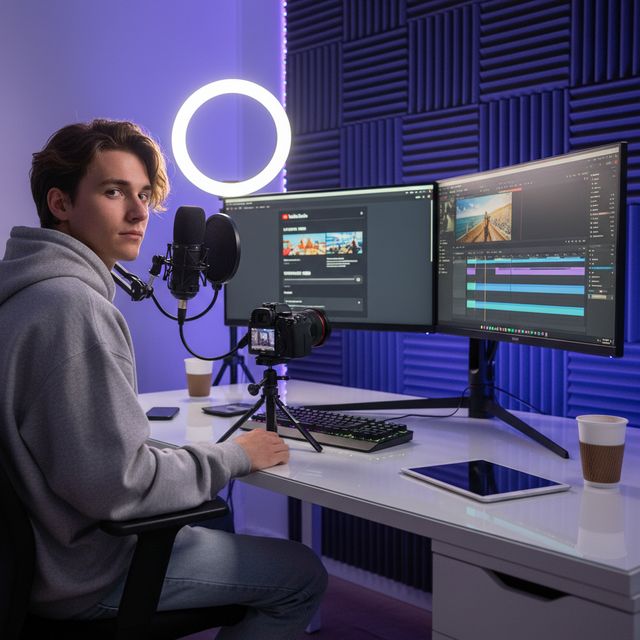
Contentmakers
Optimaliseer uploads voor YouTube & sociale media
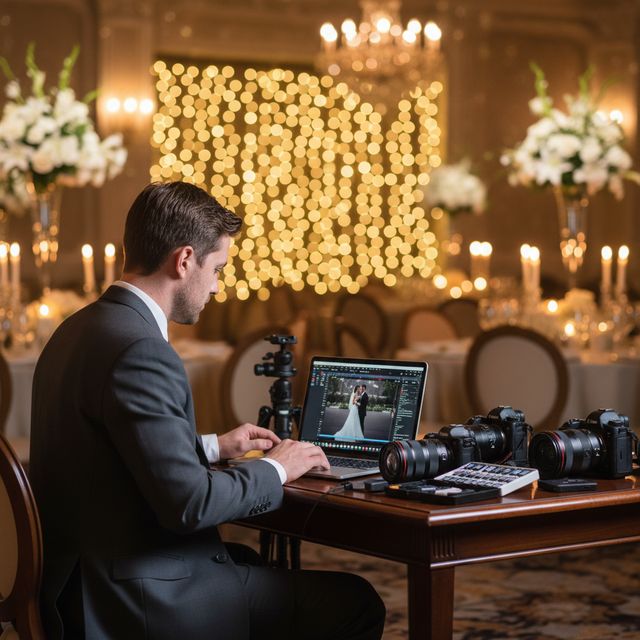
Huwelijksvideografen
Comprimeer uren aan ceremoniefilmpjes

IT & Opslag
Herclaim NAS- en serveropslagruimte
30 dagen gratis Geen account nodig Windows 10/11
Veelgestelde vragen
Nee. VideoRecompress Studio gebruikt perceptuele kwaliteitsinstellingen (CRF) die de visuele kwaliteit behouden terwijl de bestandsgrootte wordt verminderd. De meeste gebruikers kunnen geen verschil zien tussen de originele en gecomprimeerde versie.
H.264, H.265/HEVC, AV1, and VP9. Hardware-accelerated encoding via NVIDIA NVENC, Intel QSV, and AMD AMF for dramatically faster processing.
Dat hangt af van je beeldmateriaal. In onze test met 11 clips (telefoon, GoPro, drone, timelapse, college, bruiloft, DV en webvideo) bracht H.265 254,9 MB terug tot 128,4 MB (−50 %) op een NVIDIA-GPU en tot 138,1 MB (−46 %) op de CPU. Losse clips bespaarden van niets tot 96 %: een bestand dat al efficiënt is blijft zoals het is, en een oude DV-band kromp het meest. Geen enkel bestand werd groter. De app toont de geschatte besparing voordat je begint.
Ja. VideoRecompress Studio kan bestanden van elke grootte verwerken. Batch-verwerk hele mappen met parallelle werkers voor maximale doorvoer.
Ja. De gratis proefversie duurt 30 dagen en laat je tot 10 bestanden comprimeren. Geen account of creditcard vereist.
© 2026 ContentaSoft AB. Alle rechten voorbehouden.
De gratis proefversie is volledig functioneel voor 30 dagen met een limiet van 10 bestanden. Koop een licentie voor onbeperkt gebruik.
Systeemvereisten
- Windows 10/11 (64-bit)
- Dual-core processor (quad-core aanbevolen)
- Minimaal 4 GB RAM (8 GB aanbevolen)
- 200 MB vrije schijfruimte voor installatie
- NVIDIA, Intel of AMD GPU aanbevolen voor hardwareversnelling
Blokkeert antivirus of firewall de download? Download het volledige offline installatieprogramma
Uitgegeven door ContentaSoft, Umea, Zweden — ontwikkelaar van VideoRecompress Studio.
VideoRecompress Studio is een desktoptoepassing voor Windows die video's batchgewijs comprimeert en herencodeert met moderne codecs (H.265, AV1, VP9) en hardwareversnelling.
Deze software bevat geen adware, spyware, werkbalken of gebundelde programma's van derden. Het installatieprogramma installeert uitsluitend VideoRecompress Studio en FFmpeg (open-source video-engine).
Alle video's worden lokaal op uw computer verwerkt. Er worden geen bestanden naar een server geüpload. De software verzamelt geen persoonlijke gegevens.
Gratis proefperiode van 30 dagen met 10 bestanden inbegrepen. Na de proefperiode is een licentiesleutel vereist. Levenslange licentie: $79 (eenmalige betaling, geen abonnement).
Hoe te verwijderen
Open Windows Settings > Apps > Geïnstalleerde apps, zoek "VideoRecompress Studio" in de lijst en klik op Verwijderen. U kunt ook het verwijderprogramma uit de installatiemap uitvoeren of Control Panel > Programs and Features gebruiken.
Downloadgrootte: ~2 MB (web-installatieprogramma). Extra componenten waaronder FFmpeg worden tijdens de installatie gedownload.
Meer van ContentaSoft
Contenta Converter PREMIUM
Duizenden foto's converteren, schalen, hernoemen en verbeteren. AI-achtergrondverwijdering, effecten en upscaling. Eenmalige aankoop.
AI Video Enhancer Studio
AI-aangedreven video-upscaling, ruisverwijdering, frame-interpolatie en stabilisatie. Batchverwerking met GPU-versnelling.
3D CAD Converter
CAD-bestanden converteren tussen STEP, IGES, STL, OBJ, glTF, 3MF en meer. Eenmalige aankoop, geen abonnement.