
支持的编码器和编码器
智能视频压缩
在保持视觉质量的同时显著减少文件大小。使用现代编码器进行 GPU 加速编码。
现代编码器支持
支持 H.264、H.265/HEVC、AV1 和 VP9 压缩。自动编码器选择或完全手动控制 CRF 和比特率。
GPU 加速
使用 NVIDIA NVENC、Intel QSV 和 AMD AMF 进行 10 倍更快的编码。如果未检测到兼容的 GPU,则自动回退到 CPU。
智能预设
为常见工作流程提供 7 个内置预设:手机归档、YouTube 上传、婚礼视频、监控、最大节省等。
批处理
使用并行工作者压缩整个文件夹。递归扫描、监视文件夹和自动输出组织。
质量验证
后编码完整性检查确保每个压缩文件正确播放。提供 SSIM 和 VMAF 质量评分。
命令行界面与自动化
完整的命令行界面用于脚本编写和自动化。安排压缩任务或集成到现有工作流程中。
工作原理
添加视频
拖放视频文件或扫描整个文件夹。支持 MP4、MKV、AVI、MOV、WebM 及 20 多种格式。
选择预设
选择智能预设或手动配置编解码器、质量和编码设置。
Compress
点击开始。GPU 加速编码在本地压缩您的视频。实时查看预计的空间节省。
谁在使用

家庭视频档案
压缩家庭视频以节省磁盘空间
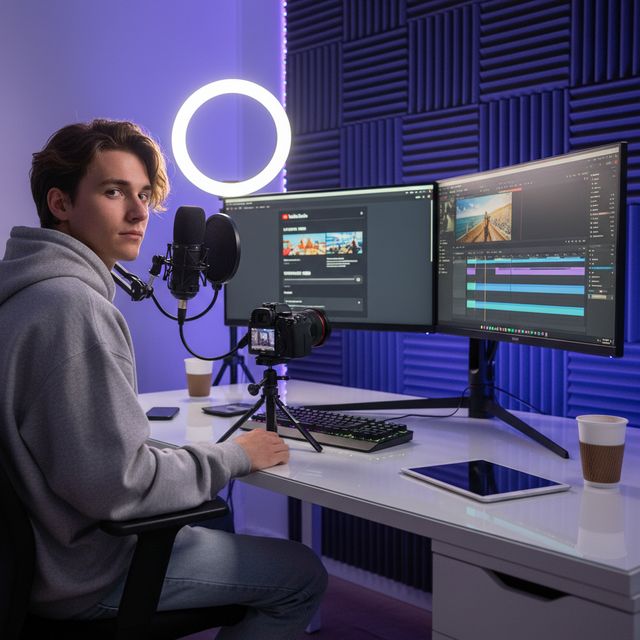
内容创作者
优化上传至 YouTube 和社交媒体
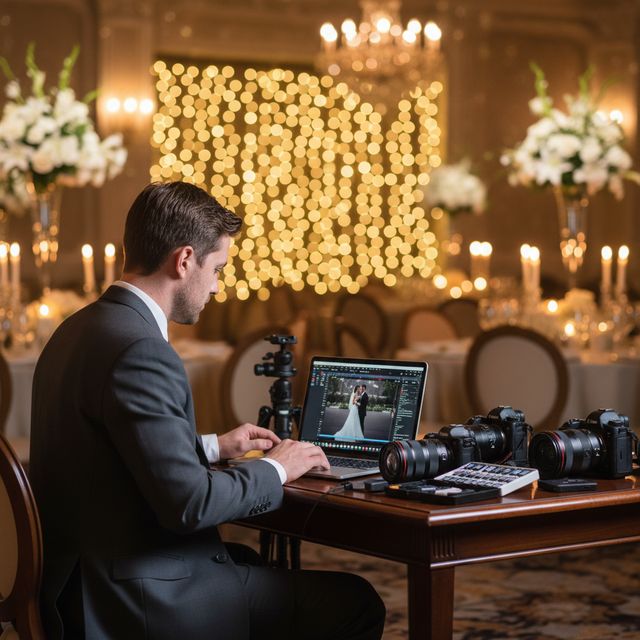
婚礼摄像师
压缩数小时的仪式录像

IT 与存储
回收 NAS 和服务器存储空间
30 天免费试用 无需账户 Windows 10/11
常见问题
不会。VideoRecompress Studio使用感知质量设置(CRF),在减少文件大小的同时保持视觉质量。大多数用户无法察觉原始版本与压缩版本之间的差异。
H.264, H.265/HEVC, AV1, and VP9. Hardware-accelerated encoding via NVIDIA NVENC, Intel QSV, and AMD AMF for dramatically faster processing.
这取决于你的素材。在我们 11 个片段的测试中(手机、GoPro、无人机、延时摄影、讲座、婚礼、DV 和网络视频),H.265 在 NVIDIA GPU 上把 254.9 MB 压到 128.4 MB(−50 %),在 CPU 上压到 138.1 MB(−46 %)。单个片段节省的空间从零到 96 % 不等:已经很高效的文件会原样保留,一盘旧 DV 磁带缩小得最多。没有一个文件变大。开始之前,应用会显示预计节省的空间。
可以。VideoRecompress Studio可以处理任何大小的文件。批量处理整个文件夹,使用并行工作者以实现最大吞吐量。
有。免费试用期为30天,允许您压缩最多10个文件。无需账户或信用卡。
© 2026 ContentaSoft AB。保留所有权利。
免费试用在30天内完全功能,限制为10个文件。购买许可证以无限制使用。
系统要求
- Windows 10/11(64位)
- 双核处理器(推荐四核)
- 最低 4 GB RAM(推荐 8 GB)
- 安装需要 200 MB 的可用磁盘空间
- 推荐使用 NVIDIA、Intel 或 AMD GPU 以获得硬件加速
杀毒软件或防火墙阻止下载? 获取完整离线安装程序
由 ContentaSoft 发布,位于瑞典于默奥 — VideoRecompress Studio 的开发商。
VideoRecompress Studio 是一款 Windows 桌面应用程序,使用现代编解码器(H.265、AV1、VP9)和硬件加速,批量压缩和重新编码视频。
本软件不包含任何广告软件、间谍软件、工具栏或捆绑的第三方程序。安装程序仅安装 VideoRecompress Studio 和 FFmpeg(开源视频引擎)。
所有视频均在您的计算机上本地处理。不会将任何文件上传到任何服务器。本软件不收集个人数据。
免费 30 天试用,包含 10 个文件。试用期结束后需要许可证密钥。终身许可证:$79(一次性付款,无订阅)。
如何卸载
打开 Windows Settings > Apps > 已安装的应用,在列表中找到「VideoRecompress Studio」并点击卸载。您也可以从安装文件夹运行卸载程序,或使用 Control Panel > Programs and Features。
下载大小:约 2 MB(网络安装程序)。包括 FFmpeg 在内的附加组件将在安装过程中下载。