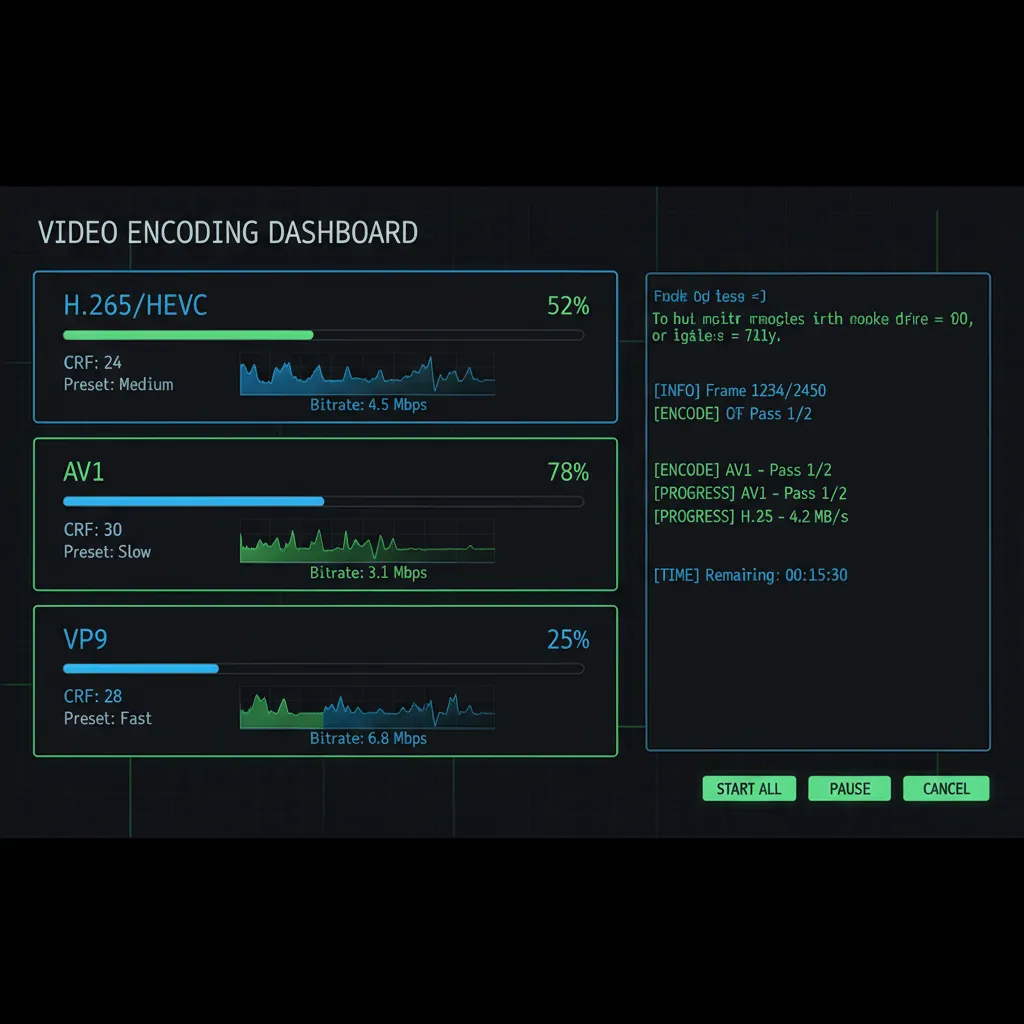
Squeeze More Video Onto Less Storage — H.265, AV1 & VP9 Encoding
CRF tuning, GPU acceleration, 10-bit HDR — a power tool for encoding enthusiasts.
Download Free TrialBuilt for Encoding Enthusiasts
Video Recompress Studio gives you the control you need without the command-line complexity:
- CRF tuning — adjust quality-per-bit from CRF 18 (near-lossless) to CRF 28 (maximum compression)
- Encoder presets — from ultrafast to veryslow, balance speed vs. compression efficiency
- 10-bit color depth — preserve HDR and wide color gamut content
- Audio passthrough — copy audio streams without re-encoding (AAC, AC3, EAC3, DTS)
Codec Comparison
Choose the right codec for your use case:
| Codec | Quality/Size | Encoding Speed | Compatibility |
|---|---|---|---|
| H.265 (HEVC) | Excellent | Fast (GPU) / Medium (CPU) | Universal (2018+) |
| AV1 | Best | Medium (GPU) / Slow (CPU) | Good (2020+) |
| VP9 | Very Good | Slow (CPU only) | Web / Android |
| H.264 (AVC) | Good | Very Fast (GPU) | Universal |
GPU-Accelerated Encoding
Leverage your graphics card for dramatically faster encoding:
- NVIDIA NVENC — GTX 1060+ / RTX series, H.264/H.265/AV1 hardware encoding
- Intel QSV — 6th gen+ Intel CPUs with integrated graphics
- AMD AMF — RX 5000+ / RX 6000+ series GPUs
Not sure which encoder to pick? Here's how hardware encoders compare to software (CPU) encoding for compression jobs:
| Encoder | Hardware | Speed | Best for |
|---|---|---|---|
| NVENC | NVIDIA GTX 1060+ / RTX | Fastest | Large batches, fast turnaround |
| Intel QSV | Intel 6th gen+ iGPU | Very fast | Laptops without a discrete GPU |
| AMD AMF | AMD RX 5000+ / RX 6000+ | Fast | Radeon owners, batch jobs |
| Software (CPU) | Any CPU | Slower | Smallest files at a given quality |
Pick GPU encoding when speed matters; pick software (CPU) when you want the smallest possible file at the same quality. Either way, if a hardware encoder isn't available, Video Recompress Studio automatically falls back to software encoding — your batch never fails.
Quality Mode, Target Size, or Two-Pass?
A common question: should you compress by quality or by file size? Video Recompress Studio supports both, so you choose per job:
- Quality mode (CRF) — set a constant quality level and let the file size land where it may. Best for archiving and keeping consistent perceived quality.
- Target file size — tell it the size you need and it works out the bitrate. Best when you must fit a video into an upload limit.
- Two-pass encoding — analyses the video first, then allocates bitrate for the most accurate target size and best quality at that size.
Most users keep CRF quality mode as the default and switch to target size only when a hard upload limit demands it.
See Your Space Savings Before You Compress
No more guessing. Before a single file is touched, Video Recompress Studio estimates the output size for your settings — so you know what you'll save:
- Per-file and whole-batch estimates — see the projected size and percent saved for every file and the batch total.
- Tune before you commit — adjust the codec or CRF and watch the estimate update, so you find the sweet spot first.
- Estimate from the command line — run with
--estimate --jsonto get projected savings in scripts, no encoding required.
Batch Processing Hundreds of Files
Process your entire library without babysitting:
- Drag a folder — processes all video files recursively, preserves directory structure
- Smart filtering — skip already-compressed files, set minimum size thresholds
- CLI mode — automate via command line for scheduled encoding jobs
Take Control of Your Encoding
30-day free trial. Process 10 files without watermark. No credit card required.
Download Free TrialPublished by ContentaSoft, Umea, Sweden — developer of VideoRecompress Studio.
VideoRecompress Studio is a desktop application for Windows that batch compresses and re-encodes videos using modern codecs (H.265, AV1, VP9) with hardware acceleration.
This software contains no adware, spyware, toolbars, or bundled third-party programs. The installer installs only VideoRecompress Studio and FFmpeg (open-source video engine).
All videos are processed locally on your computer. No files are uploaded to any server. The software does not collect personal data.
Free 30-day trial with 10 files included. After the trial, a license key is required. Lifetime license: $79 (one-time payment, no subscription).
How to Uninstall
Open Windows Settings > Apps > Installed apps, find "VideoRecompress Studio" in the list, and click Uninstall. You can also run the uninstaller from the installation folder or use Control Panel > Programs and Features.
Download size: ~2 MB (web installer). Additional components including FFmpeg are downloaded during installation.